
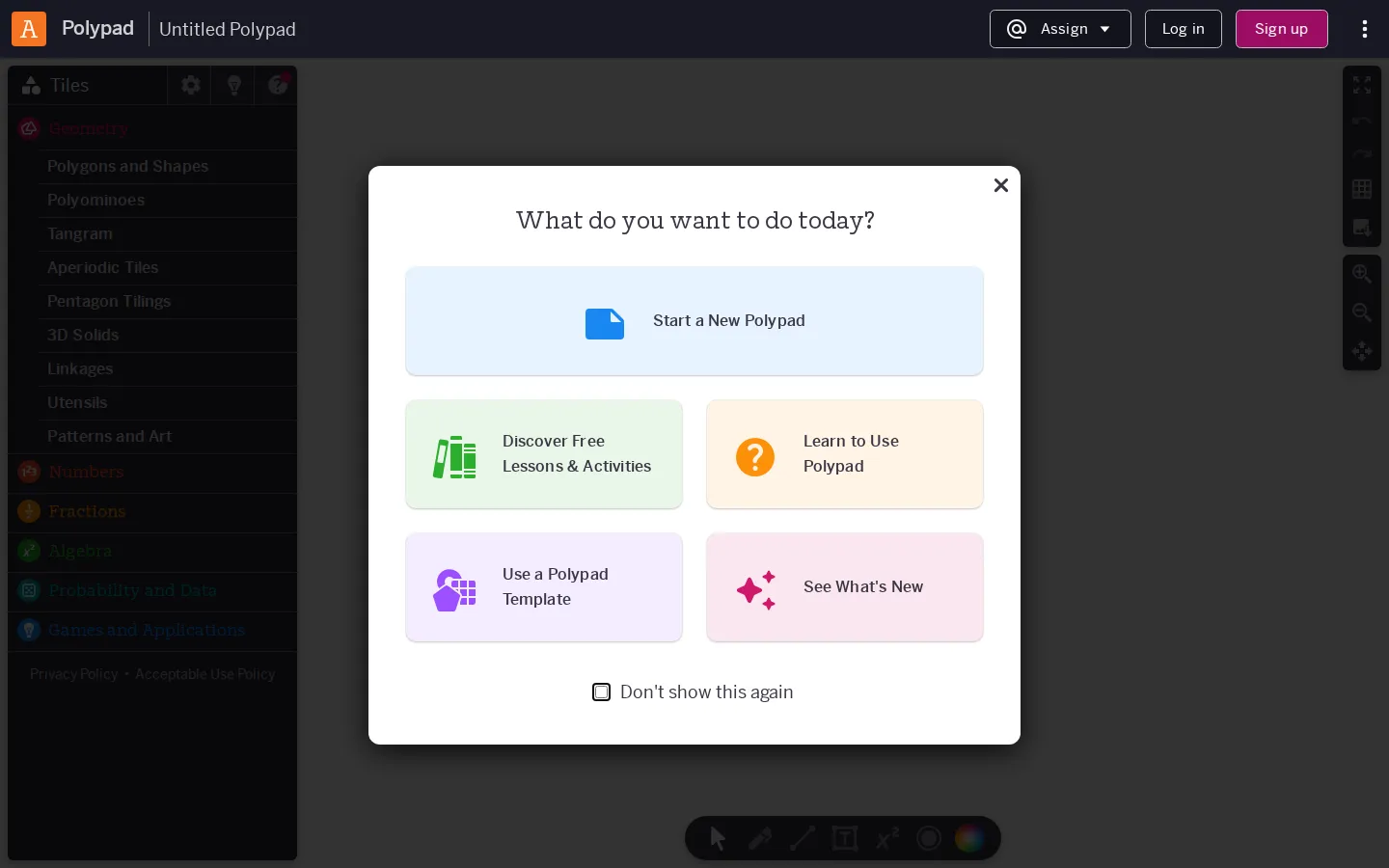
Polypad is a broad virtual workbench for building math with objects instead of merely typing answers. Its canvas gathers number tiles, fraction pieces, geometry tools, probability gadgets, algebra models, and several pleasing detours into patterns, music, and logic.
What is Polypad?
The blank canvas is the center of gravity, with a deep sidebar of pieces waiting to become a diagram, demonstration, puzzle, or small mathematical contraption. The catalog moves from familiar classroom gear—number bars, fraction circles, algebra tiles, rulers, protractors, dice, and coordinate axes—to Penrose tiles, logic gates, genetic models, chess pieces, and music tools. That breadth gives Polypad its charm: one minute it is a clean replacement for a box of plastic manipulatives, and the next it is a workshop where a lesson can grow an unexpected little machine. Teachers can also narrow the available tools and actions when a focused activity needs less glorious clutter.
What you can do there
- Drag mathematical objects onto a canvas
- Arrange visual models for math ideas
- Build and share customized activities
Why we picked it
Few math canvases place elementary number models, serious geometry, probability experiments, pattern art, and computing pieces on the same shelf. Polypad makes those neighboring ideas visible, giving a quick classroom model plenty of room to turn into exploration without forcing every visit through a prescribed exercise.
How to get the most from it
Begin with a blank Polypad and choose one family from the sidebar—fraction bars or pattern tiles are friendly first stops. Place a few pieces on the canvas, select one to reveal its available actions, and add complexity only after the basic relationship is clear. The example library and templates are useful when the empty page feels more like a dare than an invitation.
Good to know
JavaScript is required. The core canvas and most features are free to open without an account, but saving or sharing work requires sign-in. Several people cannot edit one canvas simultaneously, and sound, motion, mobile behavior, advertising, privacy flows, and accessibility behavior were not confirmed in a live session.
Who made it, and when?
Mathigon is the credited creator or organization.
Creator’s official page Open PolypadMore like this
Nicky Case

Playable explanations about trust, systems, anxiety, networks, and the way people affect one another.
The Illustrated TLS Connection

TLS, unpacked until the handshake has nowhere left to hide.
Learn Git Branching

Git’s family tree, finally allowed to move while you poke it.
How DNS Works

A DNS lesson that takes the scenic route through the internet