
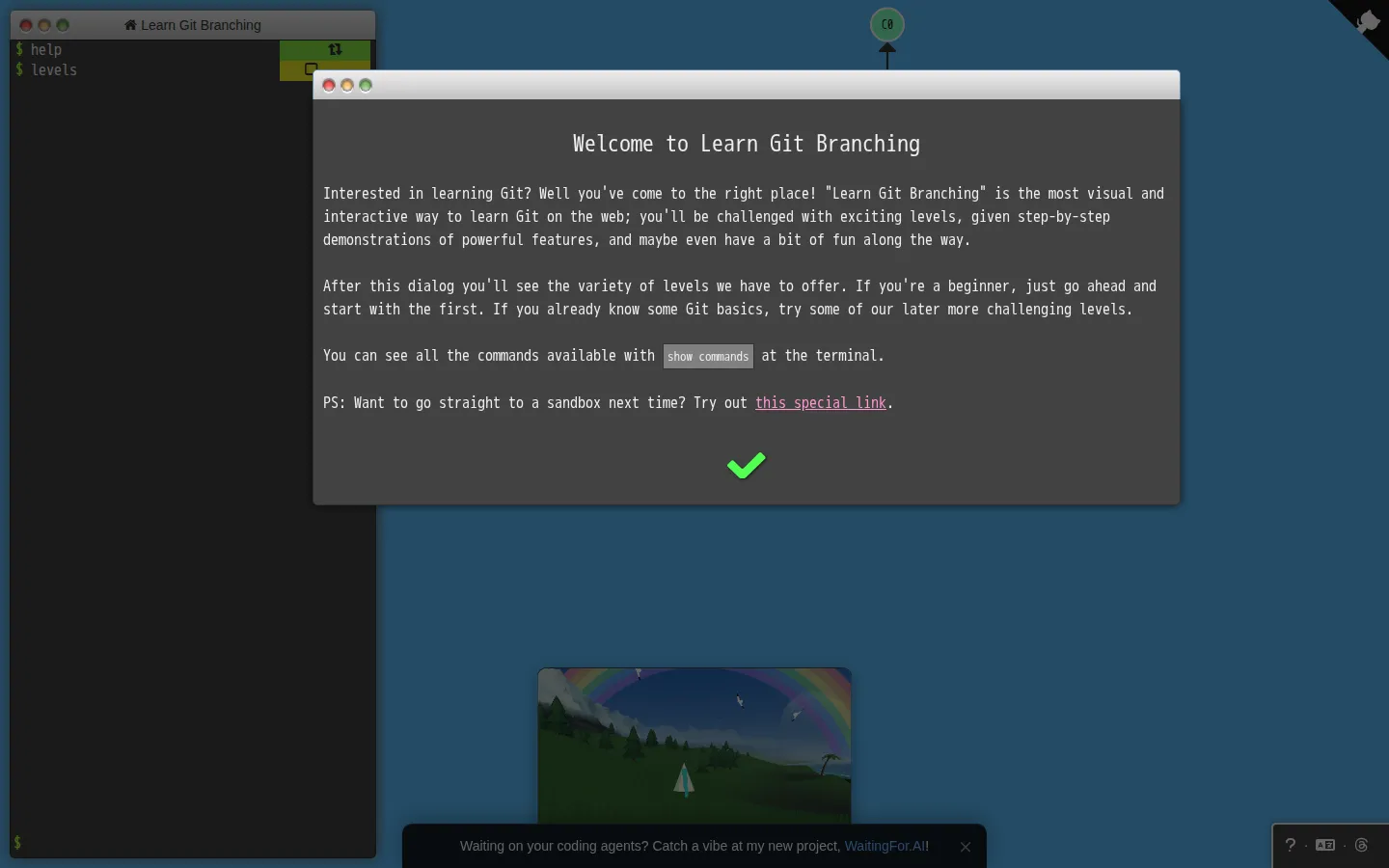
Learn Git Branching is a browser playground for turning typed Git commands into visible commit diagrams. Lessons and a sandbox make branching, merging, and rebasing feel less like punctuation and more like moves on a map.
What is Learn Git Branching?
Learn Git Branching gives Git’s invisible machinery a little stage. Type a command into the simulated repository and the commit tree changes alongside it, so a new branch, a merge, or a rebase has a shape before it becomes a surprise in a real project. The site mixes guided levels with room to experiment. That combination is its secret weapon: a lesson offers a small problem, while the sandbox lets you repeat the command, try a different route, and watch history bend another way. It is particularly handy for concepts that sound simple in prose but become slippery once several branches share the same past.
What you can do there
- Enter Git commands in a simulated repository
- Watch the commit tree change
- Work through branching lessons or experiment in a sandbox
Why we picked it
It lets a learner see the consequence immediately. Instead of memorising what a command ought to do, you can make a tiny repository misbehave safely and watch the graph explain the result.
How to get the most from it
Start with the introductory sequence, enter the requested commands, and watch the tree after each step. When a command feels mysterious, switch to the sandbox and build a smaller version of the same situation.
Good to know
This is a simulated learning environment, not a replacement for Git in a working project. The project is open source under the MIT License, but the reviewed material does not provide a current accessibility or browser-support guide.
Open Learn Git BranchingMore like this
Nicky Case

Playable explanations about trust, systems, anxiety, networks, and the way people affect one another.
The Illustrated TLS Connection

TLS, unpacked until the handshake has nowhere left to hide.
How DNS Works

A DNS lesson that takes the scenic route through the internet
How a Car Works

A friendly road map through the machinery under the bonnet.