
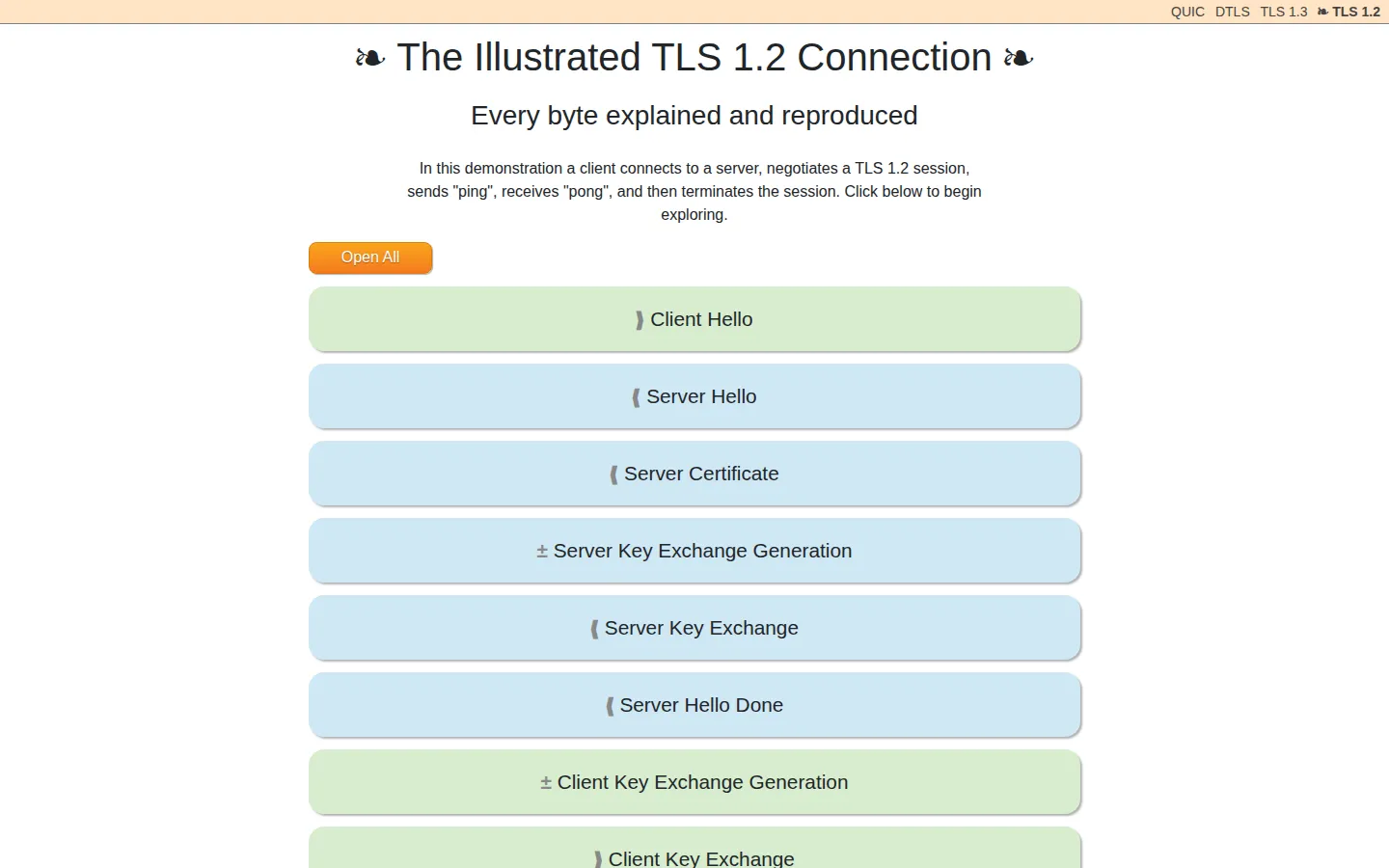
This illustrated walkthrough turns one TLS 1.2 exchange into a long, legible trail of records and bytes. It follows the conversation from the first hello to the final close, with an Open All control for readers who would rather inspect the whole mechanism at once.
What is The Illustrated TLS Connection?
The page takes a single example connection and refuses to wave its hands. Client Hello, certificate material, key exchange, encrypted application data, and shutdown each get their own stop on the route, with raw record values sitting beside explanations of what they mean. That makes it less like a broad security article and more like a protocol specimen laid carefully under glass. When an abbreviation starts breeding more abbreviations, the adjacent byte fields give you something concrete to follow. The linked project repository also includes the code and capture material behind the example.
What you can do there
- Trace a TLS 1.2 handshake
- Expand annotated protocol records
Why we picked it
TLS is usually encountered as a reassuring padlock or an error message. Here it becomes a sequence you can inspect, including the awkward compatibility details that ordinary diagrams tend to skip. The narrow focus is the charm: one connection, patiently accounted for.
How to get the most from it
Start with Client Hello and follow the sections in order on a first pass. Use Open All when you want to compare a later explanation with the earlier bytes it depends on, then keep the repository nearby if you want to inspect the example’s supporting materials.
Good to know
This is a TLS 1.2 walkthrough, not a gentle introduction to internet security. It gets technical immediately and is most rewarding when you can pause on a field, trace it forward, and return after looking up an unfamiliar term. No screenshot was captured for this profile.
Open The Illustrated TLS ConnectionMore like this
Nicky Case

Playable explanations about trust, systems, anxiety, networks, and the way people affect one another.
Learn Git Branching

Git’s family tree, finally allowed to move while you poke it.
How DNS Works

A DNS lesson that takes the scenic route through the internet
How a Car Works

A friendly road map through the machinery under the bonnet.