
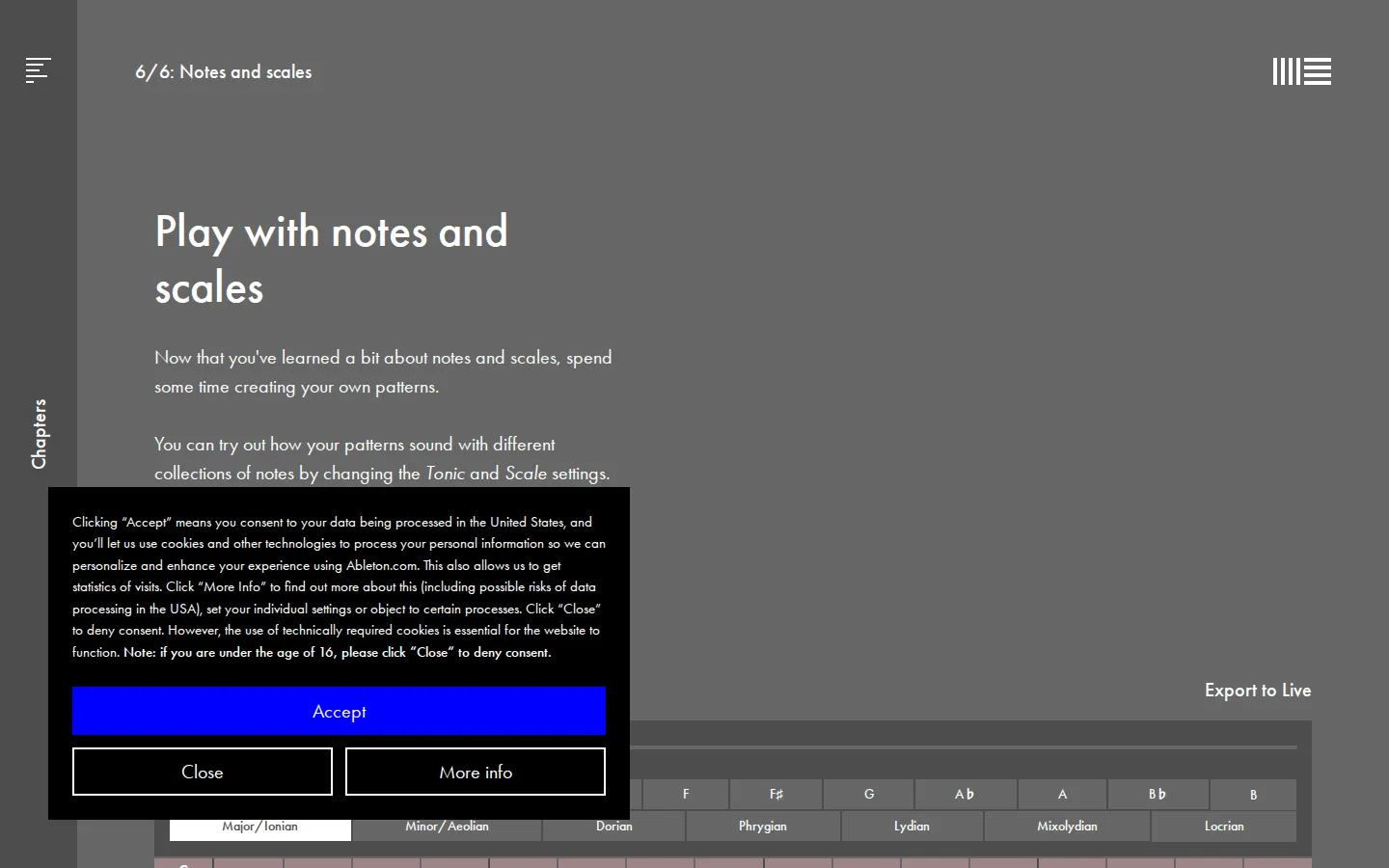
Ableton's final Notes and Scales lesson is a compact pattern playground: arrange notes, switch the tonic and scale, then add a beat underneath. It trades a long theory lecture for a small musical experiment, while keeping the deeper terminology one link away.
What is Learning Music: Play with Notes and Scales?
This page sits at lesson six of six in Learning Music's Notes and scales chapter, after the course has introduced pitch, patterns, keys, minor scales, and extra notes. The payoff is an open-ended exercise rather than another example to copy. You shape a note pattern, move it through different tonic-and-scale combinations, and can give it rhythmic company with a synchronized beat. That narrow setup is the charm: one musical idea, a few meaningful variables, and enough room to notice how the same pattern changes color when its pitch collection moves.
What you can do there
- Create note patterns
- Switch tonic and scale settings
- Add synchronized beats
Why we picked it
It turns scale choice from a vocabulary test into something you can compare by ear. The page is also a useful little doorway into Ableton's much larger free course, yet it still has a clear purpose when visited on its own: make a pattern, change its tonal frame, and hear what happens.
How to get the most from it
Start with a short note pattern and leave the beat off. Change only the tonic, listen for the shift, then return to your starting point and change only the scale. Add the synchronized beat last so rhythm does not hide the tonal differences you are trying to catch.
Good to know
JavaScript and audible playback are essential to the exercise. The browser lessons are free and require no installation; exporting work into Ableton Live is an optional path into separate music-production software, not a requirement for using this lesson.
Who made it, and when?
Ableton is the credited creator or organization. The earliest supported launch date we found is 2017.
Creator’s official page Open Learning Music: Play with Notes and ScalesMore like this
Nicky Case

Playable explanations about trust, systems, anxiety, networks, and the way people affect one another.
The Illustrated TLS Connection

TLS, unpacked until the handshake has nowhere left to hide.
Learn Git Branching

Git’s family tree, finally allowed to move while you poke it.
How DNS Works

A DNS lesson that takes the scenic route through the internet