
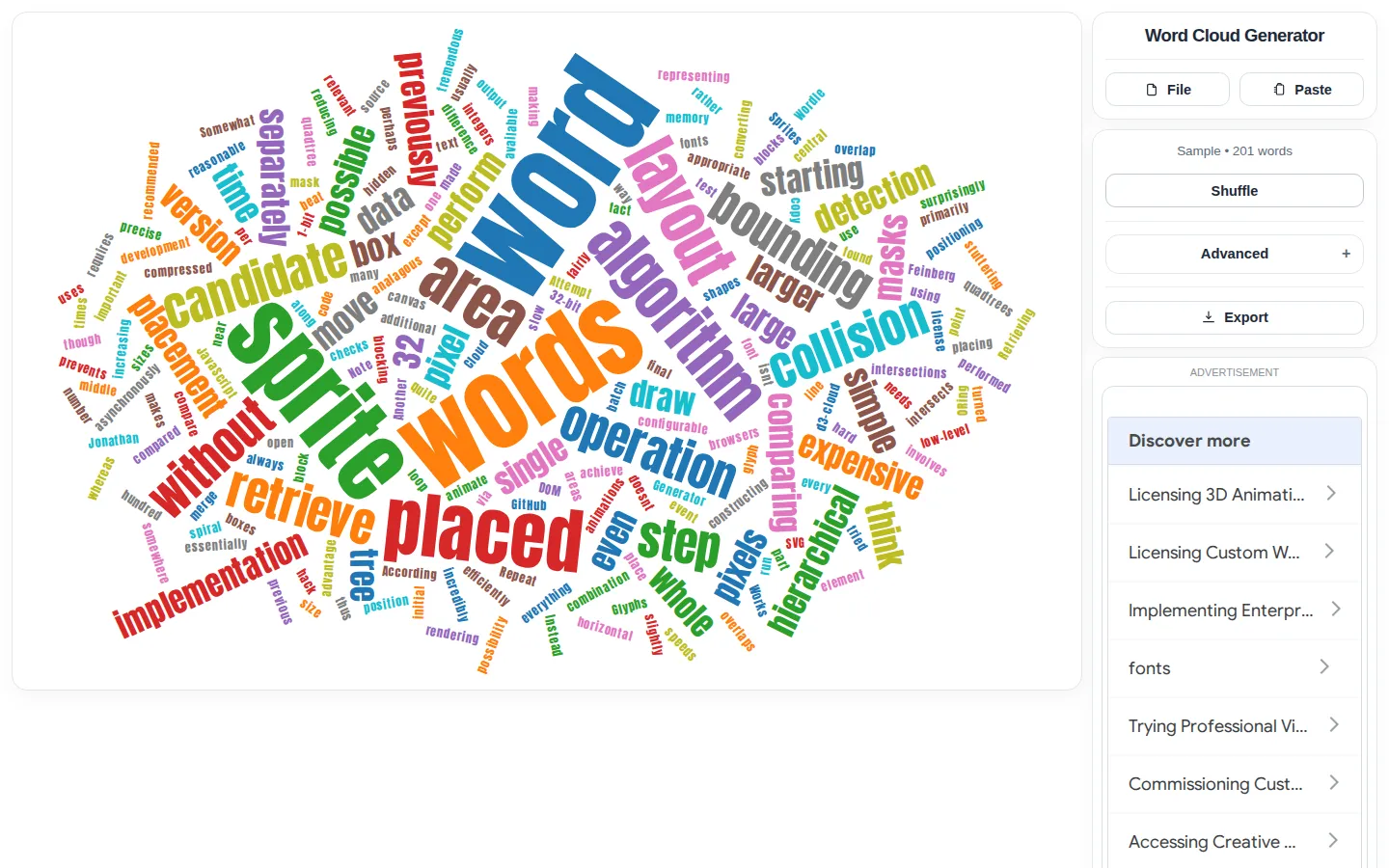
Word Cloud Generator reshapes pasted text or a two-column CSV into a graphic whose word count, typeface, angles, palette, and layout can be adjusted before export. The unusually useful trick is its range of outputs: ordinary PNG, high-resolution or transparent PNG, and editable SVG.
What is Word Cloud Generator?
The page keeps the job legible: bring words in through File or Paste, then work across a compact set of controls for seed, word count, font, angles, and palette. A shuffle control invites quick variations, while SVG export gives the result somewhere to go after the cloud settles. Underneath, Jason Davies's d3-cloud library tries to fit larger words first and searches for open positions along a spiral. That makes each composition feel pleasantly tossed without being arbitrary, although the library notes that a word can be left out when it cannot find room.
What you can do there
- Paste text or provide a two-column CSV
- Adjust word count, font, angles, palette, and layout
- Export the result as SVG or PNG
Why we picked it
Most novelty generators end at the screen. This one aims at a usable artifact, especially through resolution-independent SVG and transparent or high-resolution PNG options. The controls are specific enough to shape the result without turning a small visual exercise into a full design application.
How to get the most from it
Start with a short, cleaned passage or a two-column CSV, reduce the word count until the hierarchy reads clearly, and change one visual control at a time. Shuffle when the arrangement feels cramped, then choose SVG if you expect to edit or enlarge the result later.
Good to know
A word cloud is a visual summary, not a precise analysis, and the layout engine may omit a word it cannot place. Keep pasted or imported text non-sensitive until you have checked the current privacy behavior; the site-wide policy says some pages use Google Analytics and AdSense cookies but does not identify which pages. Live controls and downloads were not exercised here.
Who made it, and when?
Jason Davies is the credited creator or organization.
Creator’s official page Open Word Cloud GeneratorMore like this
AutoDraw

Sketch badly on purpose and let machine-assisted suggestions turn it into a crisp icon.
Calligrapher.ai
A browser scribble machine that gives typed words a wobblier set of shoes.
Sketch Toy: Draw sketches and share replays with friends!

A doodle pad that remembers every stroke and turns the making into the show.
Wombo Dream AI

A prompt-powered sketchbook for images and video.