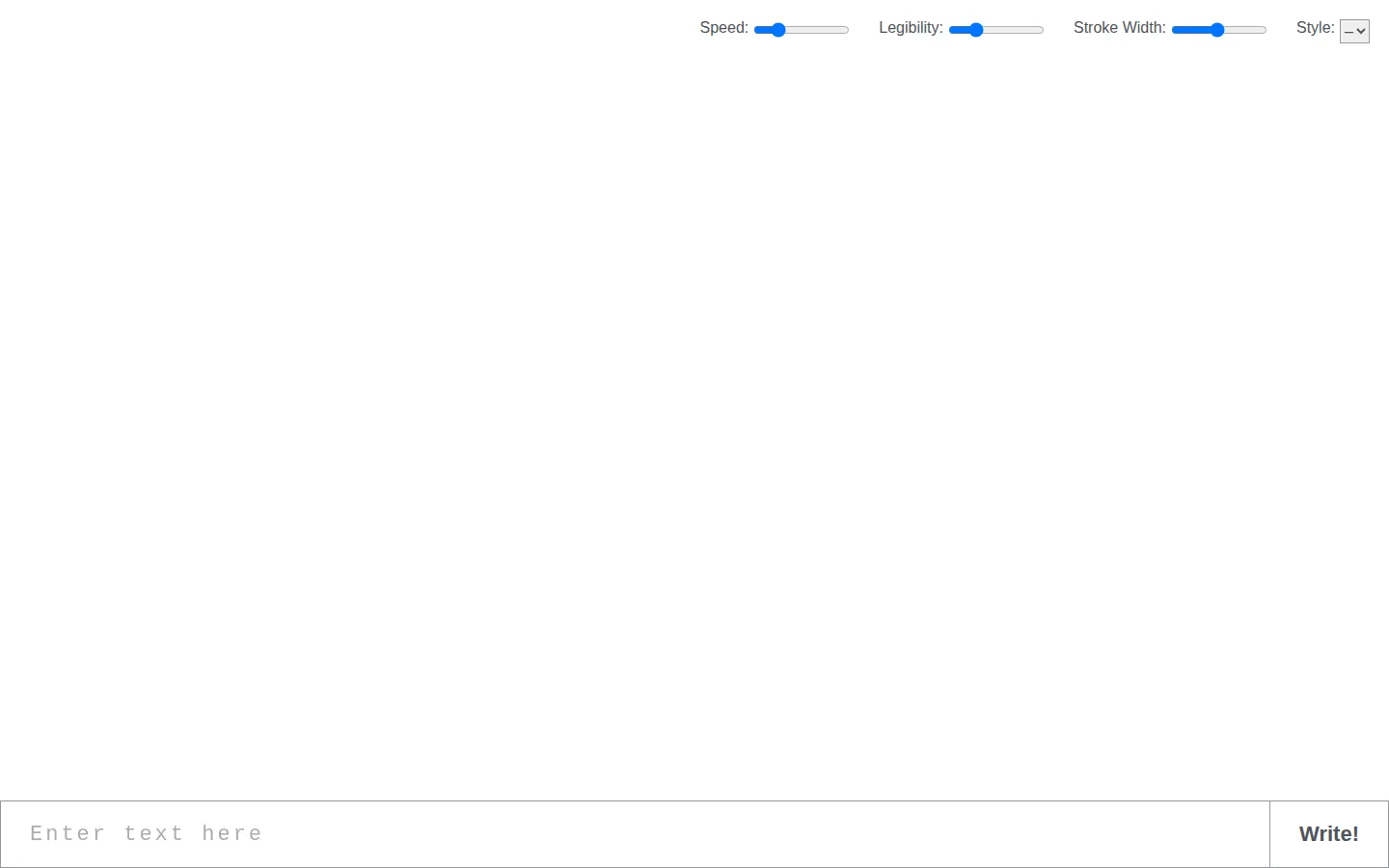
Calligrapher.ai converts text into loose, handwriting-style vector artwork. Tweak the character of the strokes, then take the result away as an SVG for a note, mockup, or design experiment.
What is Calligrapher.ai?
Calligrapher.ai takes the tidy certainty of typed text and lets it wander a little. Enter a phrase, choose the general writing mood, and the tool produces marks with the uneven rhythm that makes handwriting feel less like a row of identical stamps. The exported SVG is the useful bit: it keeps the result in a form that can travel into a design workflow without being trapped as a screenshot. That makes the site a good small playground for invitations, labels, fictional props, or any composition that wants a softer edge than a standard font provides.
What you can do there
- Turn typed text into handwriting-style artwork
- Adjust the writing appearance
- Download the result as SVG
Why we picked it
It makes a familiar visual texture feel interactive. The appeal is not perfect penmanship; it is the chance to coax typed words into something a little more unruly and personal-looking.
How to get the most from it
Keep the first test short, compare a few writing styles and settings, then download the version that fits the surrounding design. Treat the output as artwork rather than proof of a person’s hand.
Good to know
The site produces imitation handwriting, so avoid using it for signatures, official documents, or anything that could misrepresent authorship. Check its current terms before commercial or high-stakes use.
Open Calligrapher.aiMore like this
AutoDraw

Sketch badly on purpose and let machine-assisted suggestions turn it into a crisp icon.
Sketch Toy: Draw sketches and share replays with friends!

A doodle pad that remembers every stroke and turns the making into the show.
Wombo Dream AI

A prompt-powered sketchbook for images and video.
Emoji Kitchen
Pair two emoji and raid a very large pantry of delightfully specific reactions.