
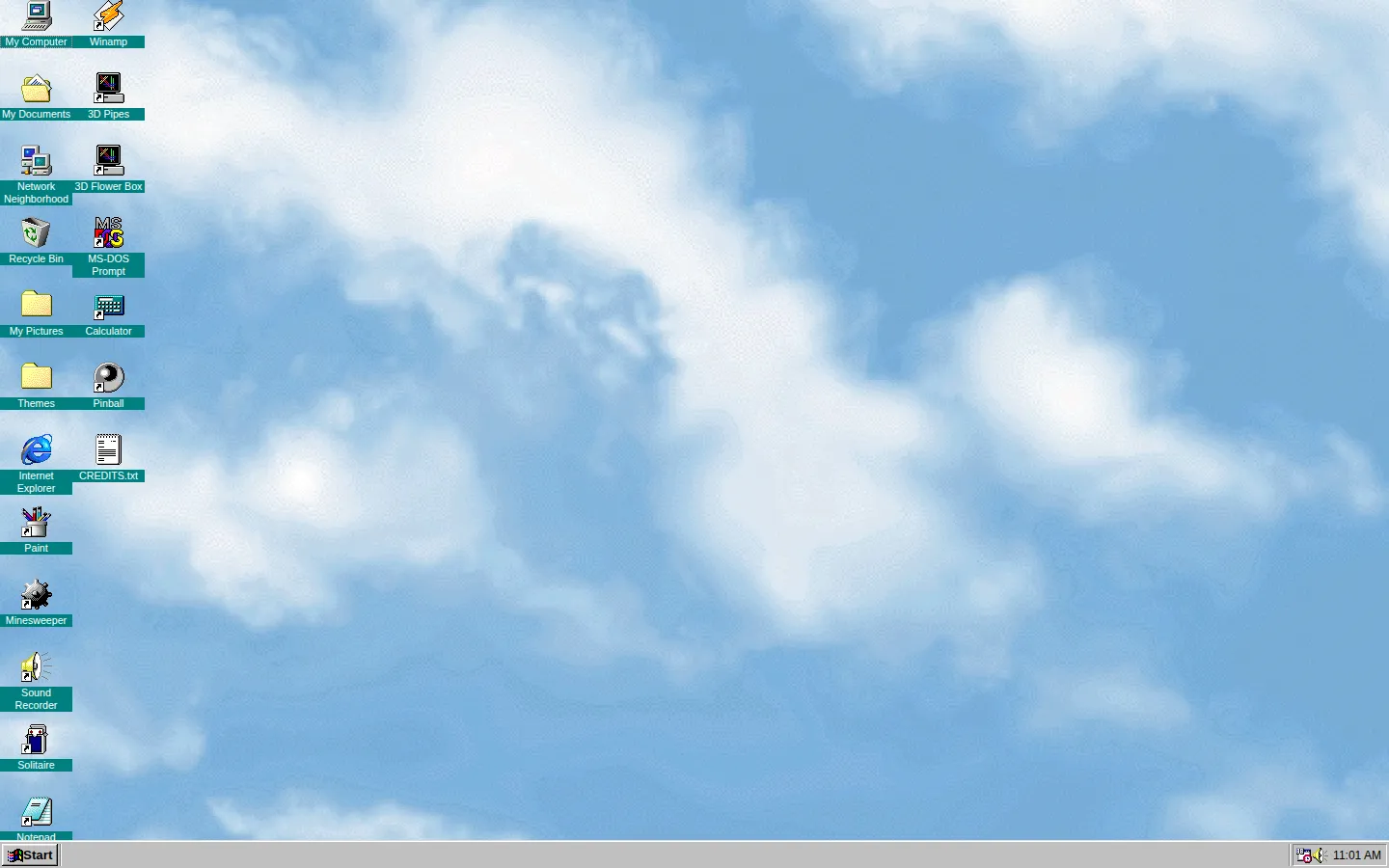
98.js rebuilds the familiar Windows 98 desktop in the browser, collecting classic tools, games, menus, and an astonishing amount of late-1990s atmosphere.
What is Windows 98 in JavaScript?
98.js is not a dusty computer in a basement; it is a web-based reconstruction of the experience that makes the old desktop feel unusually present. Its project page gathers a range of classic-style programs, from the practical little windows to the games that could quietly absorb an afternoon. That mix is the point. The nostalgia is not only in the color palette or the famous button in the corner, but in the way a desktop invites wandering: open a folder, find a tool, change a theme, then somehow end up in a game. The project also describes support for dropping files into a virtual filesystem, which gives the recreation a little extra room to feel like a place rather than a static museum label. It is a finely tuned reminder that a computer interface can be a whole tiny world.
What you can do there
- Explore a Windows 98-style desktop
- Open classic applications and games
- Load themes and work with a virtual file system
Why we picked it
Plenty of pages borrow an old computer’s colors. This one attempts the more interesting part: the crowded, playable desktop where a calculator, a paint program, and a pinball table can all demand equal attention.
How to get the most from it
Start by opening a familiar program, then take a detour through the menus and included games. Try a theme if you want the room to feel different. Keep your expectations in browser territory rather than treating it like a full computer.
Good to know
98.js is a web-based recreation, not an installed copy of Windows 98. This run did not execute the desktop, so current compatibility, mobile behavior, keyboard shortcuts, file persistence, and sound are not confirmed.
Open Windows 98 in JavaScriptMore like this
CERN Line Mode Browser

A link list from the Web before it learned to decorate itself
Quenq

An interactive museum for playable internet history.
The Million Dollar Homepage
One million pixels from a gloriously chaotic web experiment.
Windows 93

A fake 1993 desktop where every click may take a glorious wrong turn.