
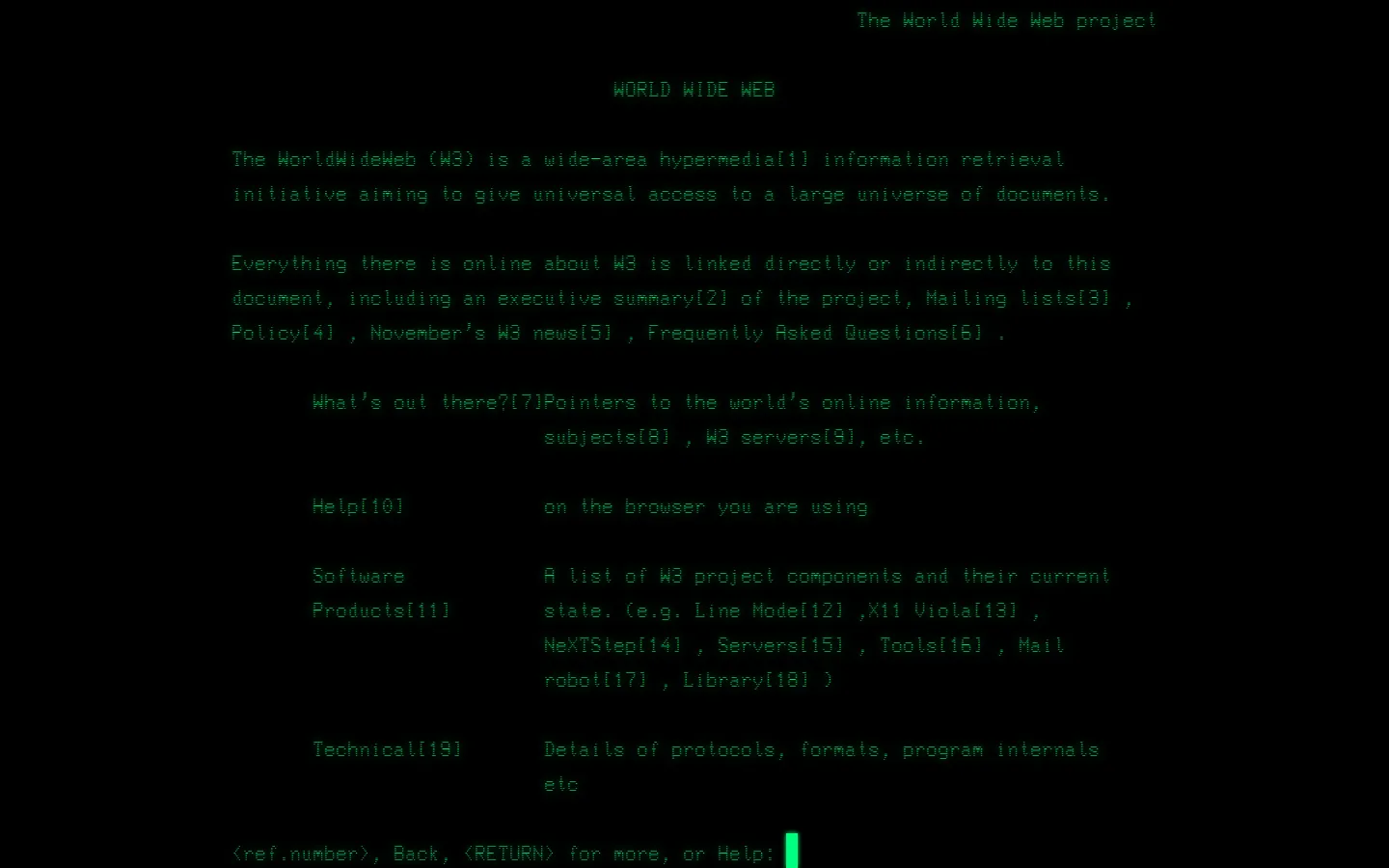
This CERN page is a compact, text-first doorway into the World Wide Web project. It offers an early-style index of project material, where the main action is simply choosing a link and following the thread.
What is CERN Line Mode Browser?
The page opens with the World Wide Web described as a hypermedia information-retrieval project, then gets briskly practical. Its handful of links lead to an executive summary, mailing lists, policy, news, and frequently asked questions. There are no illustrated detours or animated explanations here; the structure is the point. It feels like a noticeboard from a network still small enough to map with a short list. That sparseness makes the destination useful as more than a museum label. Reading the page shows how early web navigation could be organized around documents and connections rather than panels, feeds, and chrome. The links are the scenery.
What you can do there
- Read an early Web project overview
- Follow a compact index of historical project links
Why we picked it
It preserves a tiny but revealing piece of web logic. The page makes modern browsing habits look less inevitable by putting the original promise—linked information—right on the surface with almost nothing else competing for attention.
How to get the most from it
Start with the executive summary, then return to the project page and choose one of the adjacent historical links. Read it as a small map rather than a long article; the charm comes from watching the network expand one plain connection at a time.
Good to know
The claimed destination is a static project document, not a full browser simulator. CERN’s broader Line Mode project does point to a modern simulator, but this page itself is intentionally spare and text-led.
Open CERN Line Mode BrowserMore like this
Quenq

An interactive museum for playable internet history.
The Million Dollar Homepage
One million pixels from a gloriously chaotic web experiment.
Windows 93

A fake 1993 desktop where every click may take a glorious wrong turn.
Windows 98 in JavaScript

A browser window that wakes up with a teal face and a very long memory for shortcuts.