
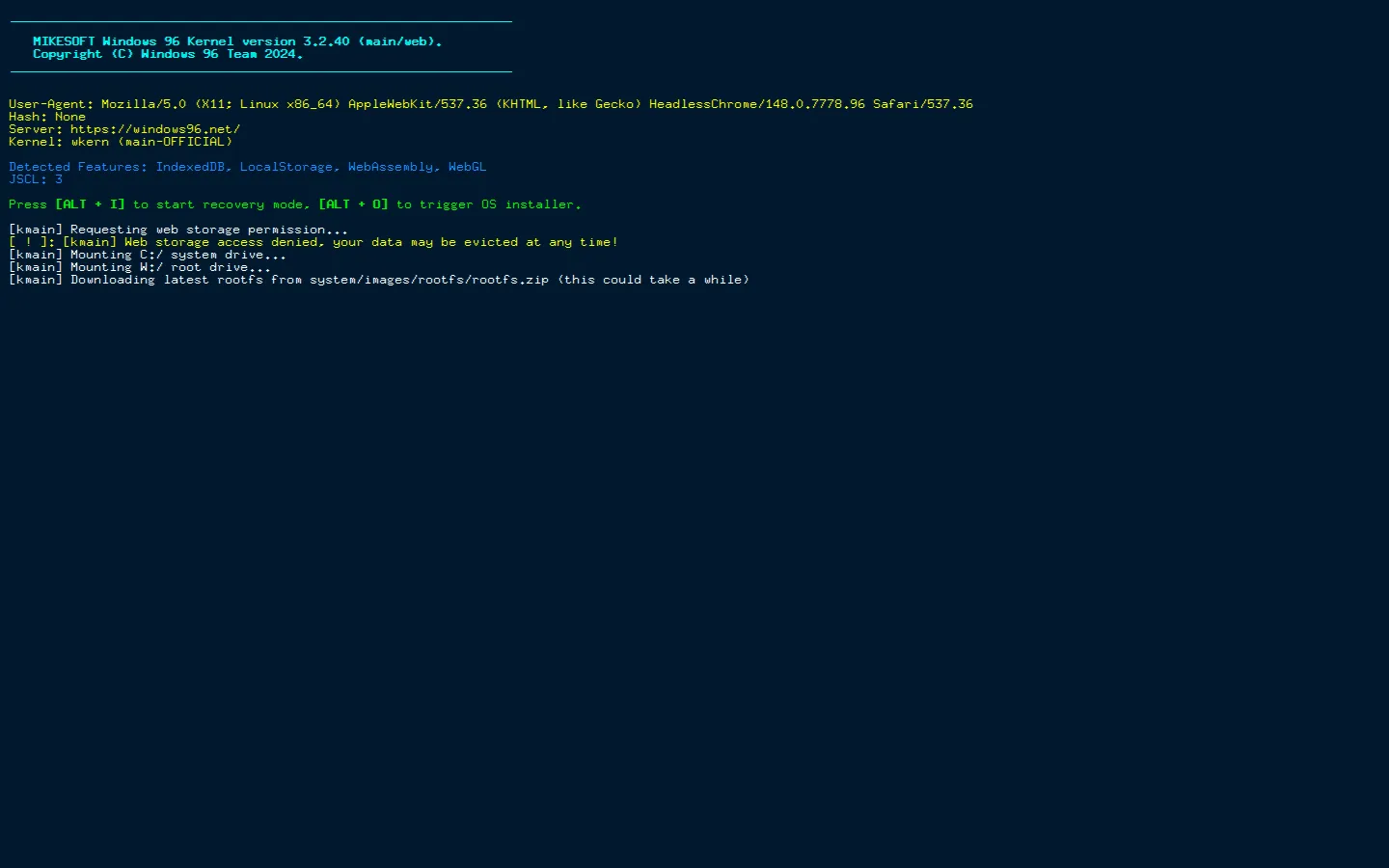
Windows 96 bootstraps a fictional desktop from an alternate late-1990s timeline. It is a parody system with menus, windows, and little places to poke—less a computer to depend on than a computer-shaped playground.
What is Windows 96?
The joke starts with the name and continues in the details. Windows 96 arrives as a very serious-looking machine from a year that never received an official operating system, then invites you to wander around its fake shelves. Open a window, examine a menu, find an app, and let the familiar old-computer grammar do its work. The appeal is not a faithful museum reconstruction. It is the feeling of an almost-remembered desktop, with enough little features to make the illusion pleasantly sticky. Official documentation even describes the environment in terms of applications, windows, a shell, and a file system, which explains why it can feel more like a small place than a single-page joke. The best way to enjoy it is to be a little nosy.
What you can do there
- boot a faux desktop
- open built-in apps
- browse menus and games
Why we picked it
Windows 96 makes nostalgia interactive instead of merely decorative. It takes the chunky vocabulary of early desktop computing and turns it into a thing to explore, with enough faux infrastructure to reward opening one more menu.
How to get the most from it
Allow the page to boot, then treat the desktop like a strange old computer you found in a closet. Open a few windows, inspect the menus, and follow whatever app or game catches your attention. Mouse and keyboard exploration are the stated style of the experience.
Good to know
This is a parody desktop, not Microsoft software or a real operating system. The page requires JavaScript to boot. Its live apps, storage behavior, keyboard shortcuts, audio, compatibility, and available content were not tested during this review.
Open Windows 96More like this
CERN Line Mode Browser

A link list from the Web before it learned to decorate itself
Quenq

An interactive museum for playable internet history.
The Million Dollar Homepage
One million pixels from a gloriously chaotic web experiment.
Windows 93

A fake 1993 desktop where every click may take a glorious wrong turn.