
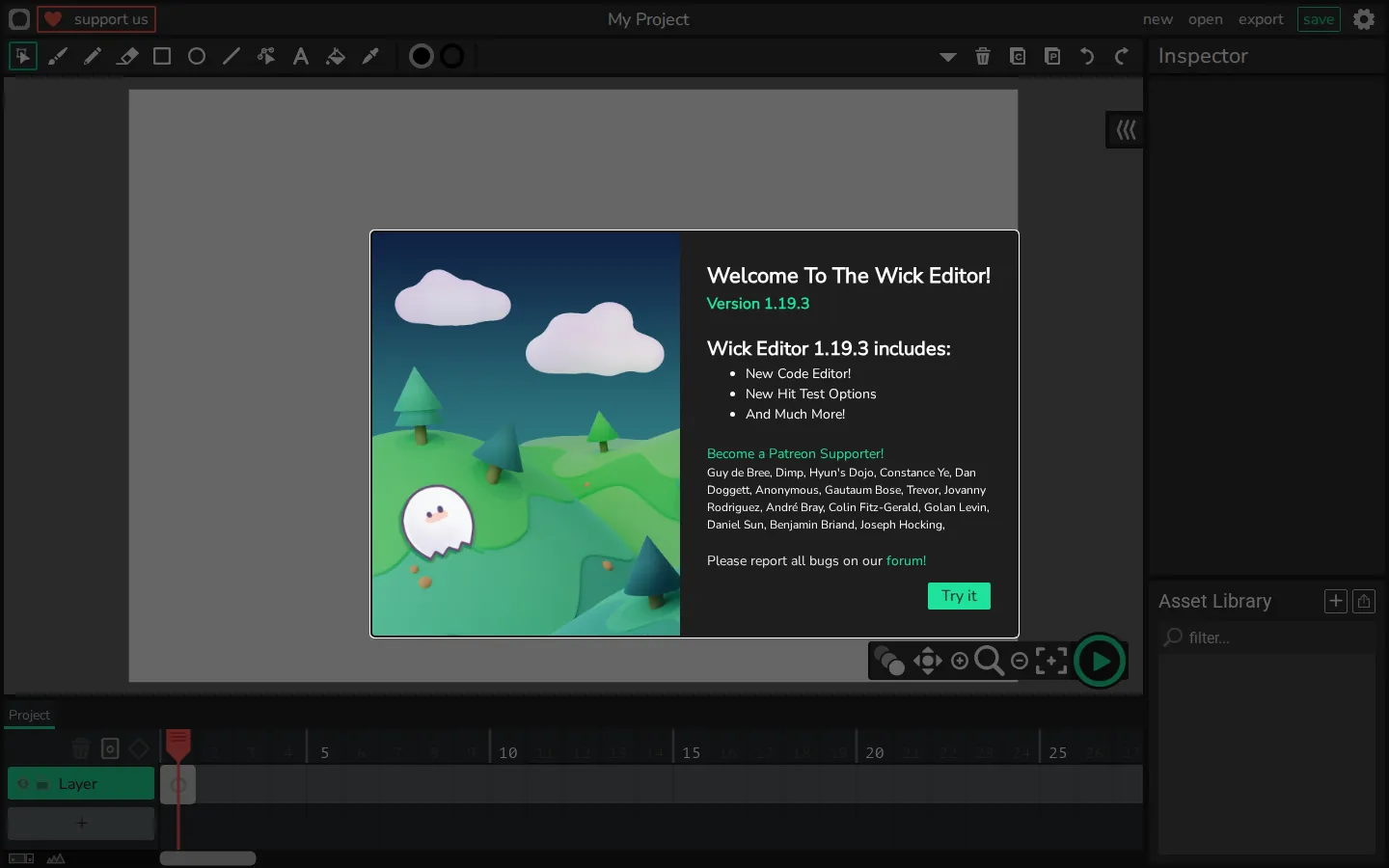
Wick Editor combines drawing, animation timelines, and scripting in a free browser workspace for making 2D motion and small interactive projects. It has real creative depth, though the app requires JavaScript and presents more workshop than instant toy.
What is Wick Editor?
Wick occupies the useful middle ground between a flipbook and a small game engine. The project pairs drawing tools, layers, and a timeline with scripting, so the same workspace can hold a looping animation, an interactive scene, or a compact game. Its documented exports include video, animated GIF, and single-file HTML. That makes it more ambitious than a doodle pad, yet friendlier to visual thinkers than starting with an empty code file.
What you can do there
- Draw and arrange frame-based animations
- Add scripting to make interactive projects and small games
- Export projects in documented media and web formats
Why we picked it
Art and logic behave like neighboring materials here. Wick's lineage in Flash, HyperCard, and Scratch shows in the blend of pictures, time, and behavior, while its open source and classroom history give the tool a practical life beyond nostalgia for old web cartoons.
How to get the most from it
Begin with a short animation and only a couple of layers. Once the timeline makes sense, add a button or a small script, then explore the documented export choices. The tutorials and reusable examples are a much better on-ramp than wrestling the blank canvas alone.
Good to know
JavaScript is mandatory, and the editor controls do not appear in the page's non-scripted state. Expect a full creative workspace rather than a quick diversion. The source code is GPL-3.0; current mobile, offline, accessibility, audio, privacy, and persistence behavior should not be assumed.
Who made it, and when?
Zach Rispoli and Luca Damasco is the credited creator or organization. The earliest supported launch date we found is August 26, 2017.
Creator’s official page Open Wick EditorMore like this
AutoDraw

Sketch badly on purpose and let machine-assisted suggestions turn it into a crisp icon.
Calligrapher.ai
A browser scribble machine that gives typed words a wobblier set of shoes.
Sketch Toy: Draw sketches and share replays with friends!

A doodle pad that remembers every stroke and turns the making into the show.
Wombo Dream AI

A prompt-powered sketchbook for images and video.