
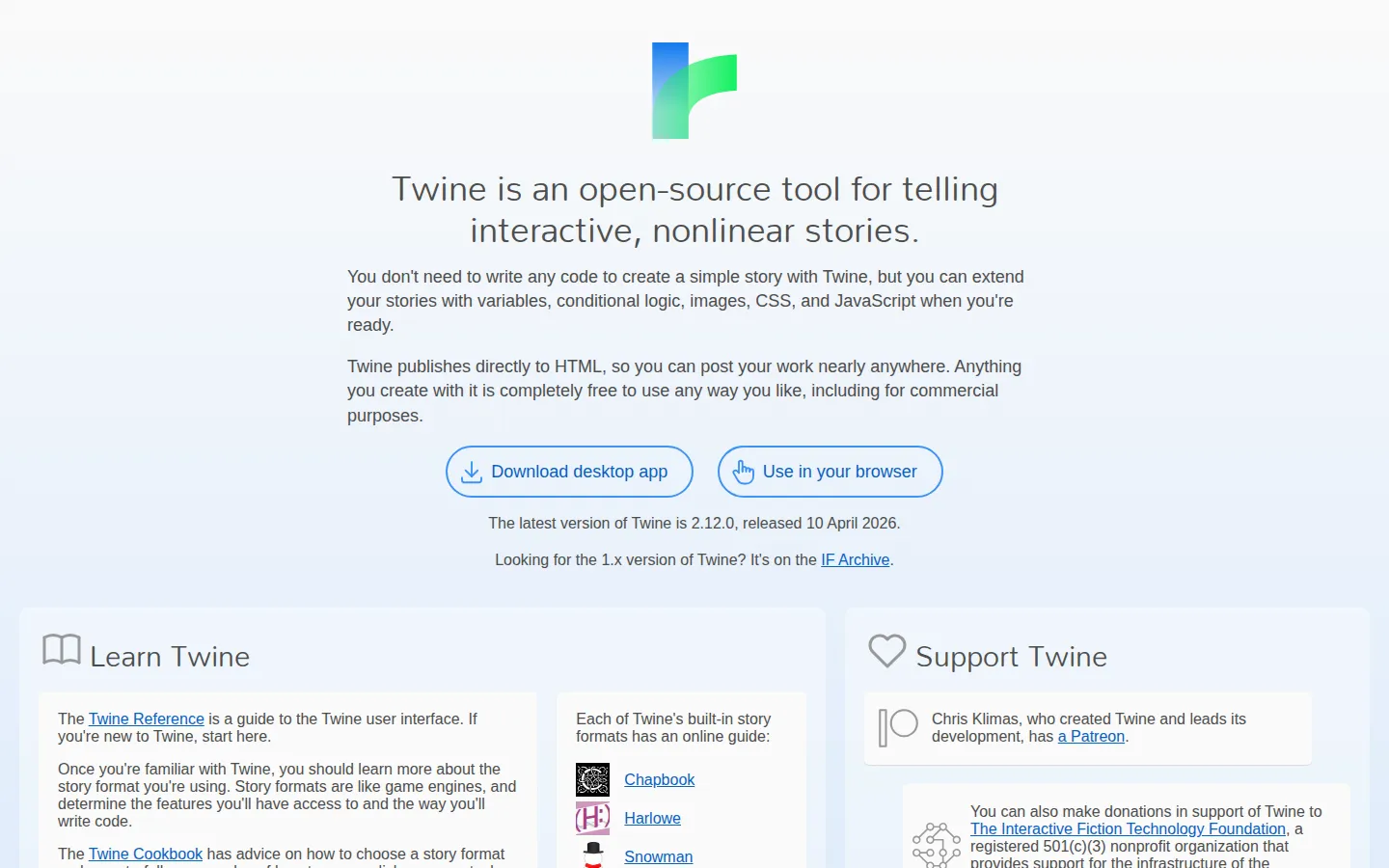
Twine lets you build interactive, branching stories without making a programming course the cover charge. Start with passages and choices, then add logic, styling, or JavaScript only when your story asks for it.
What is Twine?
Twine is for the moment a story grows a fork in the road. Instead of drafting one long document and hoping the branches stay in your head, you can arrange passages as a visible map, connect them with choices, and see the shape of the thing as it sprawls. The gentle entry point is the draw: a simple story can begin with plain writing and links. When your ideas become more mischievous, Twine can accommodate variables, conditional scenes, images, CSS, and JavaScript. That range makes it equally comfortable for a short interactive poem, a classroom experiment, or a knotty choice-driven game. It also has a refreshingly low-stakes way to start. Make a few passages, connect two of them, and you have a little machine for asking a reader what happens next.
What you can do there
- map story passages
- write branching text
- add choices and variables
- extend stories with web technologies
Why we picked it
Twine makes branching structure visible before it becomes a tangle. It respects writers who want to play with choices now and learn technical flourishes later, which is a rare and sensible ordering of priorities.
How to get the most from it
Open the online editor or download Twine, create a starting passage, and link it to two possible next moments. Build a tiny complete loop first, then add detail or logic only where the story genuinely benefits from it.
Good to know
Twine 2 is available online and as a download for major desktop platforms. Different story formats can add their own conventions and capabilities, so begin with a small project before committing a very large branching epic.
Who made it, and when?
Chris Klimas is the credited creator or organization.
Open TwineMore like this
AutoDraw

Sketch badly on purpose and let machine-assisted suggestions turn it into a crisp icon.
Calligrapher.ai
A browser scribble machine that gives typed words a wobblier set of shoes.
Sketch Toy: Draw sketches and share replays with friends!

A doodle pad that remembers every stroke and turns the making into the show.
Wombo Dream AI

A prompt-powered sketchbook for images and video.