
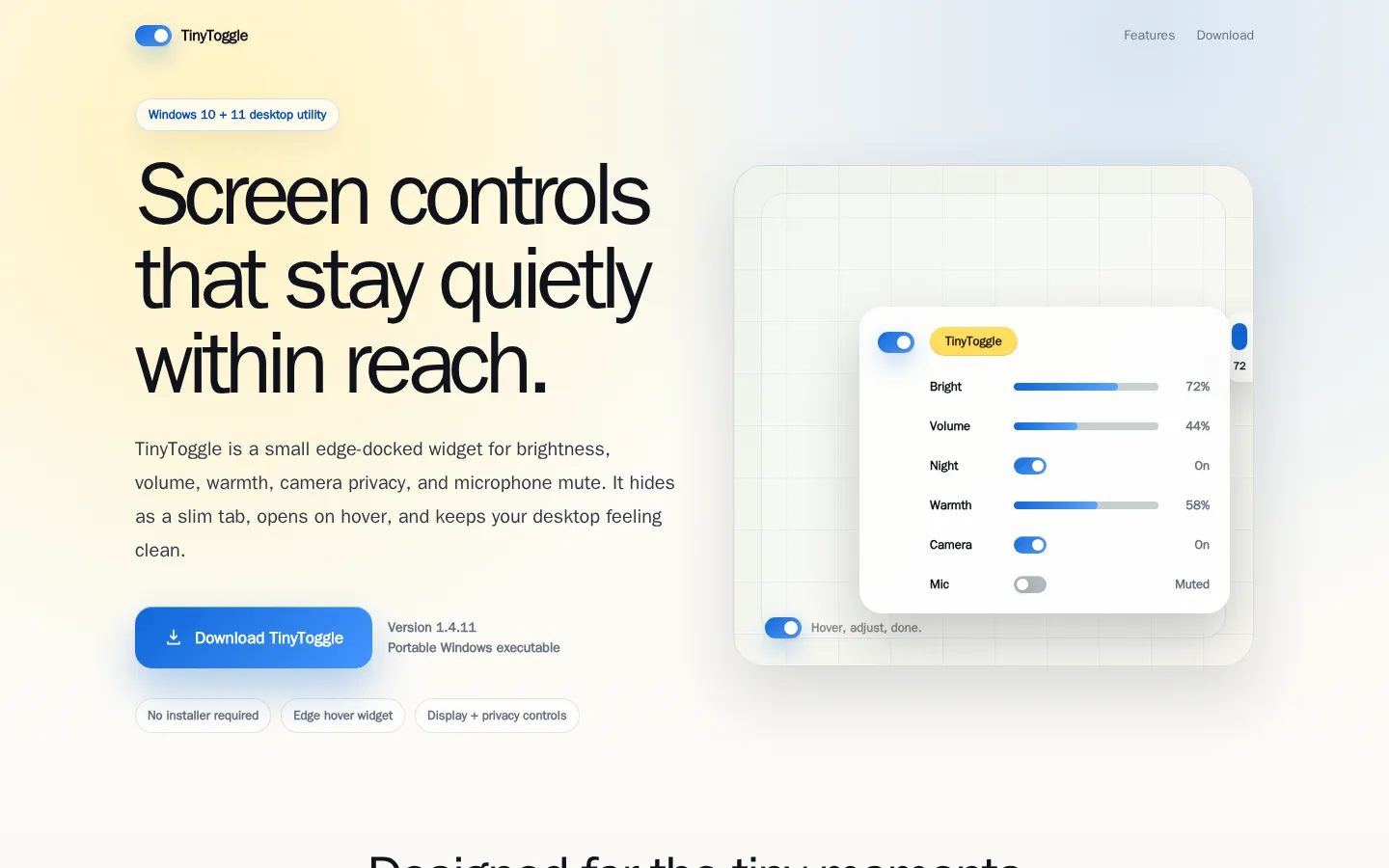
TinyToggle is positioned as a small desktop-side home for brightness, volume, warmth, camera privacy, and microphone mute. It aims to keep a few routine adjustments gathered instead of scattered across Windows.
What is Tiny Toggle?
TinyToggle is built around a familiar desktop itch: you need one tiny adjustment, but the path to it is hiding under three menus and a search box. Its stated answer is an edge widget that groups a handful of display, audio, and privacy-related controls in one compact place. That is a deliberately modest job description, and it is the point. Rather than becoming another dashboard full of meters, the widget focuses on controls that can interrupt a meeting, a film, or a late-night work session. If those are the switches you reach for often, the promise is a calmer route back to what you were doing.
What you can do there
- Reach display and audio controls from one widget
- Access camera and microphone-related controls
Why we picked it
It is a useful kind of small: a focused idea about reducing desktop friction without pretending every setting deserves its own control center.
How to get the most from it
Compare the listed controls with your usual Windows routine, then check whether they match your display and privacy setup. Start with the least sensitive settings before depending on it for camera or microphone changes.
Good to know
The available material does not explain installation, supported hardware, or how each privacy-related control behaves. Windows camera access can depend on device and permission settings, so confirm the effect on your own machine.
Open Tiny ToggleMore like this
Excalidraw

A fast whiteboard whose hand-drawn look makes unfinished ideas feel welcome.
ExplainShell

A plain-English map for the flags hiding inside a shell command.
Same Energy

A visual-search rabbit hole for when words are too blunt
Nice Game Hints

A polite little lantern for when a game puzzle eats the trail.