
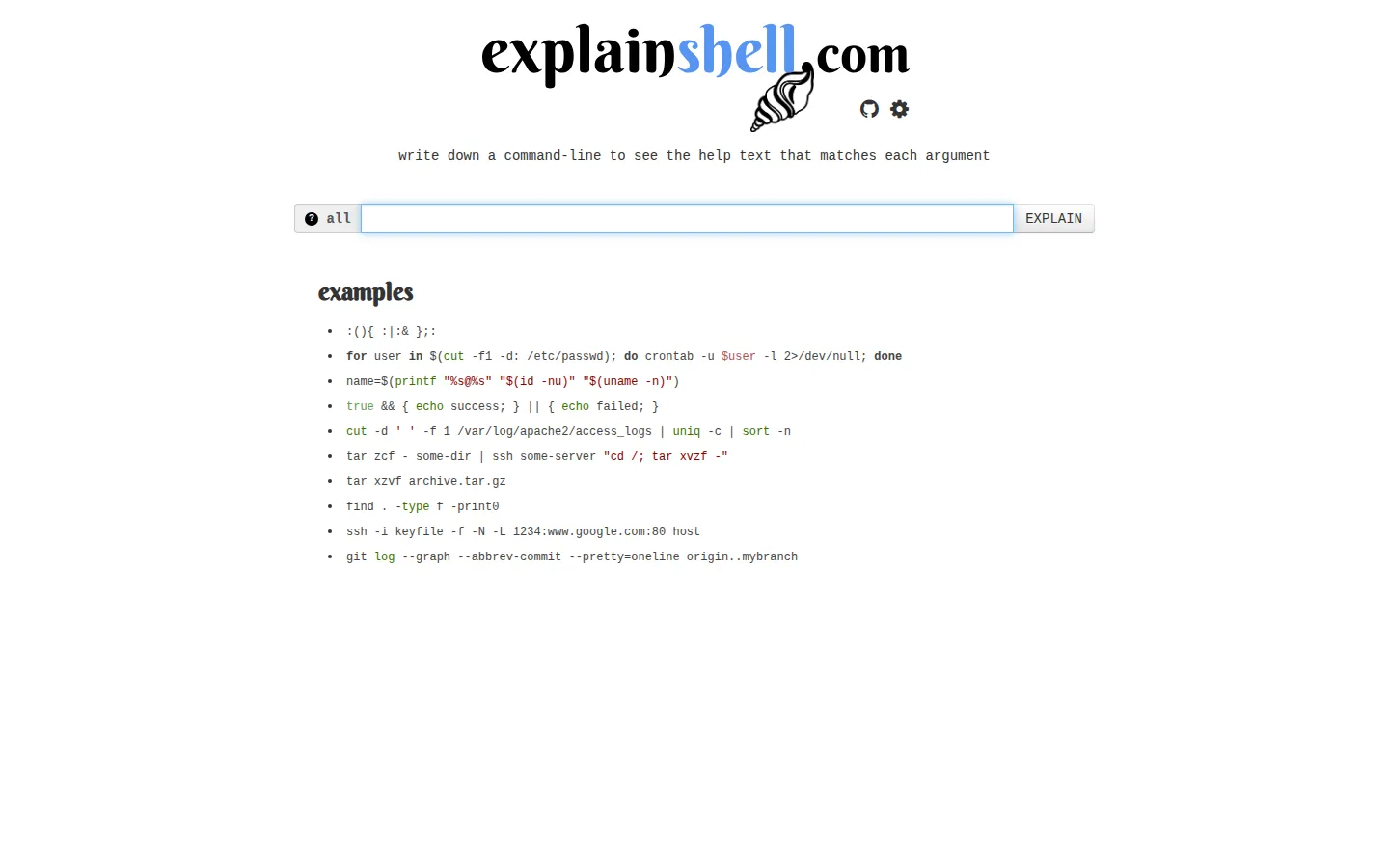
ExplainShell takes a command line and pairs its recognizable arguments with the relevant sections of manual-page help. It is a useful place to untangle a copied one-liner before you start changing flags.
What is ExplainShell?
A dense command can look like punctuation with a few familiar words mixed in. ExplainShell turns that line into a reading exercise: paste the command, then follow the connection between a flag and the help text that describes it. The appeal is not that it replaces a manual; it makes the manual easier to enter from the exact option that caught your eye. It is especially handy when you inherit a command from a colleague or a setup guide and want to separate the executable, switches, and positional pieces before trying it yourself.
What you can do there
- Paste a shell command
- Inspect matched option help
Why we picked it
It gives old-school manual-page material a surprisingly approachable front door. Instead of sending you off to search a long reference, it starts with the specific command already on your screen and lets the options reveal themselves in context.
How to get the most from it
Paste one command at a time, then read through the matched options and the nearby help text. If a token is not explained or seems questionable, compare it with the help output on the machine where you plan to run the command.
Good to know
Treat the result as a guide to documented options, not a guarantee of runtime behavior. Quoting, shell syntax, operating-system variants, and tool versions can all change what a command accepts, so redact secrets and verify important commands locally.
Who made it, and when?
Idan Kamara is the credited creator or organization.
Creator’s official page Open ExplainShellMore like this
Excalidraw

A fast whiteboard whose hand-drawn look makes unfinished ideas feel welcome.
Same Energy

A visual-search rabbit hole for when words are too blunt
Nice Game Hints

A polite little lantern for when a game puzzle eats the trail.
Stolen Camera Finder

A forensic breadcrumb trail for the camera that vanished before you had a chance to say cheese.