
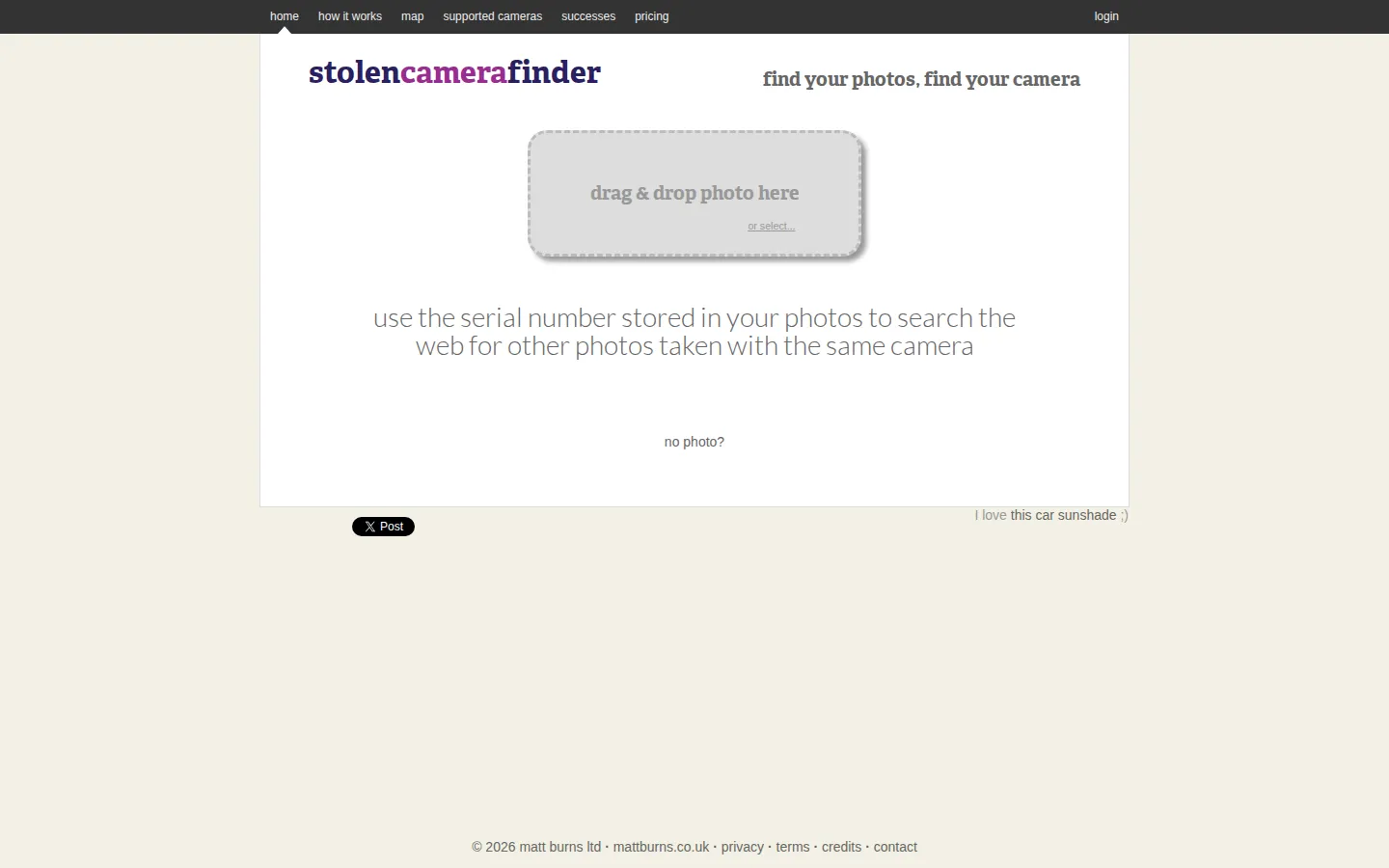
Stolen Camera Finder looks for one of the quieter clues a digital camera can leave behind: its serial information inside photo metadata. Start with an original JPEG or type the serial number yourself, then use any result as a lead rather than a magic recovery button.
What is Stolen Camera Finder?
Most lost-camera tools begin after the loss. This one begins in the old photos you already took. Stolen Camera Finder is built around the chance that a camera's serial information survived inside image metadata and that another photo made with the same gear eventually surfaced online. The current page offers both a manual serial search and a drag-and-drop route for a photo, along with a lost-and-found map. It has the slightly detective-novel charm of a service that searches the overlooked tags beneath an image, but its promise is deliberately narrow: it can uncover a clue, not teleport a camera home.
What you can do there
- Search with a camera serial number
- Read serial information from an original JPEG
- Browse lost-and-found reports
Why we picked it
It gives an ordinary backup photo a second job. The idea is pleasingly specific and genuinely practical: use the metadata people rarely notice to assemble a possible trail after the gear itself has gone missing.
How to get the most from it
Find an untouched JPEG taken with the missing camera, or locate the serial number on its box or paperwork. Try the photo path in Chrome or Firefox when possible, inspect any match carefully for the correct make and model, and pass credible evidence to the appropriate authorities.
Good to know
Original files matter here. Editing software and image-hosting sites can remove or alter the metadata the search relies on, and many cameras do not record a usable serial number in every photo. A match is a lead to verify, not proof of who has the equipment.
Open Stolen Camera FinderMore like this
Excalidraw

A fast whiteboard whose hand-drawn look makes unfinished ideas feel welcome.
ExplainShell

A plain-English map for the flags hiding inside a shell command.
Same Energy

A visual-search rabbit hole for when words are too blunt
Nice Game Hints

A polite little lantern for when a game puzzle eats the trail.