
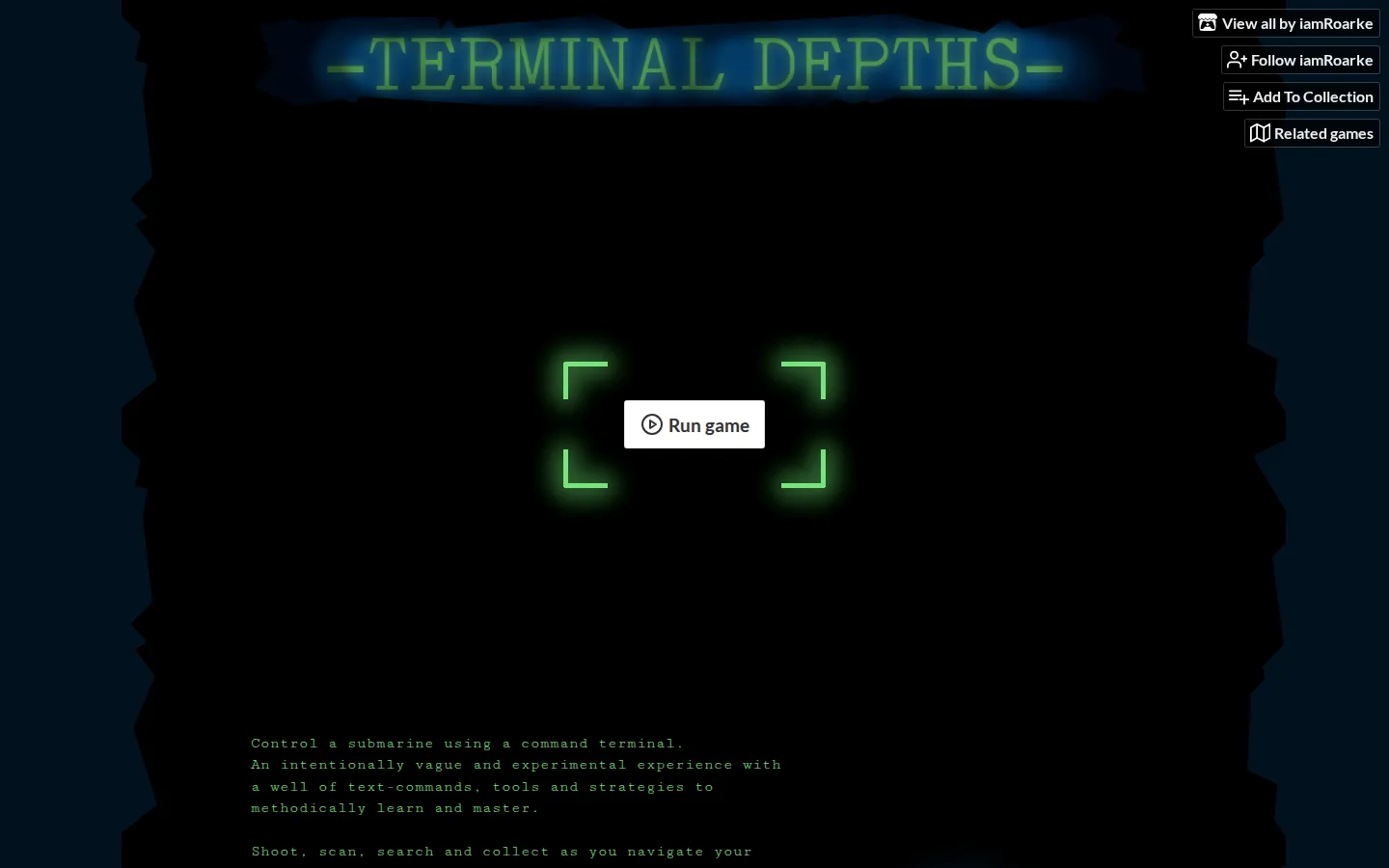
Terminal Depths puts a deep-sea vessel behind a text terminal, then asks you to learn its verbs while the caverns grow darker and less forgiving. It is a compact, keyboard-first experiment for players who like systems that reveal themselves through careful poking.
What is Terminal Depths?
Your submarine does not come with a friendly dashboard full of labeled switches. Instead, Terminal Depths hands you a command terminal and a vocabulary to uncover. The creator describes shooting, scanning, searching, and collecting as the main tools for moving through a chain of claustrophobic caves. That makes every useful word feel like another instrument blinking to life on the console. The project belongs to iamRoarke's Alphabet Superset, a sequence of small games built around successive letters; this one is T for terminal. The browser edition is joined by a Windows download, so the whole exercise can stay inside a tab or come aboard as a standalone build.
What you can do there
- Enter commands to pilot a submarine
- Scan and search the caverns
- Shoot hazards and collect useful finds
Why we picked it
The submarine setting makes the command line more than a retro costume: limited information and deliberate syntax suit a pilot feeling their way through black water. It is a neat collision of text adventure, systems puzzle, and cave navigation, with enough mechanical verbs to promise more than a single joke.
How to get the most from it
Start with the browser version and keep a small note of commands that produce useful results. Scan before charging into a new stretch, treat unfamiliar wording as a clue, and use the continue command from the title screen if you need to resume a mission later.
Good to know
The project page lists English, keyboard input, and an average session of about half an hour. A 47 MB Windows download is also available. Touch support, current browser performance, audio behavior, accessibility options, and the exact shape of later challenges are not documented.
Who made it, and when?
iamRoarke is the credited creator or organization.
Creator’s official page Open Terminal DepthsMore like this
Close Hue

A daily test of whether ‘mauve’ in your head has any relationship to mauve on a screen.
Sudoku.com

Six difficulty rungs, pencil notes, and a daily grid—with a three-strike rule
Riddle of the Day

One thoughtful logic problem a day, with an archive for second helpings.
Dino Pal

Five tiny conference warm-ups disguised as a puzzle box with a very large logo on it.