
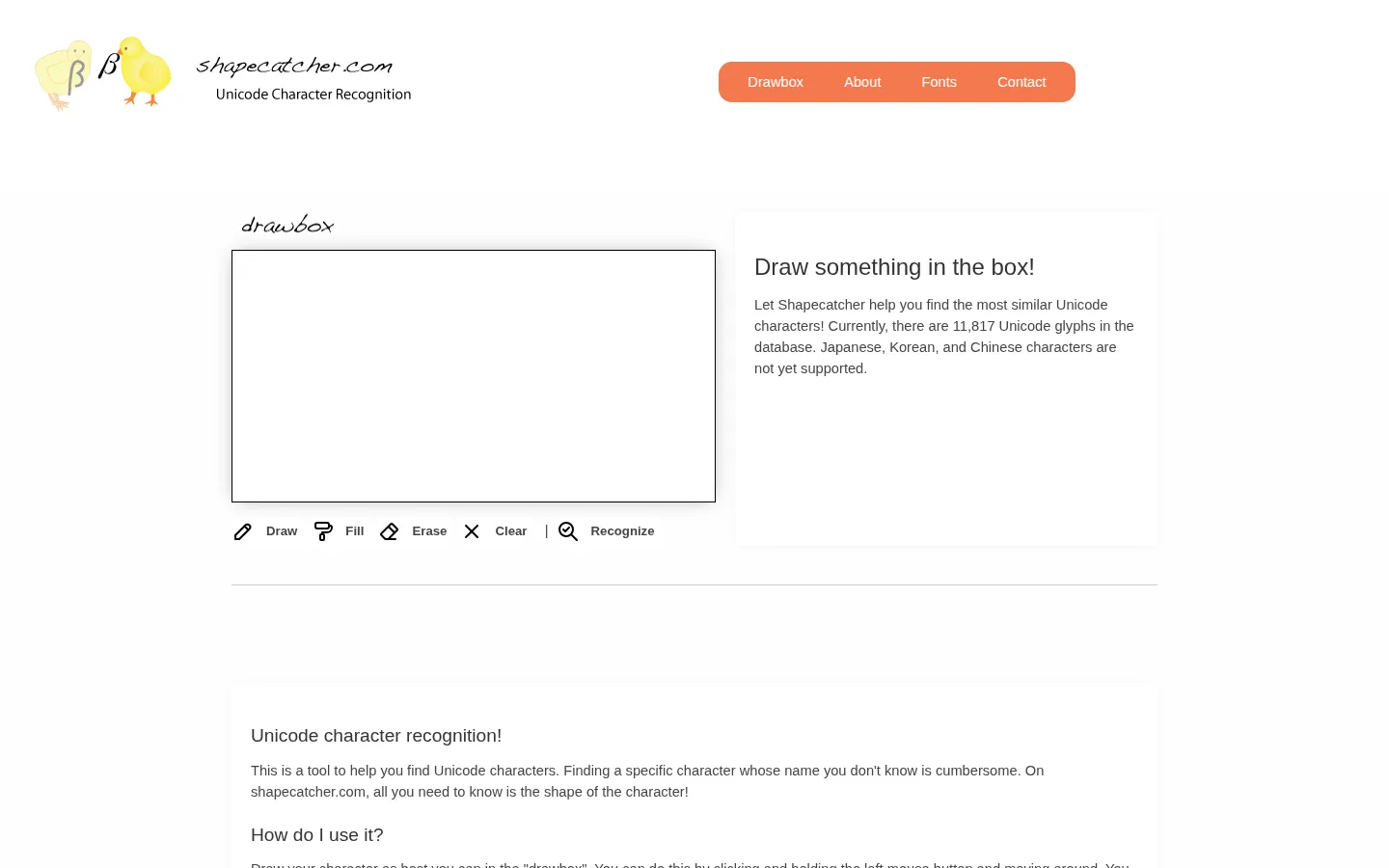
Shapecatcher turns a rough sketch into a shortlist of similar Unicode characters. It is a small rescue hatch for the moment when you know a symbol by sight, but its name and code point have completely slipped away.
What is Shapecatcher?
A missing symbol can be surprisingly hard to search for. Shapecatcher sidesteps the naming problem by handing you a drawbox: sketch the character, press Recognize, and inspect the closest Unicode lookalikes. The official material describes shape-context matching behind the search, while the site’s current homepage says its database contains 11,817 glyphs. That is plenty of territory for punctuation, technical marks, and odd typographic encounters. The tradeoff is that this is a shape match, not a promise that every hurried scribble will land perfectly. Its own guidance asks for a precise drawing when results disappoint, and it lists Japanese, Korean, and Chinese characters as unsupported. Use it as a fast visual index, then confirm the exact character before you paste it into anything important.
What you can do there
- Draw a character shape
- Recognize similar Unicode characters
Why we picked it
Shapecatcher solves a very particular web frustration with the most direct possible interface: draw the thing. That tiny reversal of the usual text-search ritual makes forgotten symbols feel less like a dead end and more like a quick doodle.
How to get the most from it
Sketch the character in the drawbox with as many strokes as it needs, then select Recognize. Compare the suggested glyphs, open the matching character information when needed, and copy only after checking the code point and displayed symbol.
Good to know
Recognition depends on how closely the sketch resembles the stored glyph, so a cleaner redraw can help. The site says it does not currently support Japanese, Korean, or Chinese characters; it also has no verified current accessibility review for this profile.
Who made it, and when?
Benjamin Milde is the credited creator or organization.
Open ShapecatcherMore like this
Excalidraw

A fast whiteboard whose hand-drawn look makes unfinished ideas feel welcome.
ExplainShell

A plain-English map for the flags hiding inside a shell command.
Same Energy

A visual-search rabbit hole for when words are too blunt
Nice Game Hints

A polite little lantern for when a game puzzle eats the trail.