
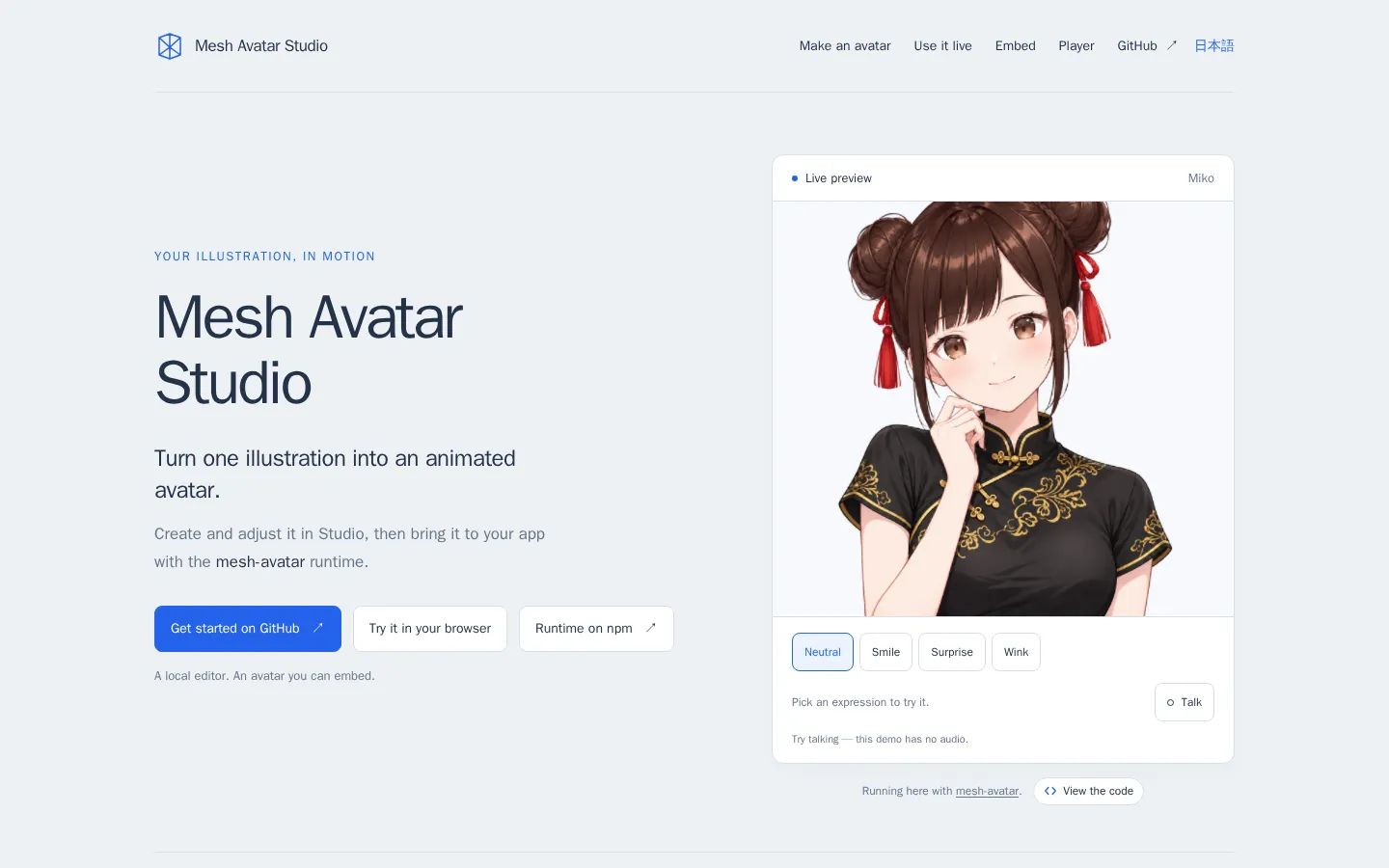
Mesh Avatar Studio is a maker's toolkit for turning a single character illustration into a lightweight 2D avatar. A coding agent prepares the rig and image layers; you correct the result in a local editor, then export it for face tracking, voice-driven lip sync, streaming, or a WebGL app. It is clever and hands-on, but it expects local setup rather than a one-click upload.
What is Mesh Avatar Studio?
The landing page starts with a sample that can blink, breathe, follow a pose, move its mouth, and let hair or accessories lag behind with a little physics. The real workshop lives in the repository. A coding agent maps the illustration and cuts its movable layers, while the local editor gives you draggable control points, pose tests, speech previews, and optional drawn expressions. When the rig behaves, it can be packed into a .mavatar file, driven by camera or microphone input, sent to an OBS view, or embedded with the separate runtime. That division of labor is the interesting bit: automation gets the puppet onto the table, but a human still adjusts the strings.
What you can do there
- Prepare an avatar from one illustration with a coding agent
- Fine-tune the rig in a local editor
- Drive the avatar with face or microphone input
- Export, stream, or embed the finished avatar
Why we picked it
This is more than a bouncing portrait demo. It connects an agent-friendly creation recipe, a repairable visual rig, and a small runtime that can leave the workshop and live inside another project. The editor keeps the rough edges visible and movable, which makes the result feel like craft rather than a sealed magic trick.
How to get the most from it
Try the public sample first to understand the motion vocabulary. For your own art, use a front-facing PNG, follow the repository setup, let a supported coding agent prepare the first rig, and inspect every pose before exporting. Save the camera and OBS steps until the basic head, eyes, mouth, and hair look right.
Good to know
The full Studio requires a local Node.js 22.17-or-newer setup plus Git; the browser Player is a narrower shortcut. Project documentation says camera and microphone media stay on the machine, but that claim was not independently audited. Check export settings before sharing a .mavatar file because the original source illustration may be included.
Who made it, and when?
Yuki Shindo is the credited creator or organization.
Creator’s official page Open Mesh Avatar StudioMore like this
AutoDraw

Sketch badly on purpose and let machine-assisted suggestions turn it into a crisp icon.
Calligrapher.ai
A browser scribble machine that gives typed words a wobblier set of shoes.
Sketch Toy: Draw sketches and share replays with friends!

A doodle pad that remembers every stroke and turns the making into the show.
Wombo Dream AI

A prompt-powered sketchbook for images and video.