
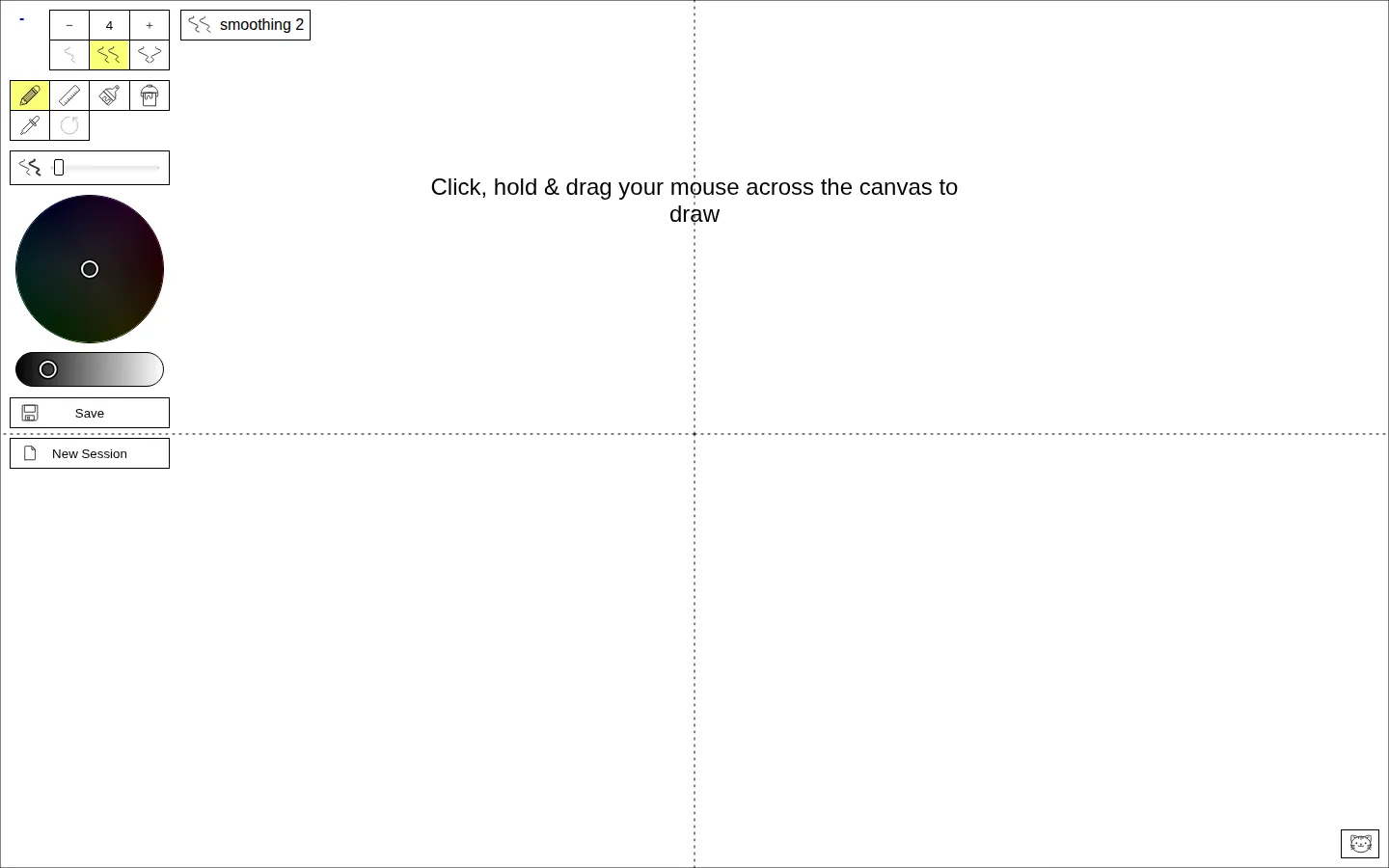
MandalaGaba is a browser drawing suite built around radial symmetry, tessellation, and recursion. Focused modes handle mandalas, snowflakes, plants, and repeating patterns, while the denser Pro facet combines the deeper controls for people who prefer their doodles with a little mathematical mischief.
What is Mandalagaba?
Instead of asking you to construct a circular design piece by piece, MandalaGaba repeats and transforms hand-drawn strokes into larger geometric systems. The site divides that idea into approachable facets: Mandala mirrors marks around a center, Tessellation builds repeated fields, Recursion grows copies from copies, and Plant steers that machinery toward branching forms. Session links, save controls, view-only access, and collaboration features turn the canvas into more than a solitary pattern maker. The documented Pro mode adds fine cell adjustment, transparency, recursion, tessellation, and SVG export for visitors who want to push past the first satisfying swirl.
What you can do there
- Draw repeating radial patterns
- Build tessellations and recursive forms
- Save and share drawing sessions
Why we picked it
The premise is unusually focused and generous: your hand still supplies the marks, but the geometry gives every small wobble an entourage. Separate facets keep the first visit approachable, while recursion and collaborative sessions leave enough depth for a much longer return trip. It is a clever bridge between idle doodling and procedural art without pretending to be a full design studio.
How to get the most from it
Begin with the Mandala facet and make one short stroke before changing anything else. Adjust a single symmetry or color control at a time so its effect stays legible, then try Tessellation or Recursion once the basic mirroring clicks. Save a promising result before opening a new session, and use a view-only link when you want company without handing over the pen.
Good to know
Keyboard shortcuts cover color selection, undo, draw, line, fill, and the controls menu. The current page also includes a chat control and an opposite-gender stranger-matching prompt, so younger visitors should have adult supervision and nobody should share personal details. The ordinary web tool is described as free; older creator material mentioned a $2 high-resolution render, but its current availability is unclear.
Who made it, and when?
Ben Akrin is the credited creator or organization.
Creator’s official page Open MandalagabaMore like this
Zooniverse

Help real research by classifying galaxies, wildlife, weather records, manuscripts, and more.
StopotS

A fast little word scramble where your friends become the jury
Kick the Ball Back

A tiny football emergency, one dragging foot, and several children who have no time for excuses.
Wplace

A world map turned into a communal sketchbook, one stubborn pixel at a time.