
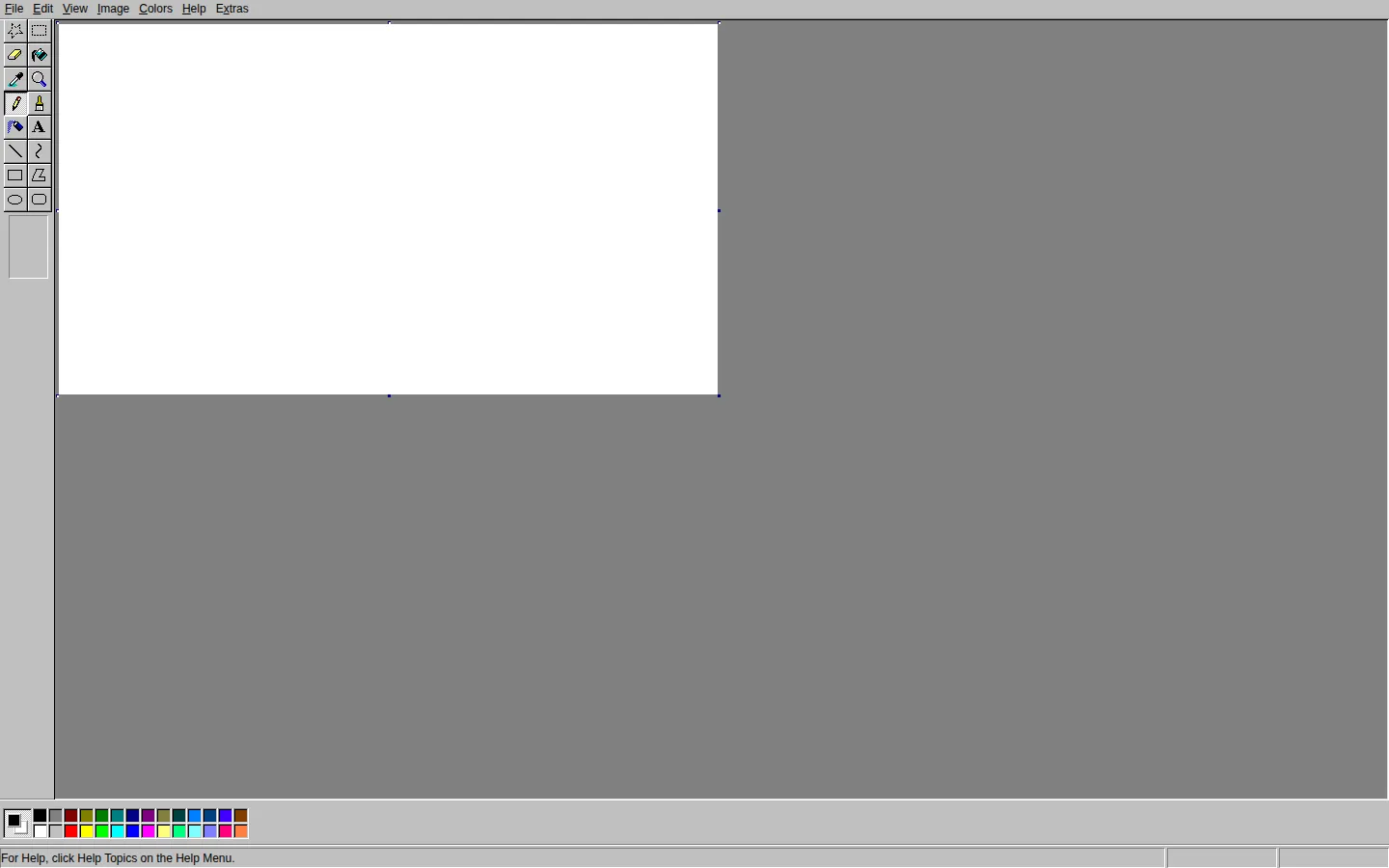
JS Paint brings the directness of classic Microsoft Paint to the web: familiar tools, a modest canvas, and enough modern conveniences to keep the nostalgia from becoming a trapdoor.
What is JS Paint?
JS Paint has the comforting grammar of the old Windows drawing program: a toolbox, colors, menus, and an open invitation to make something slightly crooked. Under that familiar shell, it has kept growing. The current project news lists larger interface controls, dwell clicking, a quick undo button, and a head-tracking option, while the public repository documents touch gestures and fuller save options. It is a nice place for sketches that need to happen before a heavyweight editor has time to clear its throat. Just do not confuse the friendly canvas with a vault: local work-in-progress storage is a backup, not a substitute for saving a real file.
What you can do there
- Draw and edit raster images
- Save artwork in supported image formats
- Adjust the interface and accessibility controls
Why we picked it
It respects the appeal of simple tools without freezing them in amber. The editor gives small creative impulses an immediate place to land, then quietly supplies practical extras when the canvas starts demanding more.
How to get the most from it
Start with a rough sketch, choose a familiar tool, and save a copy once the image matters. Explore the Extras menu if the default controls feel too small or awkward; the project documents options for enlarging the interface and making undo easier to reach.
Good to know
The editor was not exercised for this profile, so import, export, performance, tablet behavior, camera features, and collaboration remain unverified. The official privacy material says optional features can contact outside services, and multi-user sessions are public rather than private.
Who made it, and when?
Isaiah Odhner is the credited creator or organization.
Creator’s official page Open JS PaintMore like this
Zoomquilt
An endlessly falling illustrated world nested inside itself.
Thisissand

Pour tiny grains of color into layered landscapes, patterns, and patient accidents.
Click Click Click

A green button that turns browser habits into a tiny surveillance drama.
Beige balls

Twelve colorful-looking spheres, one beige reality, and a tidy lesson in how nearby stripes boss your eyes around.