
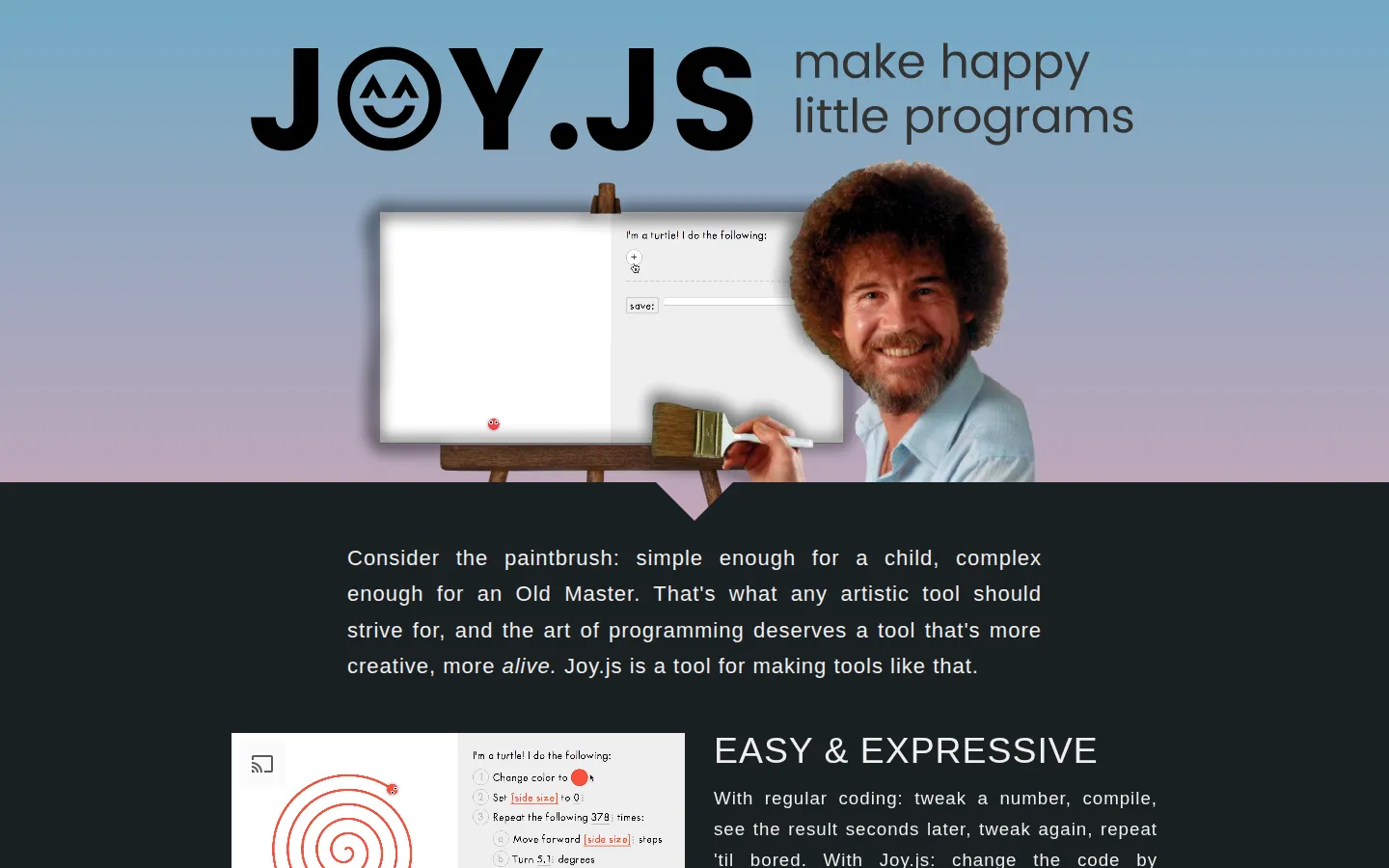
Joy.js wraps small programs in plain-language instructions, draggable values, and immediate visual feedback. Its current page points to Turtle drawing, music, and nonlinear-dynamics demos, all built around the idea that changing a number should feel like nudging a physical control. It is a playful version-zero toolkit, not a full coding course or modern production IDE.
What is JOY.JS?
Joy.js asks what programming might feel like if the edit-run-check loop collapsed into one gesture. Instead of stopping to rewrite a numeric constant, a user can manipulate a value and see the output change immediately. The page describes hover previews that reveal a system step by step, action lists with loops and conditionals, variables and random choices, plus URL-based saving that can make creations shareable without a database. Three demos give the idea different shapes: Turtle art, music, and nonlinear dynamics. Developers can also embed the library and define their own editable actors and modules. The source is dedicated to the public domain, but the creator labels it version zero and explicitly notes missing features such as undo, redo, functions, and advanced math.
What you can do there
- Remix small programs through direct manipulation
- Trace how instructions build drawings, music, or simulations
Why we picked it
The project makes code feel less like a sealed text file and more like a curious object on a workbench. Its strongest idea is not merely replacing syntax with blocks; it keeps the consequence of each instruction close enough to poke. Independent developers and a workshop paper highlighted the same quick feedback loop, including the Turtle demo's modern spin on Logo and the use of sliders to redraw output continuously.
How to get the most from it
Begin with the Turtle demo and change one value at a time before adding or reordering instructions. Hover over step numbers to follow how the drawing is assembled, then try a saved example before starting from a blank program. Move to the music or nonlinear demo after the editor's sentence-like structure makes sense. Developers should use the Getting Started guide and inspect the running examples alongside the API notes.
Good to know
Joy.js is free to access, public domain under CC0, and supported by optional Patreon donations. The creator calls this version zero and documents missing undo, redo, functions, and advanced math, so treat it as an experimental toolkit rather than a polished general-purpose environment. Live controls, audio, motion, mobile behavior, accessibility, privacy, and browser compatibility were not tested, and no screenshot was captured.
Who made it, and when?
Nicky Case is the credited creator or organization. The earliest supported launch date we found is December 2017.
Creator’s official page Open JOY.JSMore like this
AutoDraw

Sketch badly on purpose and let machine-assisted suggestions turn it into a crisp icon.
Calligrapher.ai
A browser scribble machine that gives typed words a wobblier set of shoes.
Sketch Toy: Draw sketches and share replays with friends!

A doodle pad that remembers every stroke and turns the making into the show.
Wombo Dream AI

A prompt-powered sketchbook for images and video.