
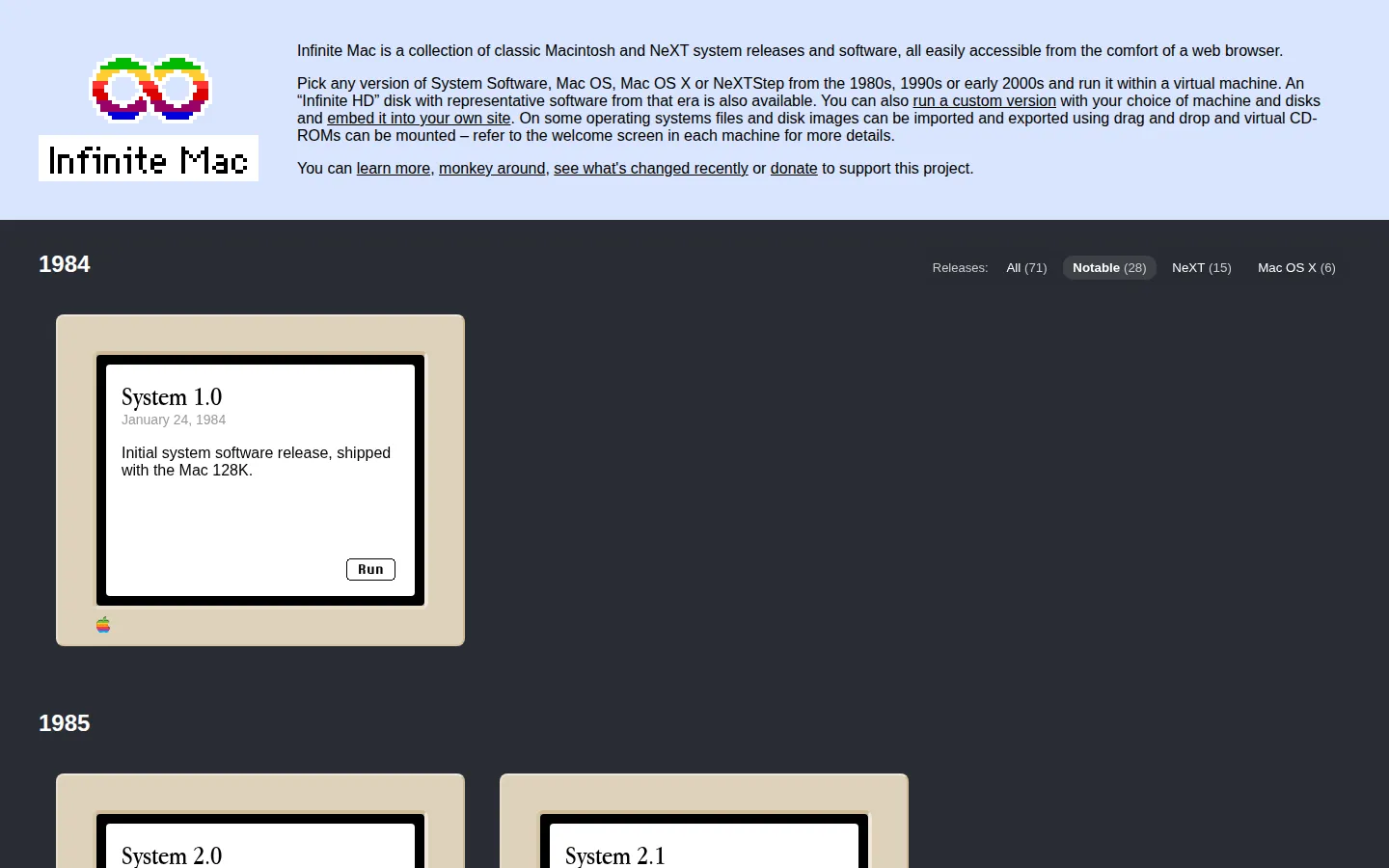
Infinite Mac gathers classic Macintosh environments into browser-launchable machines. Pick an era, open the desktop, and wander through the software habits of another computing decade without first hunting down old hardware.
What is Infinite Mac?
Infinite Mac has the lovely audacity to make old computer systems feel close enough to touch. Instead of treating a vintage Mac as a museum object behind a rope, it puts a working-looking desktop in a browser tab and lets curiosity do the rest. The fun is in the tiny encounters: the icon shapes, the old control panels, the strange pace of an interface built before every surface wanted to become a feed. The project covers a broad stretch of classic Mac history and comes with a substantial software library, according to its project materials. That turns it into more than one carefully preserved boot screen. You can choose a period, look around, and get a sense of how applications, folders, menus, and digital clutter used to fit together. It is a gentle way to meet old systems as places rather than facts.
What you can do there
- launch a classic Mac system
- explore period software
- use an emulated desktop
Why we picked it
Infinite Mac makes retro computing unusually immediate. It trades the usual scavenger hunt for disk images and setup notes for a direct invitation to open an old desktop and see what was there, which is exactly the right amount of technological mischief.
How to get the most from it
Choose a classic system release, let the browser instance load, then explore it like a newly discovered machine. Start with the bundled software and menus before trying anything ambitious. Use a mouse and keyboard for the most natural old-desktop rhythm.
Good to know
This is an emulation project, not a modern Mac environment. The specific instances were not launched during this review, so current persistence, file transfer, compatibility, boot behavior, audio, accessibility, account requirements, and available software remain unconfirmed.
Who made it, and when?
Mihai Parparita is the credited creator or organization.
Creator’s official page Open Infinite MacMore like this
CERN Line Mode Browser

A link list from the Web before it learned to decorate itself
Quenq

An interactive museum for playable internet history.
The Million Dollar Homepage
One million pixels from a gloriously chaotic web experiment.
Windows 93

A fake 1993 desktop where every click may take a glorious wrong turn.