
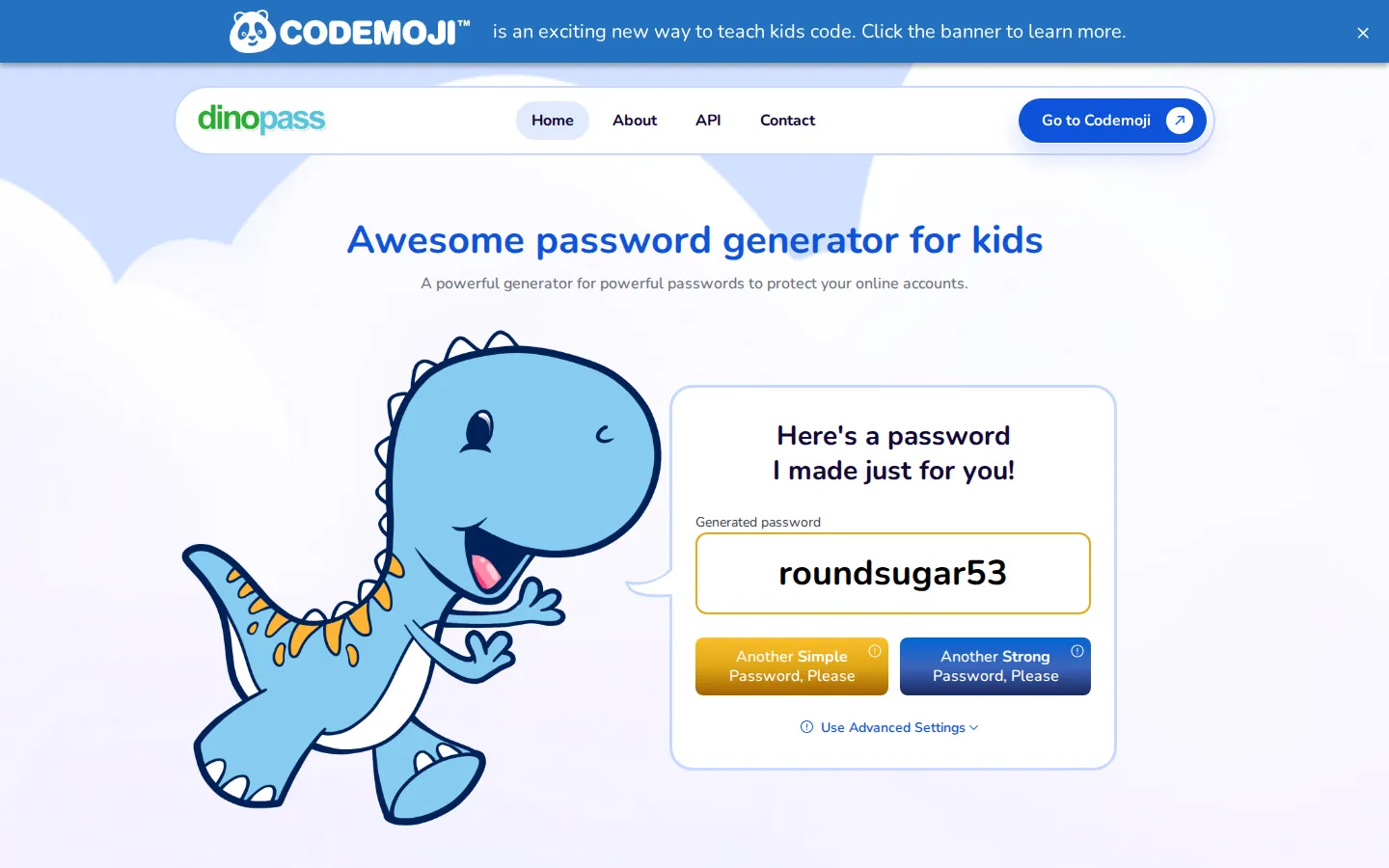
DinoPass makes readable passwords from friendly word ingredients, with simple and stronger options that leave the cryptic keyboard soup elsewhere.
What is DinoPass?
DinoPass has one very specific mission: make passwords that a human can actually read without turning every login into a tiny spelling bee. Its simple option leans on familiar words and numbers, while the stronger route adds more of the usual password seasoning: capitals, symbols, substitutions, and numbers. The dinosaur theme keeps the page approachable without pretending that security needs to be a campfire story. It is best treated as a quick generator for a conversation, a classroom exercise, or an account that needs a memorable starting point. The nice part is the visible choice between easy-to-recall and more complicated output; the useful part is pausing long enough to pick the option that suits the account rather than grabbing the first cute result.
What you can do there
- Generate a simple password
- Generate a stronger password
- Adjust advanced password settings
Why we picked it
Password advice often arrives wearing a stern tie. DinoPass takes the opposite route: it makes the tradeoff between memorability and added complexity visible in a small, welcoming tool that can start a practical discussion.
How to get the most from it
Choose the simple or stronger option, generate a candidate, and decide whether its level of complexity fits the account. Advanced settings are available for a more tailored result. Avoid reusing any password across accounts.
Good to know
The password generator was not run for this profile. Current clipboard behavior, storage, privacy practices, advertising, accessibility, and the exact effect of advanced settings should be checked on the live site before relying on it.
Open DinoPassMore like this
Excalidraw

A fast whiteboard whose hand-drawn look makes unfinished ideas feel welcome.
ExplainShell

A plain-English map for the flags hiding inside a shell command.
Same Energy

A visual-search rabbit hole for when words are too blunt
Nice Game Hints

A polite little lantern for when a game puzzle eats the trail.