
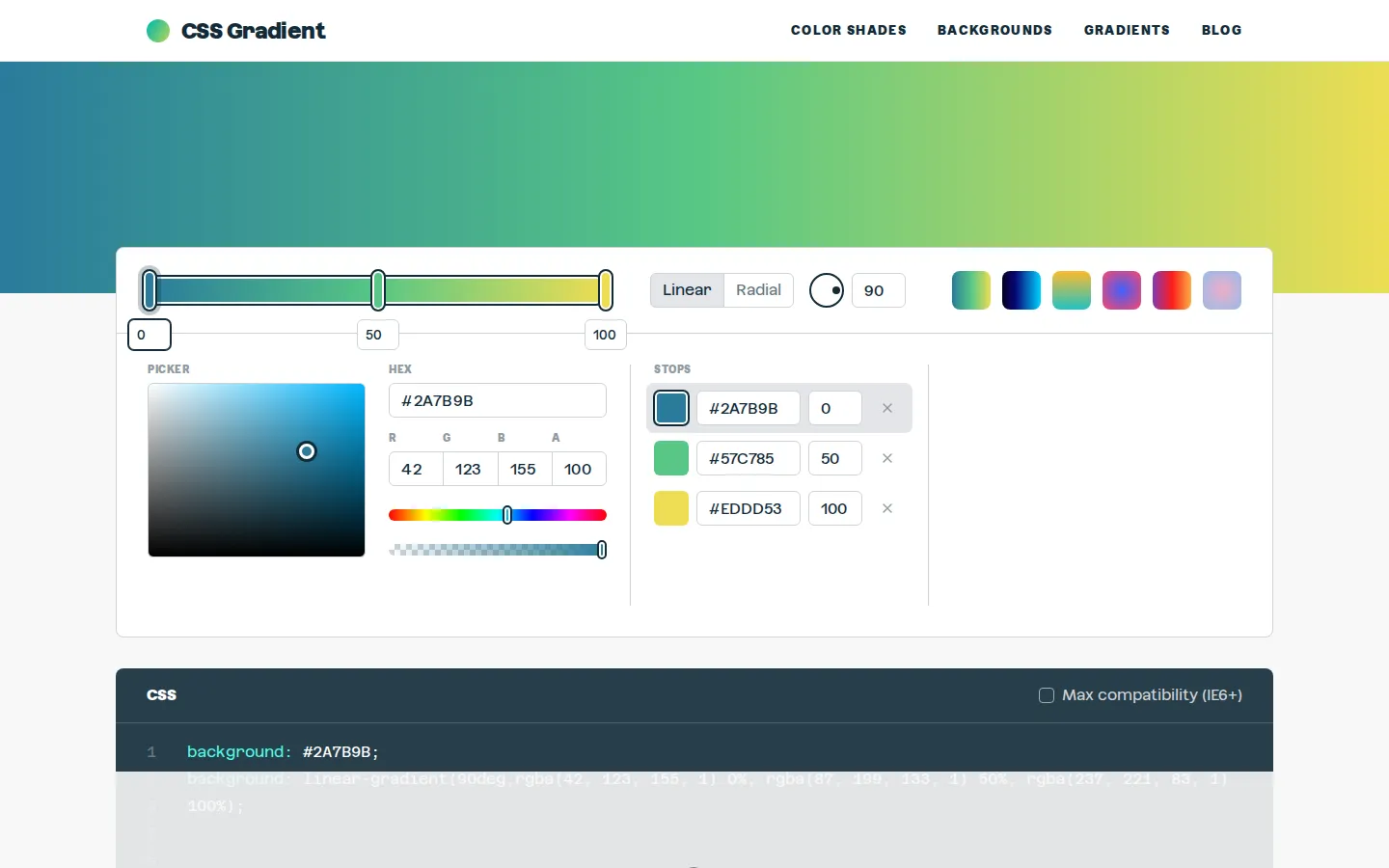
CSS Gradient puts color stops, angle, opacity channels, and generated code in one compact workshop. The visible editor covers linear and radial gradients, while swatches, examples, and plain-English references offer an escape hatch when the perfect blend refuses to materialize.
What is CSS Gradient?
The main editor keeps the useful pieces close together: Linear and Radial modes, an angle field, Hex and RGBA inputs, movable color-stop values, a compatibility option, and the resulting background declarations. That makes it practical for both quick two-color jobs and more deliberate multi-stop blends without turning the page into a full design suite. The surrounding site is more generous than the tool's small footprint suggests. Color-shade pages, ready-made swatches, real-site examples, tutorials, and deeper references can supply either a starting palette or an explanation of why a stubborn transition looks muddy. It is a focused CSS workbench with a cheerful side library, not merely a rainbow vending machine.
What you can do there
- Build linear or radial gradients
- Copy generated CSS declarations
- Browse gradient swatches, examples, and references
Why we picked it
The page tackles one fiddly front-end task with controls that map directly to the code they produce. Its extra swatches and technical reading also give it a longer shelf life than a generator you visit once, copy from, and immediately forget.
How to get the most from it
Choose Linear or Radial, set the endpoint colors, and then adjust the stop positions before adding more colors. For a linear blend, tune the angle as well. Read the generated declarations, enable maximum compatibility only when older-browser fallbacks matter, and use the copy control when the code matches the blend you want.
Good to know
The main generator is presented as free and the visible modes are Linear and Radial. The site's privacy policy describes cookies, analytics, and a Freestar advertising relationship, and the footer provides a Privacy Manager. Conic gradients and current image-export behavior are not established here.
Who made it, and when?
The earliest supported launch date we found is 2018.
Open CSS GradientMore like this
Excalidraw

A fast whiteboard whose hand-drawn look makes unfinished ideas feel welcome.
ExplainShell

A plain-English map for the flags hiding inside a shell command.
Same Energy

A visual-search rabbit hole for when words are too blunt
Nice Game Hints

A polite little lantern for when a game puzzle eats the trail.