
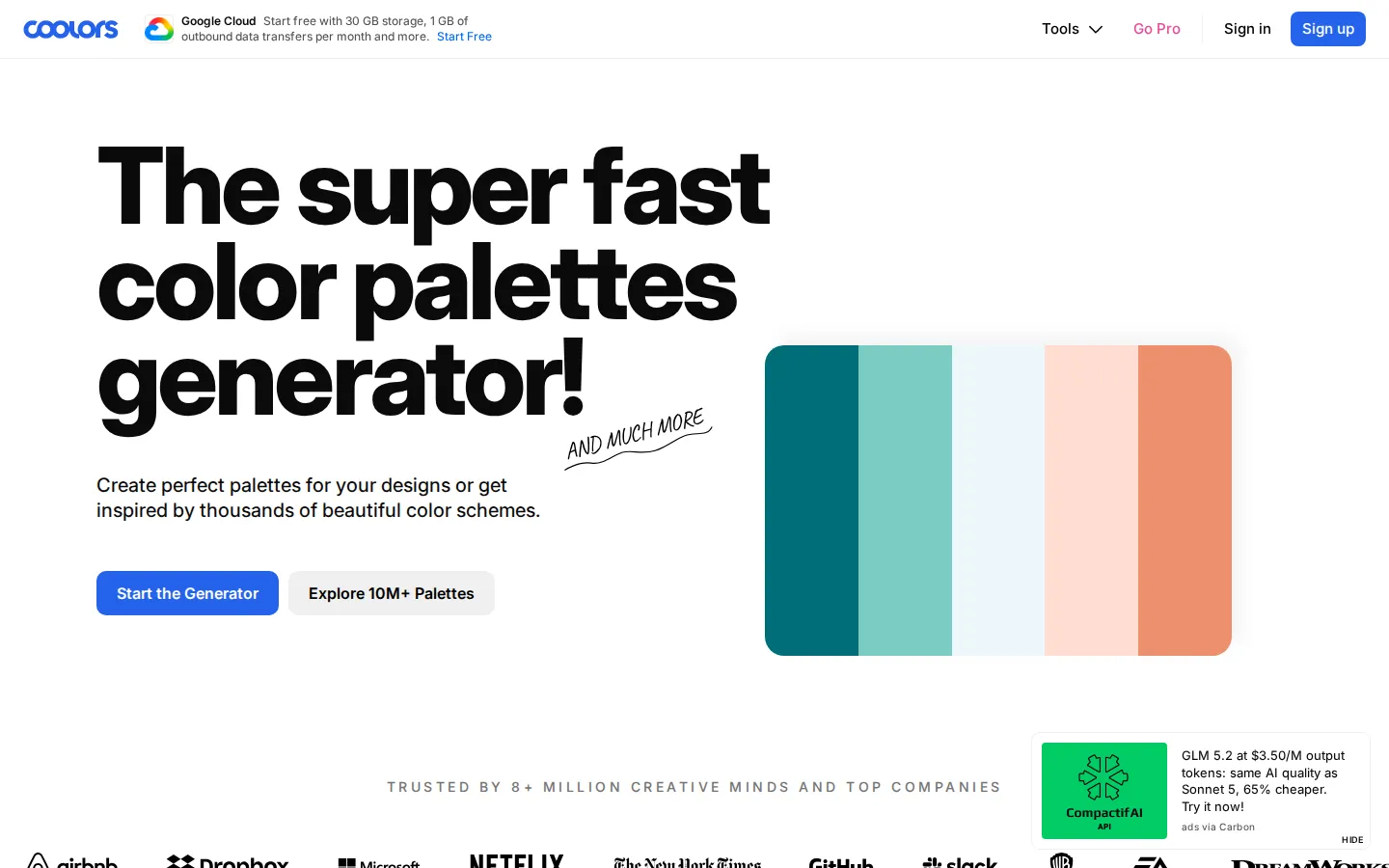
Coolors is a fast color-palette workshop for the early, squinty stage of making something look right. Its homepage positions the site around generating or browsing combinations, while the broader product offers ways to collect and carry palettes onward.
What is Coolors?
Choosing colors can turn a small decision into a desk full of tabs. Coolors narrows the problem to a friendly loop: gather a set of colors, keep the promising ones, and make another pass. The destination calls itself a fast palette generator and also offers browsing, so it can serve both a blank-page moment and a hunt for a readymade spark. Its long-running keyboard-led workflow has also been documented independently: WIRED described the spacebar as the engine for new sets while selected colors stay put. The official product material adds the useful aftermath—organizing palettes, exporting them, sharing them, and drawing colors from photos. None of those controls were exercised here, but the outline is clear. It is less a paint oracle than a small laboratory for deciding which hues belong in the same room.
What you can do there
- Generate color palettes
- Browse color combinations
Why we picked it
The site gives an everyday design task a quick, playful shape without making the visitor commit to a full creative suite. Its generator-and-browser framing is concrete, and independent reporting confirms the distinctive keep-and-regenerate rhythm.
How to get the most from it
Start with a loose mood or one color you already need to keep. Generate a few combinations, retain only the swatches that fit, and then test the finalists in the actual design where text, images, and spacing can change the verdict.
Good to know
No palette or export flow was used in this review. Accessibility, contrast, color-vision support, accounts, pricing, privacy, ads, popups, and device behavior remain unverified, so check those needs before relying on a palette.
Open CoolorsMore like this
AutoDraw

Sketch badly on purpose and let machine-assisted suggestions turn it into a crisp icon.
Calligrapher.ai
A browser scribble machine that gives typed words a wobblier set of shoes.
Sketch Toy: Draw sketches and share replays with friends!

A doodle pad that remembers every stroke and turns the making into the show.
Wombo Dream AI

A prompt-powered sketchbook for images and video.