
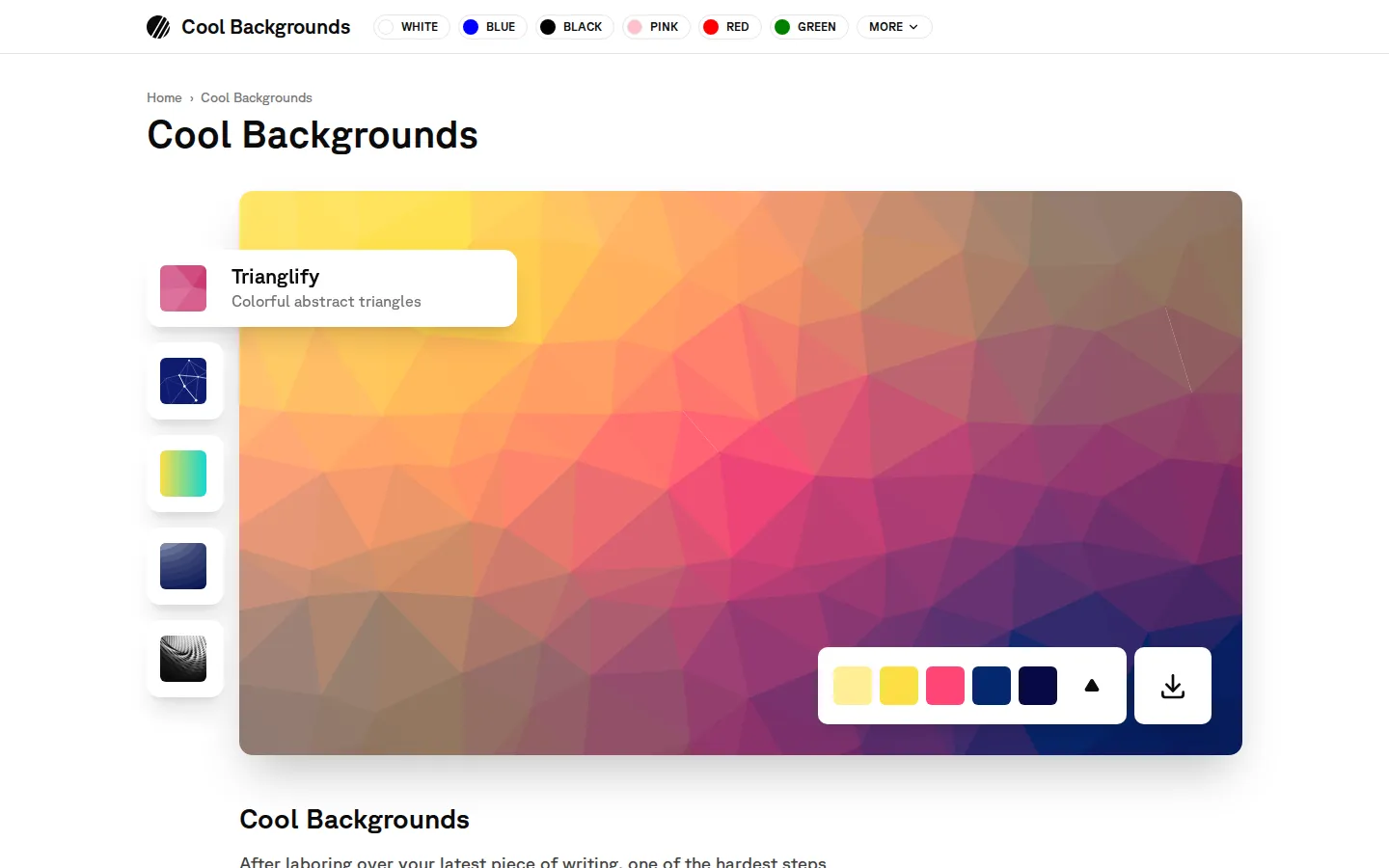
Cool Backgrounds pairs ready-made image galleries with lightweight routes into background generators. Pick a color family, borrow a polished wallpaper or hero image, or follow a tool link when a preset needs more personality.
What is Cool Backgrounds?
The useful trick here is the split between instant gratification and a deeper rabbit hole. Color pages offer downloadable samples, named shades, hex values, and gradient presets, so a blank blog header can become somebody else's problem in a few minutes. The homepage also points toward generators such as CSS Gradient and Trianglify when the gallery gets you close but not quite home. It is less a single all-purpose editor than a tidy paint cabinet with several doors hidden behind the swatches.
What you can do there
- Browse backgrounds by color family
- Copy exact color values
- Download ready-made background images
- Open linked generators for deeper customization
Why we picked it
The site makes an annoyingly common design chore feel small. Its color-led browsing is specific enough to spark an idea, while the generator links provide a useful escape hatch instead of pretending every visual problem has one slider-shaped answer.
How to get the most from it
Start with the color family closest to your project, scan the gallery, and save a ready-made image if one fits. For a custom palette or geometry, follow the linked generator and verify its own export and usage terms before publishing.
Good to know
Some options involve dynamic particles or parallax, and deeper controls may open a separate tool with different policies. Cool Backgrounds' privacy notice also discloses Freestar advertising and related data collection; explicit licensing terms for downloaded images were not located.
Who made it, and when?
Moe Amaya is the credited creator or organization.
Creator’s official page Open Cool BackgroundsMore like this
AutoDraw

Sketch badly on purpose and let machine-assisted suggestions turn it into a crisp icon.
Calligrapher.ai
A browser scribble machine that gives typed words a wobblier set of shoes.
Sketch Toy: Draw sketches and share replays with friends!

A doodle pad that remembers every stroke and turns the making into the show.
Wombo Dream AI

A prompt-powered sketchbook for images and video.