
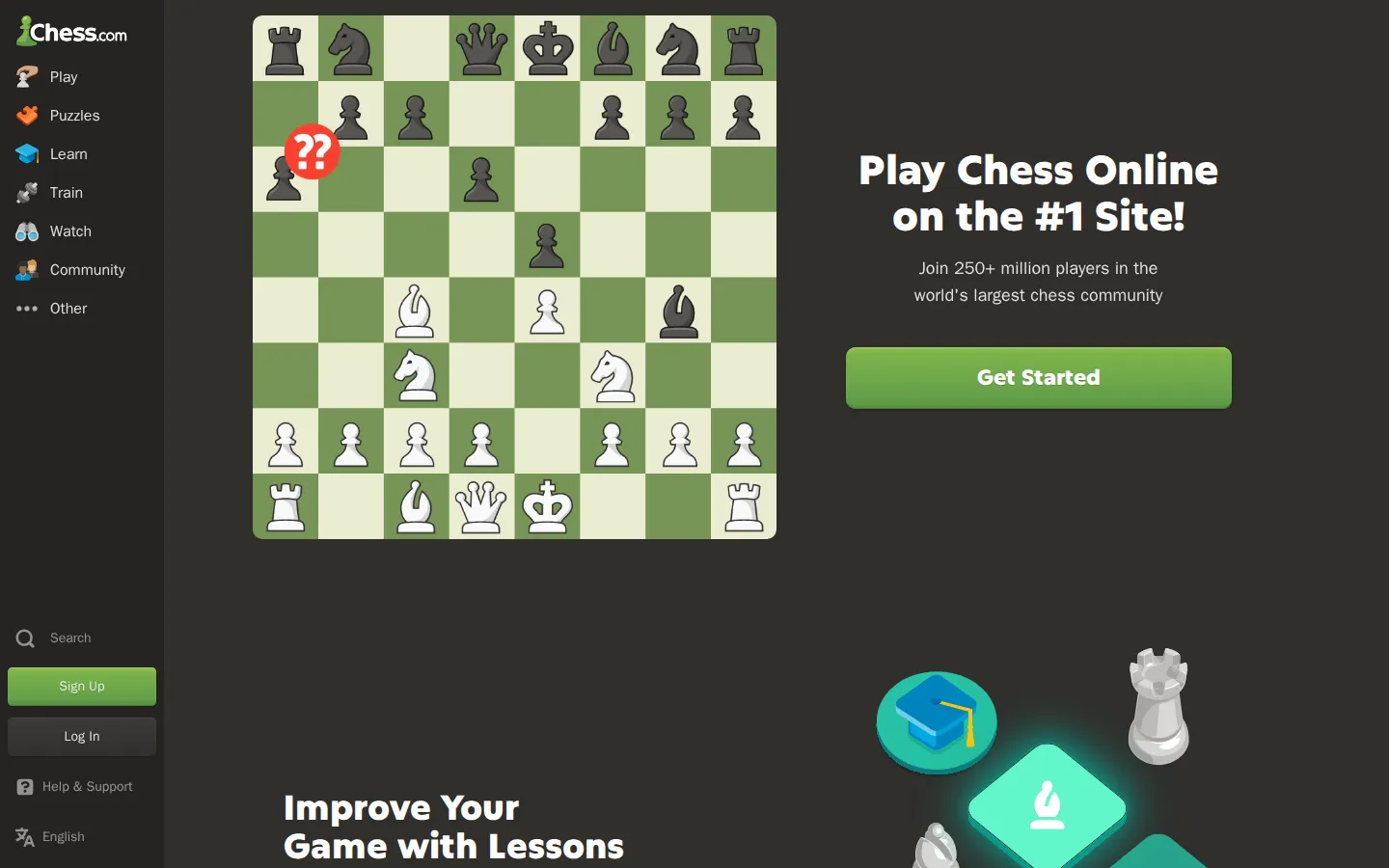
Chess.com turns the timeless board into a large online gathering place for a quick game, a longer session, or a bout against the computer. Its appeal is the simple loop: make a move, see what happens, and come back sharper.
What is Chess.com?
Chess.com is the digital version of the chess room where there is always another board waiting. The homepage points you toward playing with friends or testing yourself against a computer, while the wider service is built around learning, events, and a sprawling community of players. That combination makes it useful whether your idea of a good session is a brisk tactical scrap or an unhurried game between other tasks. The site began as an effort by two friends to make a more welcoming chess home online. That history still fits the current destination: it is not just a clock and a board, but a place designed to keep the game in motion around other people. The scale can feel busy, but it also means the old problem of finding a willing opponent is rarely the main event.
What you can do there
- Play chess with friends
- Challenge a computer opponent
- Learn and improve at chess
Why we picked it
Chess has endless depth, yet the first step remains wonderfully small: choose a move. Chess.com makes that doorway easy to find, then leaves room for competition, practice, and the pleasant habit of returning for one more game.
How to get the most from it
Open the site and choose a way to play, either with another person or against the computer. Start with a short game if you only have a few minutes, then use the learning-oriented areas when you want a slower, more deliberate session.
Good to know
The homepage advertises free play, but the current boundaries of plans and account features were not checked in this run. No screenshots or interaction testing were performed, so treat device support, accessibility details, and match flow as things to confirm on arrival.
Open Chess.comMore like this
Close Hue

A daily test of whether ‘mauve’ in your head has any relationship to mauve on a screen.
Sudoku.com

Six difficulty rungs, pencil notes, and a daily grid—with a three-strike rule
Riddle of the Day

One thoughtful logic problem a day, with an archive for second helpings.
Dino Pal

Five tiny conference warm-ups disguised as a puzzle box with a very large logo on it.