
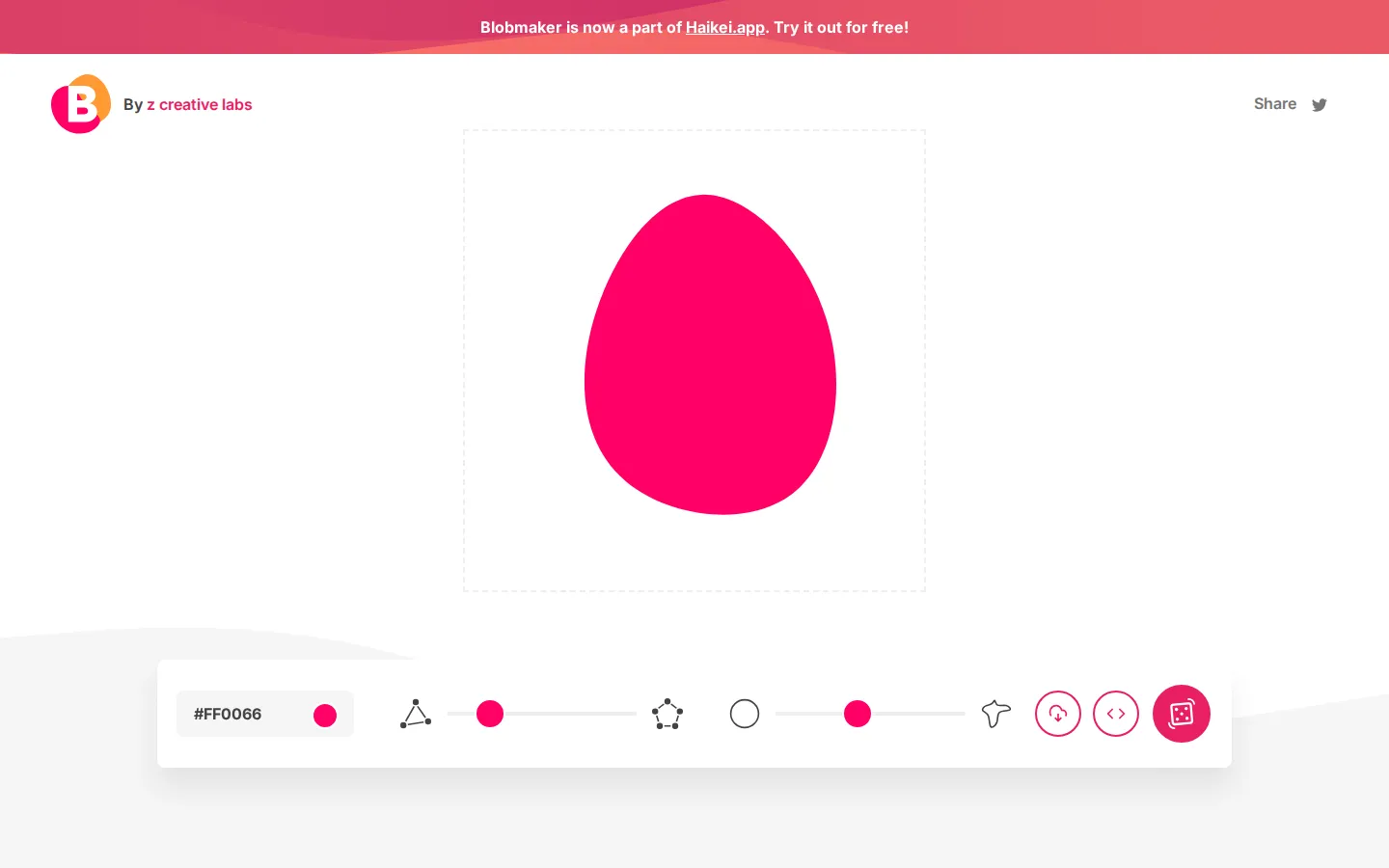
Blobmaker pares vector design down to one cheerful task: tune an organic shape, roll fresh variations, then take the result as an SVG file or code. It is free, focused, and useful when a perfect circle feels suspiciously well behaved.
What is Blobmaker?
The page keeps its entire trick in one lane. Three controls shape the result, while dedicated actions handle download and code copying. Complexity changes the number of points, contrast changes how strongly those points differ, and a dice control supplies another variation. Color is adjustable too, so the output can move from quiet background ornament to loud little landing-page puddle without opening a full illustration package. The current page also points toward Haikei for a broader family of generated graphics.
What you can do there
- Adjust a blob's color, point count, and contrast
- Roll another organic shape
- Download the SVG or copy its code
Why we picked it
Blobmaker solves a narrow design chore with unusually little ceremony. The controls map cleanly to the shape-making idea, the result stays in portable SVG form, and repeated rolls turn a fiddly drawing job into a quick visual rummage.
How to get the most from it
Set the color first, then keep the point count modest while learning what contrast does. Roll several variations before fine-tuning; when one has the right wobble, download the SVG or copy its markup into your project.
Good to know
The tool is described as free, and a 2024 walkthrough reports that it works without registration. The page also contains an optional newsletter form and a prominent link to the broader Haikei generator suite. It is a single-shape tool, not a complete vector editor.
Who made it, and when?
z creative labs is the credited creator or organization. The earliest supported launch date we found is 2019.
Creator’s official page Open BlobmakerMore like this
AutoDraw

Sketch badly on purpose and let machine-assisted suggestions turn it into a crisp icon.
Calligrapher.ai
A browser scribble machine that gives typed words a wobblier set of shoes.
Sketch Toy: Draw sketches and share replays with friends!

A doodle pad that remembers every stroke and turns the making into the show.
Wombo Dream AI

A prompt-powered sketchbook for images and video.