
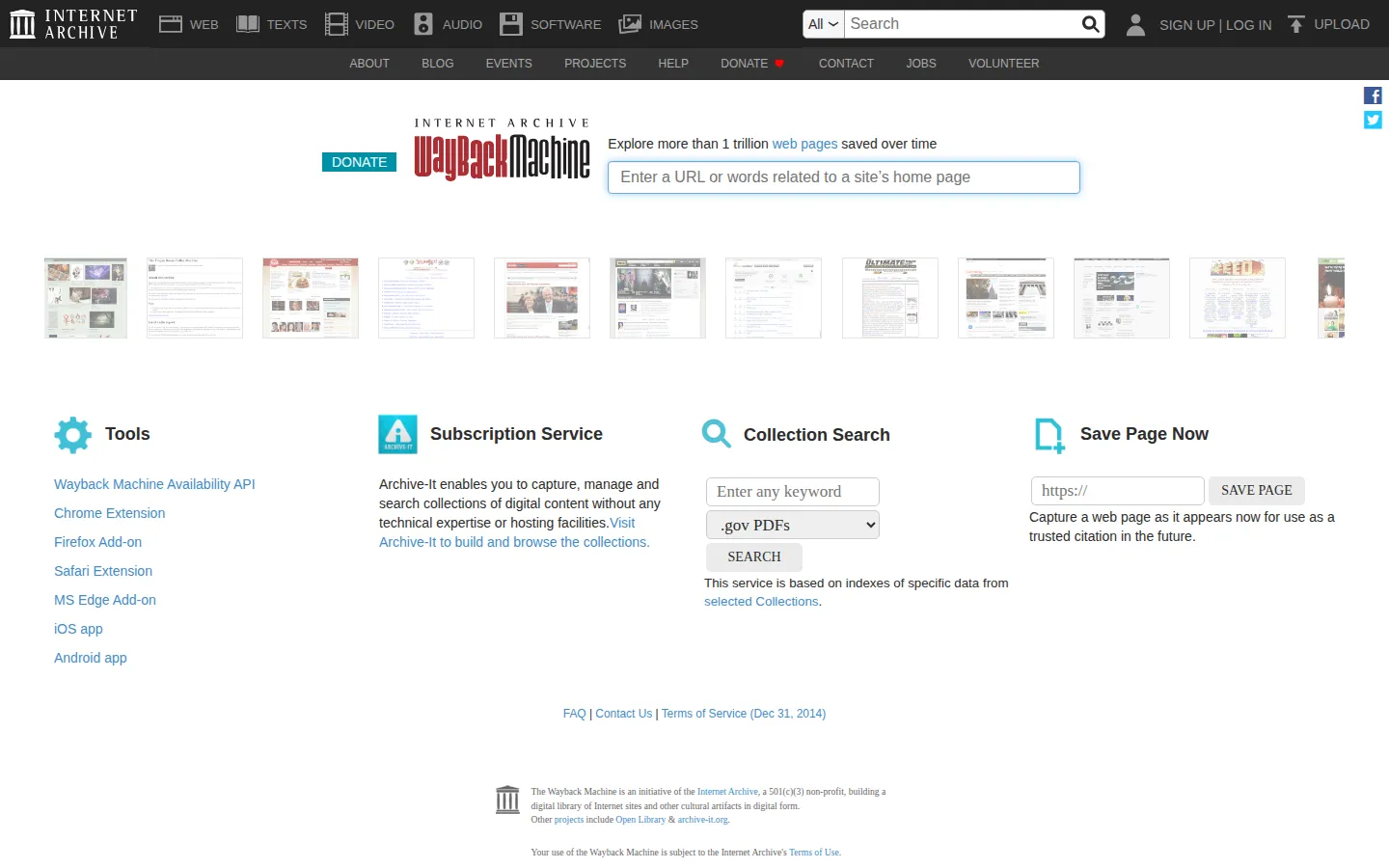
Wayback Machine is Internet Archive’s web archive for looking up past captures of public web pages. Give it a URL or keywords, choose a moment from the timeline, and inspect how a site appeared earlier—handy when a link changes, a design vanishes, or a page needs historical context.
What is Wayback Machine?
Wayback Machine is for those moments when the web has quietly rewritten itself. A familiar page has been redesigned, a useful article has disappeared, or a link now lands somewhere entirely different. Search for a URL or keywords and the archive points you toward saved versions from earlier dates. Its landing page also includes Save Page Now for submitting a current URL for future reference. The fun is in the contrast: a homepage can reveal old logos, abandoned navigation, or a long-forgotten color scheme. Treat each result as a snapshot rather than a perfect replica; missing captures, site-owner exclusions, and features that depended on live services can leave gaps in the past.
What you can do there
- Search archived pages
- Save a page
Why we picked it
The Wayback Machine turns ordinary web browsing into a small act of historical detective work. It is remarkably satisfying to watch a familiar site shed its present-day skin and expose an earlier version of itself.
How to get the most from it
Start with a URL or a few keywords in the search field. Pick an available date, open the archived result, then move between captures when you want to compare versions. Use Save Page Now only when you intend to preserve a URL for future reference.
Good to know
Archived pages are not guaranteed to be complete or interactive. A result can be absent, restricted, or missing pieces that relied on outside services, so check the capture date and confirm important facts with the original source when possible.
Who made it, and when?
Internet Archive is the credited creator or organization.
Creator’s official page Open Wayback MachineMore like this
Histography

A dense timeline where eras collapse into a field of small historical sparks.
Steve's Old Computer Museum

A wonderfully dusty filing cabinet of computers from before beige boxes learned to hide their weirdness.
Bartosz Ciechanowski

Science essays with levers, sliders, and a knack for making machinery behave.
My 50s TV

A rabbit-ear detour into the age when television still felt handmade.