
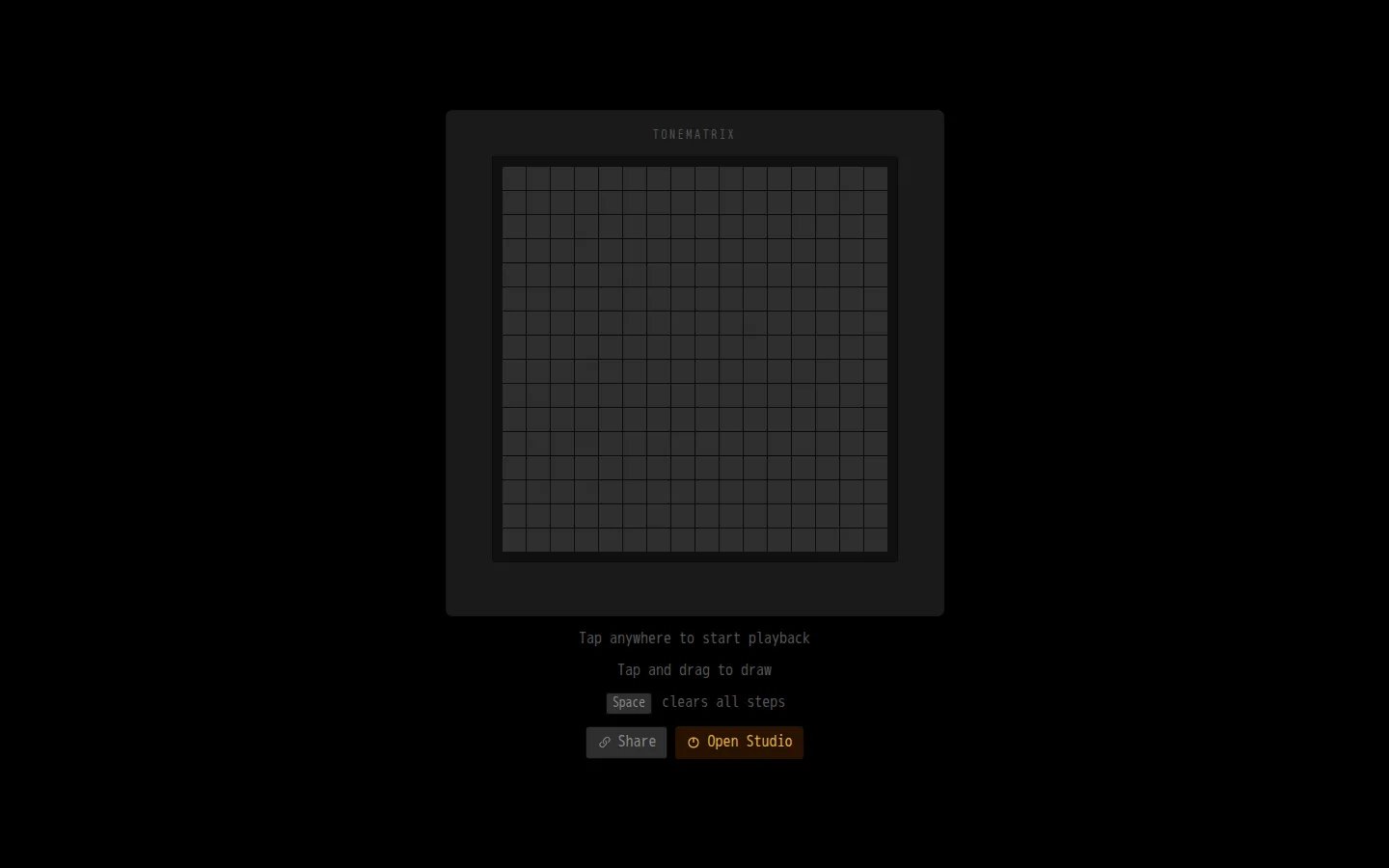
Tonematrix turns a square field of steps into a tiny looping instrument. Draw across the grid, start playback with a tap, and let a pentatonic set of sine tones turn even a rough shape into a coherent musical sketch.
What is Tonematrix?
The premise fits in three instructions: tap to begin, drag to draw, and press Space to wipe the grid clean. Behind that spare surface is a sixteen-step sequencer with sixteen pentatonic pitches, so columns advance through time while rows choose the notes. The limited palette is the secret sauce. Dense diagonals, blocky initials, and scattered constellations all become repeating phrases without requiring a lesson in music theory. A Share control and a route into Audiotool Studio hint at deeper travels, but the standalone page keeps the first stop pleasantly small.
What you can do there
- Draw notes on a 16 by 16 grid
- Hear the pattern repeat as a loop
- Clear every step with the Space bar
Why we picked it
Tonematrix makes the machinery of a musical loop visible without burying the fun under knobs and menus. The grid invites both deliberate patterns and cheerful scribbling, and its constrained pitch set gives curious clicking a much better chance of sounding intentional.
How to get the most from it
Begin with one note in every few columns, then drag a diagonal and listen for the pattern that emerges. Add simultaneous notes in a column for chords. When the grid gets muddy, Space clears every step, so use that shortcut only when you are ready to start fresh.
Good to know
Sound is the point of the visit, so silent browsing misses the payoff. The page labels Space as a clear-all command but does not advertise an undo control. Sharing, touch behavior, keyboard-only composition, accessibility, and pattern persistence were not established.
Who made it, and when?
André Michelle is the credited creator or organization.
Creator’s official page Open TonematrixMore like this
Radio Garden

Spin the globe and tune into live radio stations almost anywhere on Earth.
Chrome Music Lab

Friendly musical experiments that explain rhythm, melody, sound waves, and harmony by letting you play.
Blob Opera

Conduct four cheerful blobs whose vowel-shaped voices turn almost any gesture into opera.
Patatap

Turn every letter key into a synchronized burst of sound and animation.