
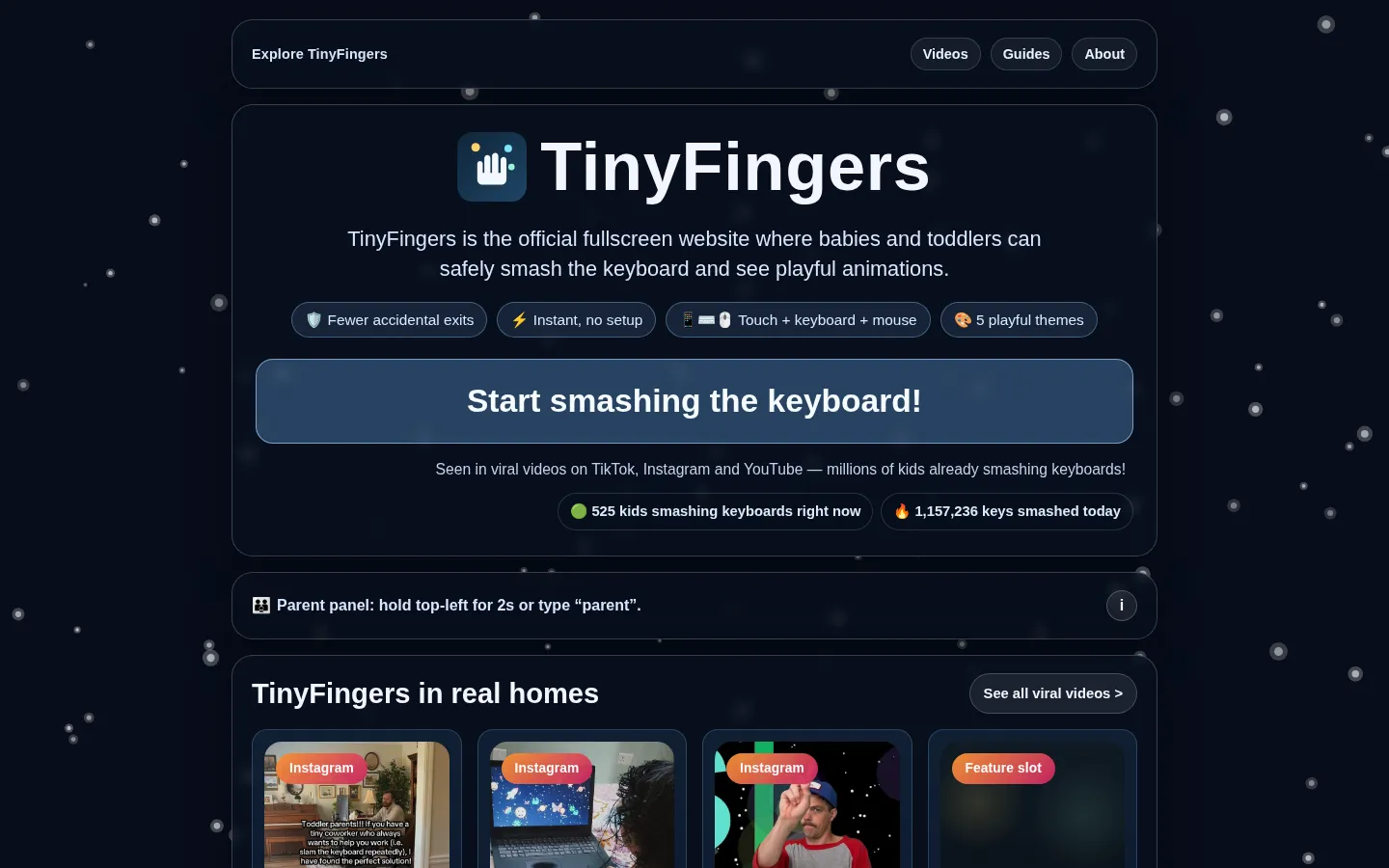
TinyFingers gives little hands a fullscreen place to tap, click, or thump keys and get immediate visual responses. A parent panel keeps the grown-up switches close by, so the play page can stay simple.
What is TinyFingers?
This is not a typing class dressed up in confetti. TinyFingers is built for the very specific moment when a small coworker wants to do exactly what you are doing at the computer. The opening screen makes its premise obvious: start the toy, let the inputs trigger playful feedback, and keep the real desktop out of the main event. It also surfaces a parent panel with controls for sound, themes, motion, and leaving fullscreen. That small escape hatch is a useful detail: the experience is deliberately uncomplicated for the child without hiding every control from the adult.
What you can do there
- Press keys, tap, or click for reactions
- Adjust play settings from the parent panel
Why we picked it
It notices a genuine household problem and answers it with almost comical directness. Rather than inventing a lesson around keyboard curiosity, it turns the urge to press buttons into a contained little ritual with clear adult controls nearby.
How to get the most from it
Open the page, choose fullscreen when it suits the setup, then let the child use the input they naturally reach for: keys, taps, or clicks. Before handing it over, find the parent panel so you know where to adjust sound, motion, or exit.
Good to know
Keep this one supervised and treat fullscreen as a convenience, not a lock on the whole device. The site itself points parents toward device-level tools such as Guided Access or screen pinning when stronger containment is needed.
Open TinyFingersMore like this
Little Alchemy 2

Combine simple elements until your small world contains everything from rain to robots.
PlayingCards.io

A shared card table that trusts your group to know the rules.
AI Magnate

Run a fictional AI lab where every breakthrough comes with a burn-rate headache.
Twitch Plays Pokémon

One game cartridge, a very crowded set of thumbs.