
Sound turns a wide-ranging tour of acoustics into a chain of manipulable models. Air particles become pressure waves, waveforms become tones, and springs, strings, speakers, echoes, and rooms gradually join the orchestra. The page rewards patient reading, headphones or modest speaker volume, and a willingness to tug at every slider.
What is Sound?
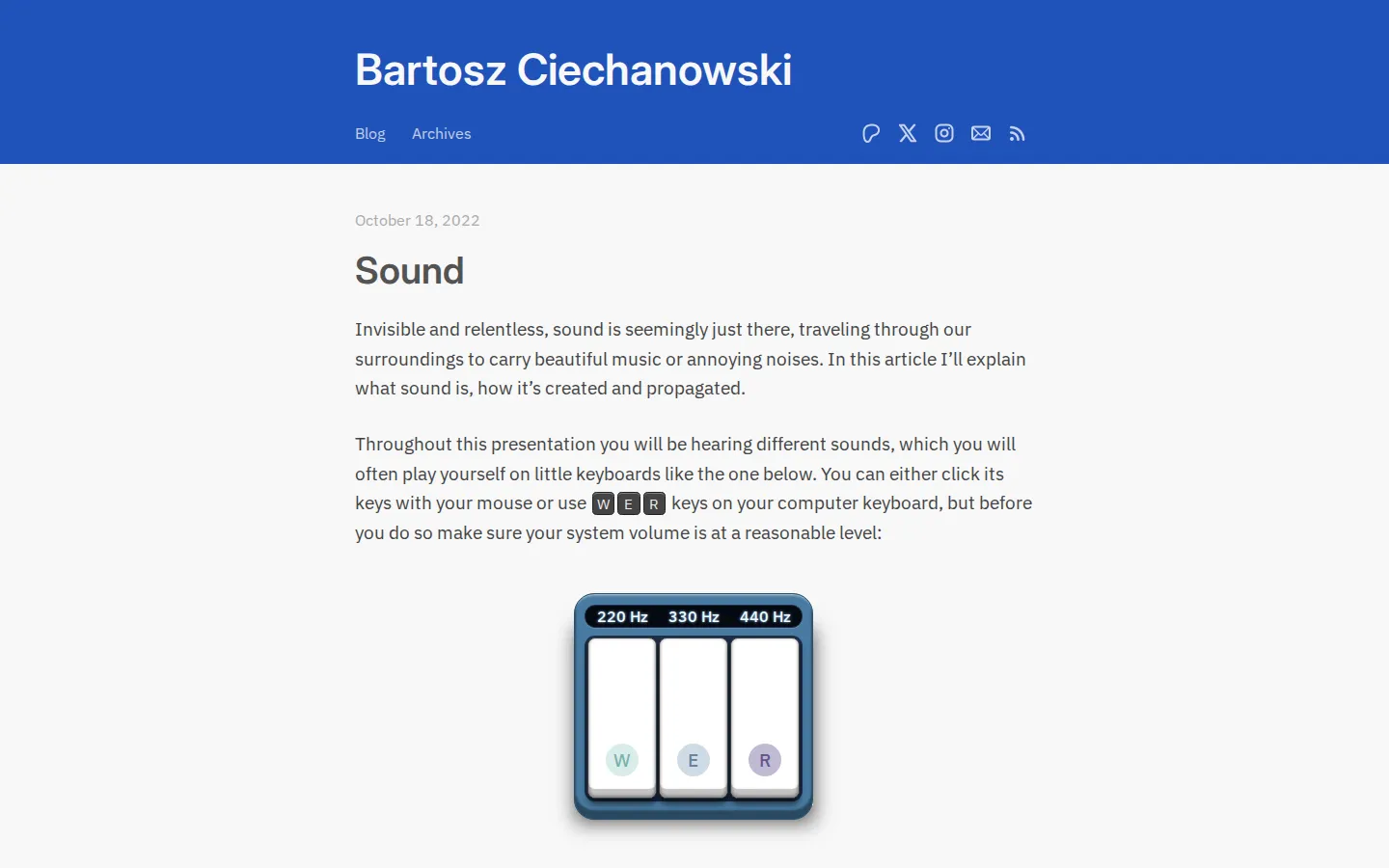
The article starts smaller than a speck of dust, with air molecules ricocheting inside a tiny volume, then steadily zooms out until those collisions become pressure waves moving through rooms. That progression gives the lesson a satisfying physical spine: sound is never treated as an abstract squiggle for long. Controls are woven into the explanation. On-screen keys and W/E/R play simple tones, sliders alter frequency and motion, a drawing surface turns homemade waveforms into sound, and spring-and-string models connect geometry to pitch and timbre. Later sections move the listener around speakers, bunch waves around a moving source, and bounce them off walls to make interference, echo, and reverb visible. It is a substantial read, but the sequence keeps difficult ideas grounded in cause and effect. You can follow the prose alone, pause over a model, or linger until a frequency plot stops looking like mysterious graph paper and starts reading like a recipe for sound.
What you can do there
- Manipulate models of particles, waves, strings, and speakers
- Play tones with on-screen or W/E/R keyboard controls
- Draw waveforms and inspect their frequency components
- Optionally visualize microphone input as a spectrum
Why we picked it
Few explainers let one idea change costumes this many times without losing the thread. The same push and pull reappears as particle motion, a vibrating plate, a waveform, a plucked string, and finally a roomful of reflections. That continuity makes dense acoustics feel unusually graspable, while the playful controls keep the page from turning into a textbook with nicer colors.
How to get the most from it
Set your system volume low before touching the first keyboard, then raise it carefully. Try the W/E/R keys as well as the on-screen controls, and change one slider at a time so cause and effect stay legible. The microphone spectrum is optional; skip it if you do not want to grant input access. Give the Air section time, because its pressure model becomes the vocabulary for everything that follows.
Good to know
Audio is central to many demonstrations, although the surrounding explanations remain readable. One spectrum tool can ask for microphone access, and the page contains frequent animated motion. This is a long-form piece rather than a two-minute toy, with the densest material in waveform decomposition and pressure propagation. Optional Patreon support appears at the end; the article itself is openly readable.
Who made it, and when?
Bartosz Ciechanowski is the credited creator or organization. The earliest supported launch date we found is October 18, 2022.
Creator’s official page Open SoundMore like this
Radio Garden

Spin the globe and tune into live radio stations almost anywhere on Earth.
Chrome Music Lab

Friendly musical experiments that explain rhythm, melody, sound waves, and harmony by letting you play.
Blob Opera

Conduct four cheerful blobs whose vowel-shaped voices turn almost any gesture into opera.
Patatap

Turn every letter key into a synchronized burst of sound and animation.