
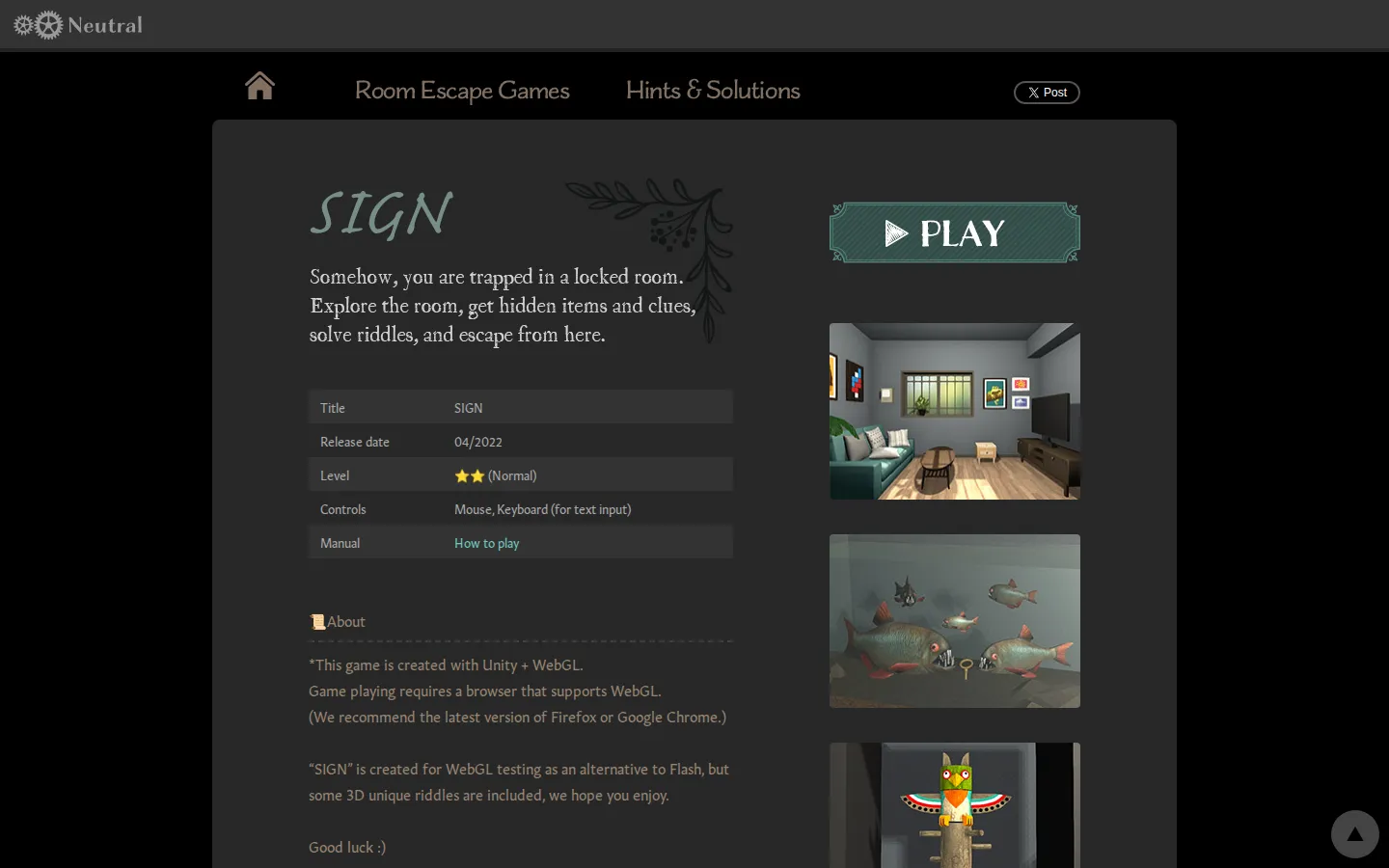
SIGN is a browser-based room escape game from Neutral. You begin in a locked room and work through its objects, clues, and mechanisms with the old reliable escape-game question: what have I missed, and what does this strange thing actually do?
What is SIGN Room Escape?
SIGN keeps its premise clean and its room close at hand. The task is to inspect the space, gather items, notice visual details, and turn those discoveries into a route outside. It is a point-and-click escape game, but the 3D setting gives object examination extra weight: a useful item may want a second look before it announces its purpose. The official play page includes an instruction manual and hints, while Neutral’s information page notes that the game has a save function. That makes it a friendly place to linger over a stuck mechanism instead of treating the room like a frantic click-fest. The result is a neat little puzzle chamber that rewards patient eyes and a willingness to reconsider the furniture.
What you can do there
- explore a room
- collect items
- inspect clues
- solve puzzles
Why we picked it
SIGN offers the pleasant, self-contained logic of a physical escape room without the booking calendar, group wrangling, or suspiciously expensive snack bar. Its object-focused format makes a good quiet puzzle break when you want a room to think about rather than a world to map.
How to get the most from it
Open the game page and use the mouse to inspect the room. Collect items and clues, then revisit them when a mechanism or detail suggests a connection. The site provides an instruction manual and hints, so use those when an observation refuses to become an idea.
Good to know
The game page lists mouse-based exploration, hidden items, clues, and puzzles. Neutral says SIGN has a save function. This research did not play through the puzzle chain, so its exact difficulty, completion time, and later-room behavior are not represented here.
Open SIGN Room EscapeMore like this
The Library of Babel

Search an imaginary library that contains every possible page of a fixed length—including this sentence somewhere.
FutureMe

Write an email to yourself and choose a date far enough away to make it meaningful.
Wowfold

A paper-plane hangar stocked with darts, gliders, and expert oddballs
Arcane Intern

A magical publishing internship where coffee runs come with sigils.