
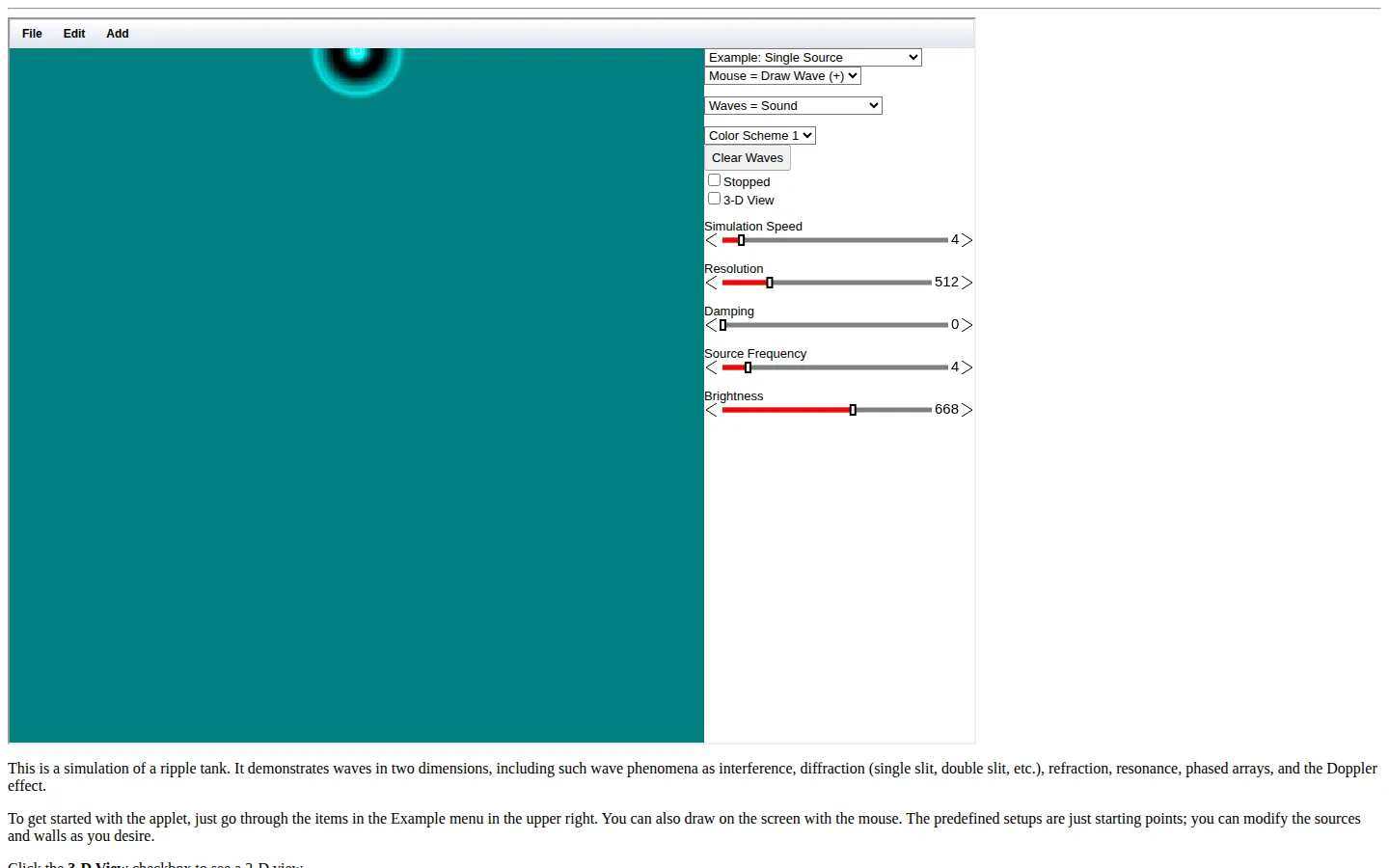
Falstad's Ripple Tank Simulation turns a familiar classroom water tray into a changeable two-dimensional wave field. Start with an example, sketch into the space, and use the moving pattern to get a feel for interference, diffraction, refraction, resonance, and other wave behavior that can be stubborn on a chalkboard.
What is Ripple Tank Simulation?
A physical ripple tank is excellent at making waves visible and terrible at fitting in a browser tab. This simulation keeps the useful part: a live two-dimensional field where a setup can be changed faster than a real tank can settle. The destination itself points newcomers toward prepared examples, then invites them to draw in the field and offers a separate 3-D view for another angle on the pattern. Falstad's own physics-app collection frames the tool as a way to visualize concepts across math, physics, and engineering, and ComPADRE independently catalogs it as a freely accessible introductory-physics resource by Paul Falstad. That makes it a strong companion for a class discussion or an “what happens if?” detour. The simulation canvas was not operated during this pass, so it is wiser to treat it as a conceptual playground than as a confirmed numerical instrument. Start with one clean setup, make one change, and watch the ripples argue back.
What you can do there
- Open a wave example
- Draw waves and barriers
- Inspect a three-dimensional view
Why we picked it
It gives abstract wave vocabulary somewhere to move. A slit, a source, and a barrier become visible causes instead of terms that have to be memorized, which is exactly the sort of small interactive advantage a browser can offer.
How to get the most from it
Begin with an Example menu setup before drawing your own waves or obstacles. Change one variable at a time, watch the pattern settle, then compare it with the next setup. Use the 3-D view as a second look rather than trying to learn every control at once.
Good to know
The live canvas, 3-D mode, and controls were not exercised in this safe research pass, so actual performance and input behavior are unknown. The site presents a simulation for understanding patterns, not a substitute for checking experimental measurements or course-specific conventions.
Who made it, and when?
Paul Falstad is the credited creator or organization.
Open Ripple Tank SimulationMore like this
Neal.fun

A cabinet of interactive ideas that makes learning feel suspiciously like play.
Quick, Draw!

Doodle against the clock while a neural network tries to guess your subject.
Sandspiel

Paint with sand, water, fire, plants, oil, and other tiny materials that react to one another.
WebGL Fluid Simulation

Push luminous liquid color around the screen and watch digital turbulence behave beautifully.