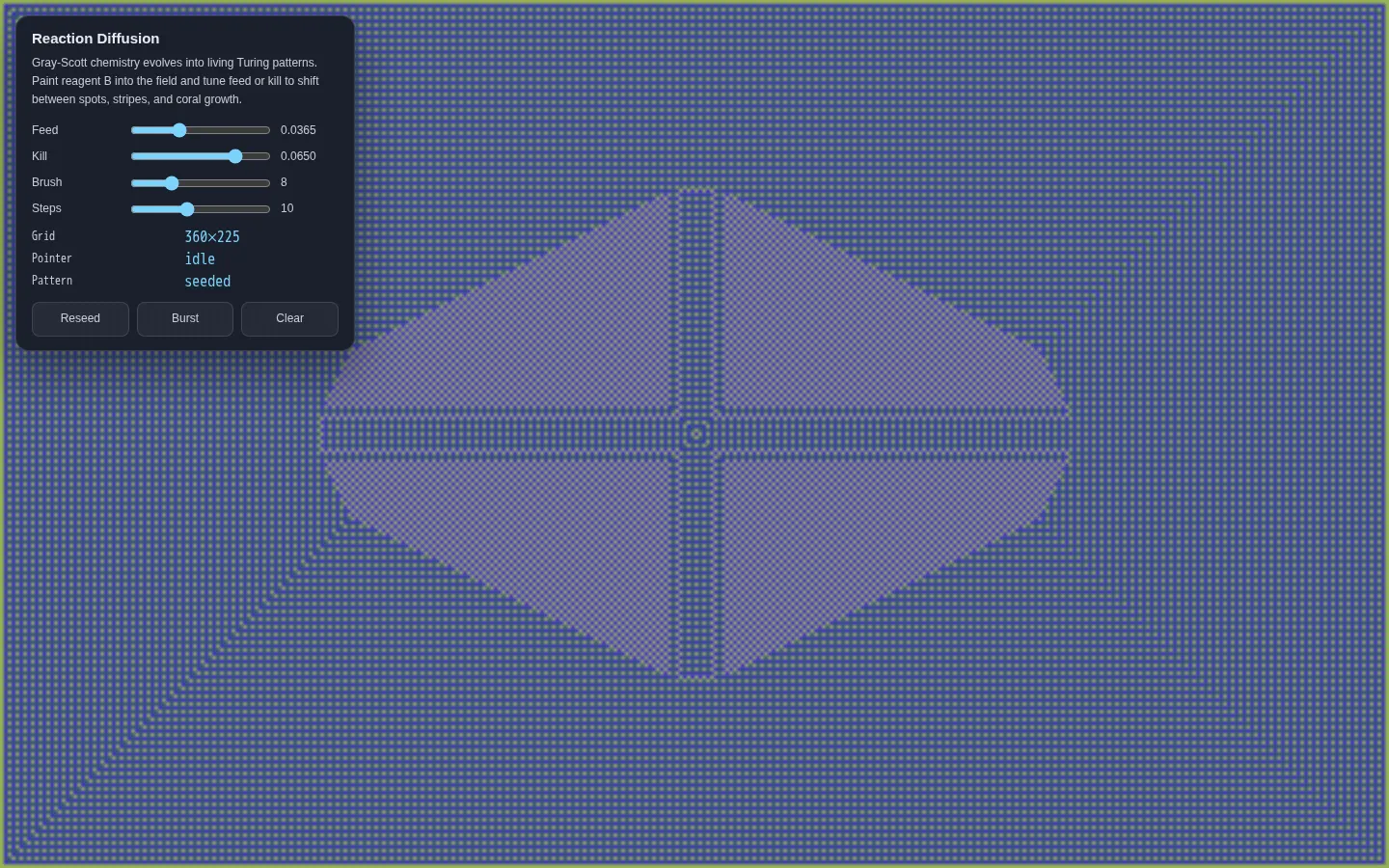
Reaction Diffusion is a compact Gray-Scott simulation dressed as a full-window drawing toy. Drag across the field to add a second reagent, then tune feed and kill rates while the grid curls into spots, stripes, and coral-like growth. It is small enough to understand at a glance and twitchy enough to reward aimless fiddling.
What is Reaction Diffusion?
A dark canvas fills the page while a small control panel supplies the chemistry knobs. Feed and kill change the model's behavior; brush size controls the size of a painted disturbance; steps changes how much calculation happens per animation frame. Reseed starts a fresh field, Burst scatters new disturbances, and Clear wipes the chemistry back to a blank state. The source is one dependency-free HTML file using Canvas 2D, so the whole experiment has the pleasing proportions of a laboratory postcard. This is a visual interpretation of a mathematical model, not a research instrument, but it makes the model's sensitivity delightfully tangible.
What you can do there
- Paint reagent into the simulated field
- Tune feed and kill rates
- Adjust brush size and simulation speed
- Reseed, burst, or clear the pattern
Why we picked it
A good web toy gives cause and effect just enough room to become surprising. Here, a few sliders and a paint gesture are enough to turn a quiet grid into branching, splitting, cellular-looking terrain. The controls are narrow, the feedback is immediate by design, and there is no setup ritual between curiosity and the first perturbation.
How to get the most from it
Begin with the seeded field and let it develop before changing anything. Drag a short stroke through the canvas, then move Feed or Kill in tiny increments; large jumps can erase the character of a promising pattern. Use Burst when the field feels too orderly, Clear when you want to rebuild from nothing, and lower Steps if the simulation feels heavy on your device.
Good to know
The field is continuously animated and the source does not document a pause or reduced-motion mode. It uses Canvas 2D rather than WebGL and makes no sound. The demo is free, self-contained, and licensed with the wider creative-lab project under MIT, but it offers no account, saved presets, export, tutorial, or claim of research-grade numerical accuracy.
Who made it, and when?
Yuzhe Shi is the credited creator or organization.
Creator’s official page Open Reaction DiffusionMore like this
Neal.fun

A cabinet of interactive ideas that makes learning feel suspiciously like play.
Quick, Draw!

Doodle against the clock while a neural network tries to guess your subject.
Sandspiel

Paint with sand, water, fire, plants, oil, and other tiny materials that react to one another.
WebGL Fluid Simulation

Push luminous liquid color around the screen and watch digital turbulence behave beautifully.