
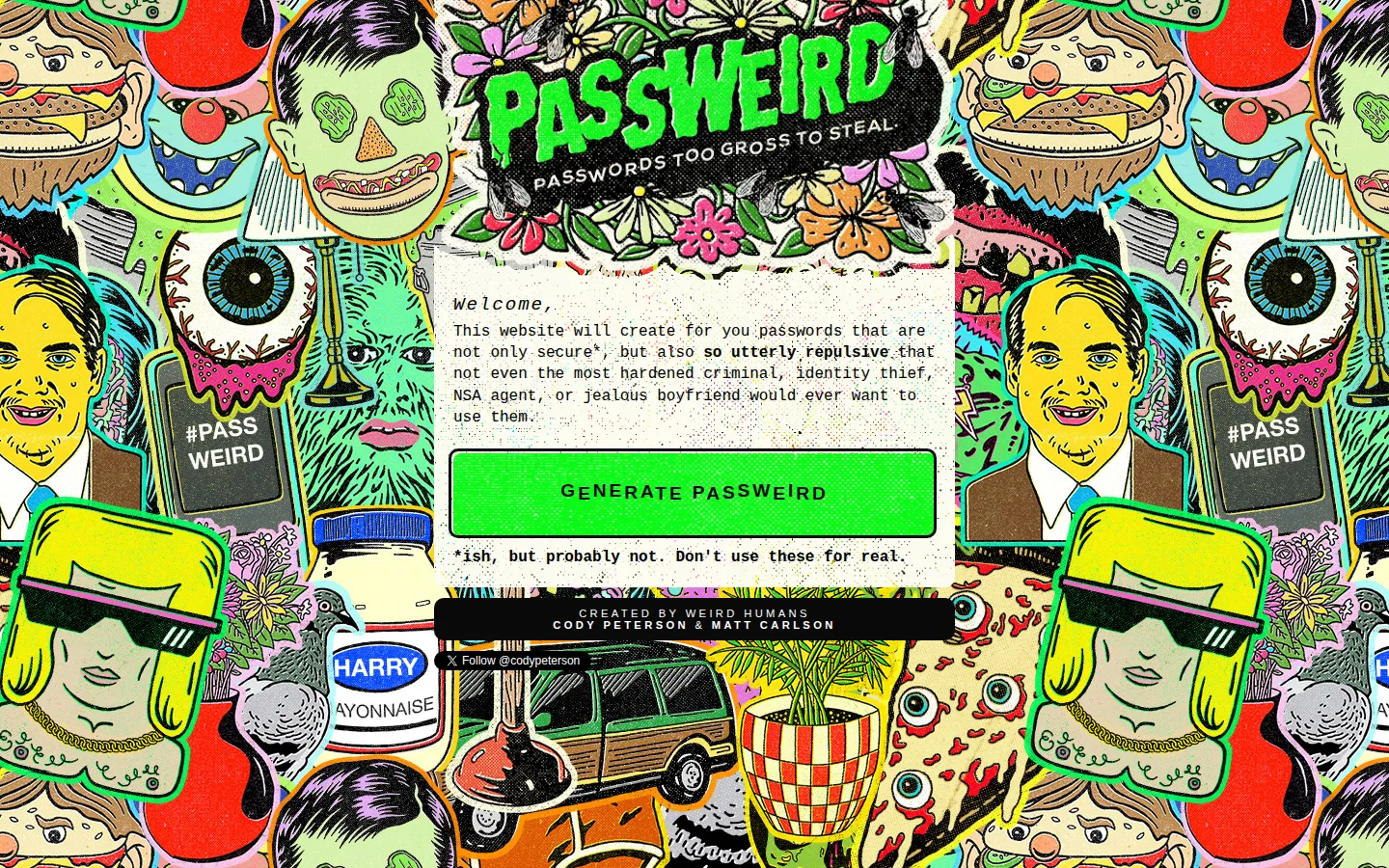
Passweird is a tiny, gloriously unserious button for producing a gross-looking novelty string. Its own warning is the most important feature: admire the joke, use the result for a mockup or a giggle, and keep it far away from every real login you own.
What is Passweird?
Some tools show up wearing a suit; Passweird arrives in a damp trench coat and immediately starts talking about passwords. The whole site is built around one simple move: press the generator and receive something intentionally unpleasant-looking. It is less a security product than a small piece of internet gross-out theatre, with a title, a button, and a very welcome disclaimer that the output is not for real use. That clarity makes the premise easier to enjoy. Think of it as a prop department for fake sign-in screens, a source of cursed placeholder text, or a quick reminder that a password can be both hard to look at and still not be a sensible credential. The interface keeps the joke compact, leaving the visitor nowhere to wander except straight into the button.
What you can do there
- Generate a novelty string
Why we picked it
Passweird takes a routine little utility and drags it through a haunted comic book. The punchline lands because it never pretends that the gag is a security plan; even the destination itself tells you not to treat the output as one.
How to get the most from it
Press the generator when you need a silly, ugly-looking string for a joke, a fictional interface, or a disposable non-credential example. Read the warning first, then copy nothing into a real account. For actual credentials, use a trusted password manager or an established security tool.
Good to know
Do not use generated output for real passwords—the site says so directly, and no security audit was found. The tool's implementation, randomness, copying behavior, and current device support were not tested. Keep genuine credentials in a reputable password manager and enable multi-factor authentication where available.
Who made it, and when?
Cody Peterson and Matt Carlson is the credited creator or organization.
Open PassweirdMore like this
Bongo Cat

Use your keyboard to make an extremely committed cat play instruments and make noise.
Pointer Pointer

Move your cursor. Somewhere, a photograph contains a person pointing exactly at it.
Hacker Typer

Mash the keyboard and instantly look like the movie version of a brilliant hacker.
Cupcake Ipsum

Filler text for layouts that would rather raid the bakery.