
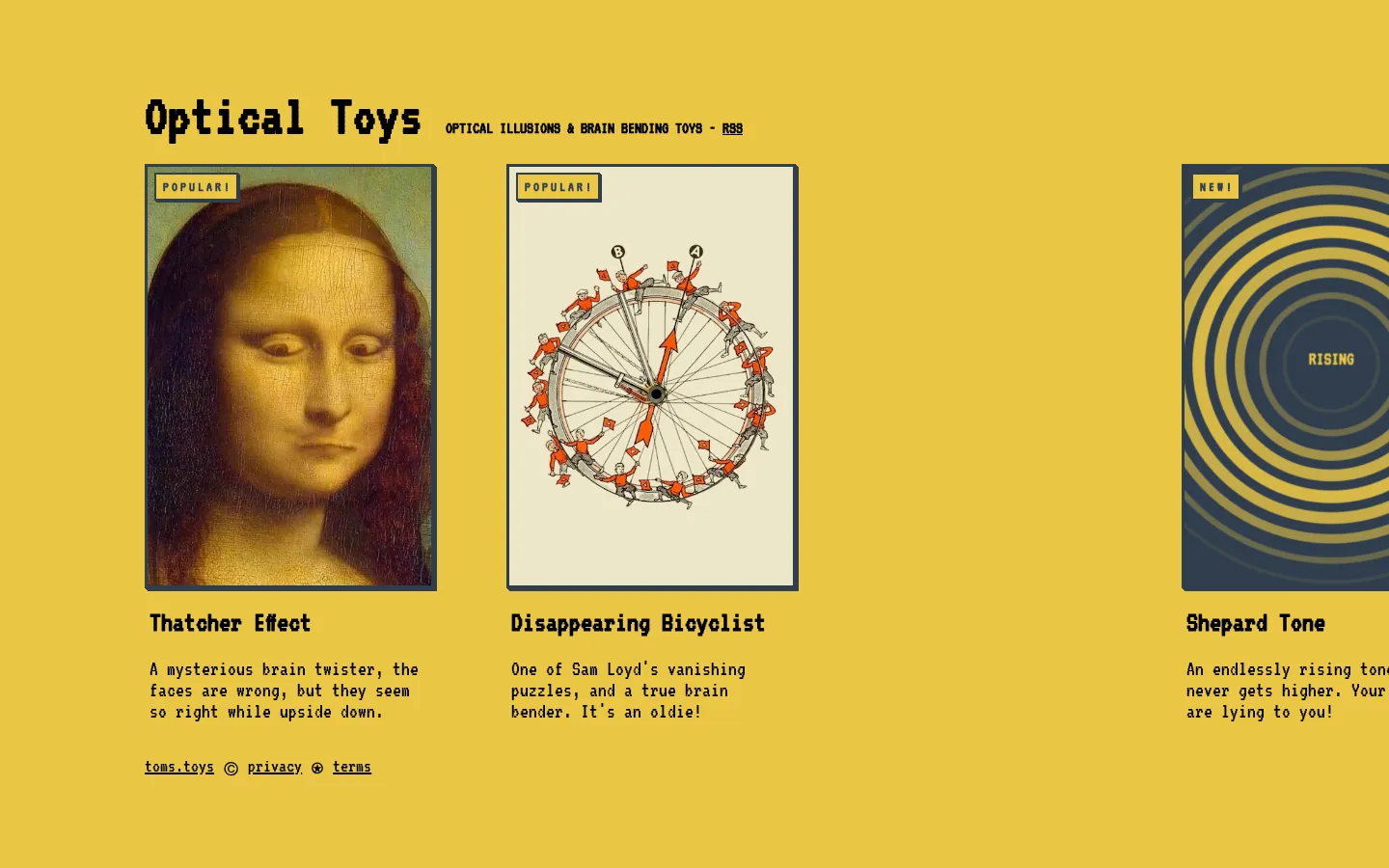
Optical Toys collects dozens of classic perception puzzles and rebuilds many of them as small interactive experiments. Flip a face, tune a chasing ring, stare down a spinning pattern, or ask for a random illusion, then scroll into a compact explanation of what just fooled you.
What is Optical Toys?
This is less a gallery of static gotchas than a hands-on cabinet of perceptual mischief. Each entry leads with the effect, gives you a click, tap, stare, or slider to work with, and follows it with plain-language notes plus references when available. The range is broad enough to hop from face recognition to color afterimages, phantom motion, size contrast, and disappearing marks without losing the tidy one-toy-at-a-time rhythm. The author is candid about being an enthusiast rather than a vision scientist, which makes the linked papers and source notes especially important companions to the breezy explanations.
What you can do there
- Browse a collection of visual illusions
- Manipulate illusion-specific controls
- Read short explanations and source notes
- Open a random illusion
Why we picked it
Optical illusions are easy to repost and surprisingly hard to present well. Here, the interaction and the explanation live together: first your visual system makes a confident mistake, then the page gives you a way to poke at the conditions that caused it. That turns a quick novelty into a compact curiosity lesson.
How to get the most from it
Open anything whose name sounds suspicious, follow the instruction above the effect, and change one control at a time before reading the explanation. The Random Illusion button is good for grazing. For afterimage or motion entries, use a short session and look away as soon as the effect feels uncomfortable.
Good to know
The collection is free and works across pointer and tap examples, but several toys depend on color, spinning patterns, fixed staring, or lingering afterimages. The privacy page documents cookies plus Google and Playwire advertising. Live ads, consent prompts, popups, keyboard access, and screen-reader behavior were not verified.
Who made it, and when?
Tim Holman is the credited creator or organization.
Creator’s official page Open Optical ToysMore like this
The Library of Babel

Search an imaginary library that contains every possible page of a fixed length—including this sentence somewhere.
FutureMe

Write an email to yourself and choose a date far enough away to make it meaningful.
Wowfold

A paper-plane hangar stocked with darts, gliders, and expert oddballs
Arcane Intern

A magical publishing internship where coffee runs come with sigils.