
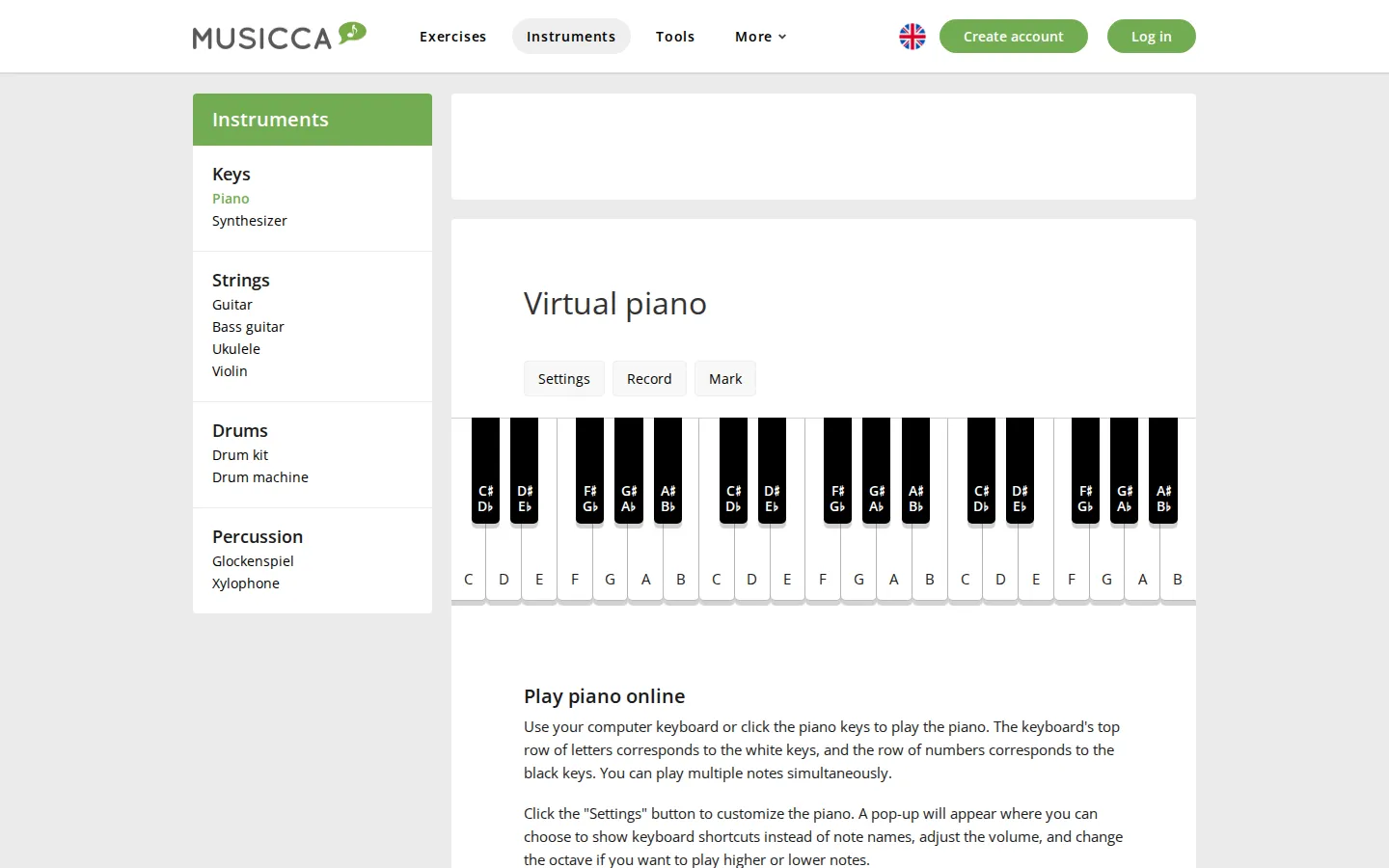
Musicca's Virtual Piano puts playable keys, note labels, simple recording, and shareable markings in one browser page. It is quick enough for a melody break and structured enough for teachers or beginners who want letter-key shortcuts instead of a full music workstation.
What is Musicca Virtual Piano?
A regular QWERTY keyboard becomes the slightly improbable instrument here: letters handle the white keys, numbers take the black keys, and several notes can sound together. The supporting tools are unusually practical for such a compact toy. You can swap note labels for shortcut hints, shift octaves, adjust volume, record up to five minutes, and mark a sequence that can be replayed or shared through the URL. Musicca also connects the piano to exercises on notes, intervals, chords, and scales, so idle tinkering has a handy path toward actual practice.
What you can do there
- Play piano notes with a computer keyboard or on-screen keys
- Record and play back short performances
- Mark and share note sequences
Why we picked it
The page sits in a useful middle ground between throwaway soundboard and intimidating digital-audio software. It gives a first melody almost no runway, yet includes enough labeling, marking, and recording structure to support a classroom exercise or a small musical experiment.
How to get the most from it
Start with the letter row and play a tune you already know, then switch the labels to shortcut hints and try it without looking down. Mark a short chord pattern, replay it with the spacebar, and use the five-minute recorder only after your fingers stop arguing with the layout.
Good to know
JavaScript and sound are central to the piano. Musicca describes access as free and says a free account removes ads, though the live ad layout was not rendered here. The keyboard is useful for pitch, chords, and classroom play, but it cannot reproduce weighted keys, pedal feel, or expressive touch.
Who made it, and when?
Lasse Grubbe is the credited creator or organization.
Creator’s official page Open Musicca Virtual PianoMore like this
Radio Garden

Spin the globe and tune into live radio stations almost anywhere on Earth.
Chrome Music Lab

Friendly musical experiments that explain rhythm, melody, sound waves, and harmony by letting you play.
Blob Opera

Conduct four cheerful blobs whose vowel-shaped voices turn almost any gesture into opera.
Patatap

Turn every letter key into a synchronized burst of sound and animation.