
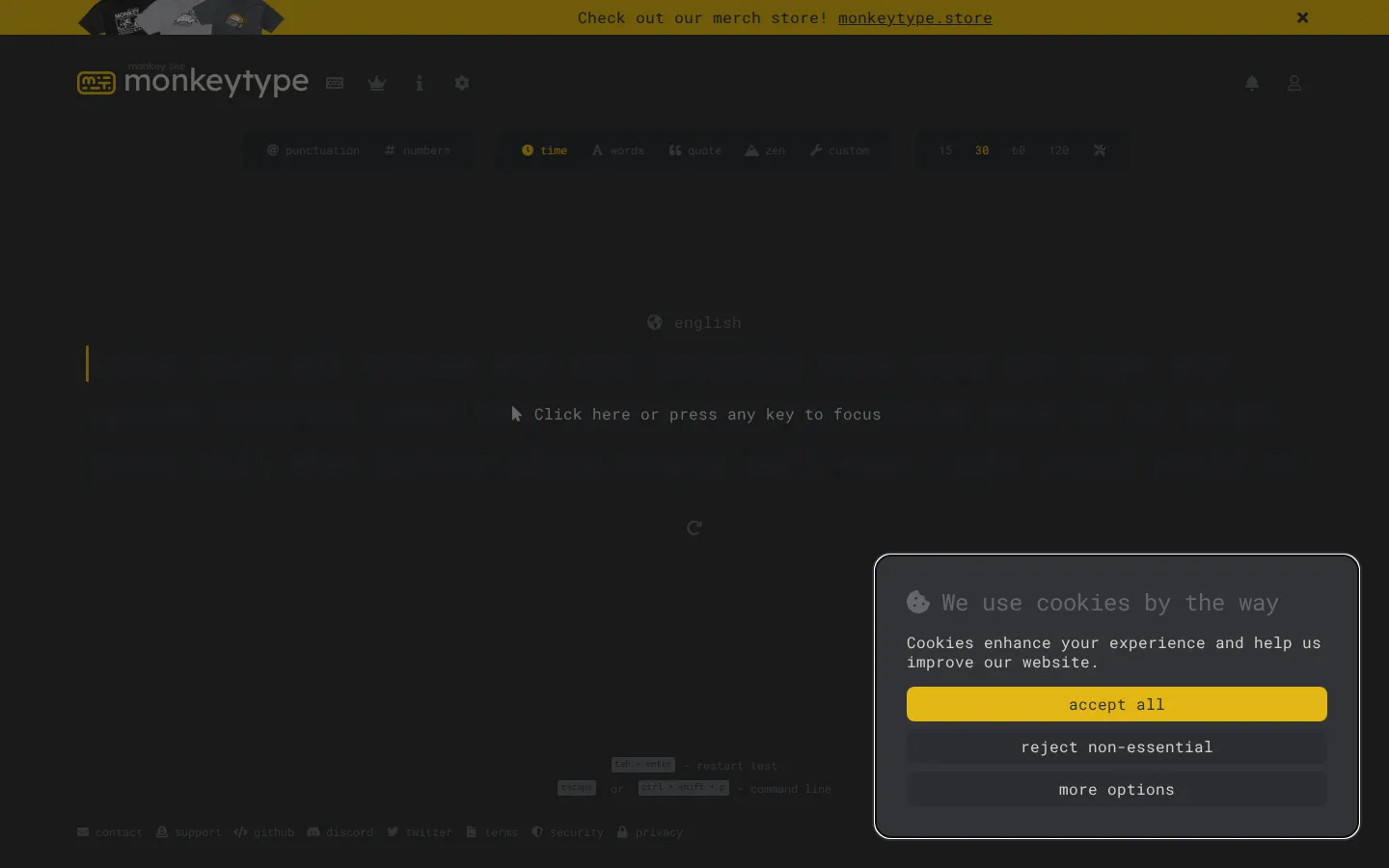
Monkeytype is a customizable typing test that keeps the page spare while leaving plenty of knobs nearby. Type through a test, watch speed and accuracy feedback arrive, then adjust the next run until the challenge feels properly yours.
What is Monkeytype?
Monkeytype takes a familiar typing test and removes most of the classroom energy from it. The main event is simply text and a keyboard, but the surrounding options let you decide how the next run should behave instead of accepting a single canned exercise. It was created by Miodec and launched in 2020, with a public codebase that documents its many modes, language options, themes, and feedback features. That combination explains the appeal: newcomers can begin with a straightforward test, while habitual typists can keep changing the conditions whenever a routine starts to feel too settled. The page is quiet; your wrists provide the drama.
What you can do there
- Start a typing test
- Choose a test mode
- Review typing feedback
Why we picked it
It turns an everyday skill into a compact little ritual. The minimalist surface keeps attention on the words, while customization means the test can grow from a quick warm-up into something more particular without becoming a cluttered training dashboard.
How to get the most from it
Start with a basic typing test and concentrate on steady, accurate input before chasing a number. Once the flow feels familiar, explore the available modes or text settings one change at a time so you can tell what made the next attempt easier or harder.
Good to know
Monkeytype is designed around keyboard typing, and its documented features include accounts, saved history, optional ads, configurable themes, sounds, and multiple modes. This pass did not test live scoring, settings, accounts, privacy choices, accessibility, mobile behavior, or the current ad experience.
Who made it, and when?
Miodec is the credited creator or organization. The earliest supported launch date we found is May 15, 2020.
Open MonkeytypeMore like this
The Library of Babel

Search an imaginary library that contains every possible page of a fixed length—including this sentence somewhere.
FutureMe

Write an email to yourself and choose a date far enough away to make it meaningful.
Wowfold

A paper-plane hangar stocked with darts, gliders, and expert oddballs
Arcane Intern

A magical publishing internship where coffee runs come with sigils.