
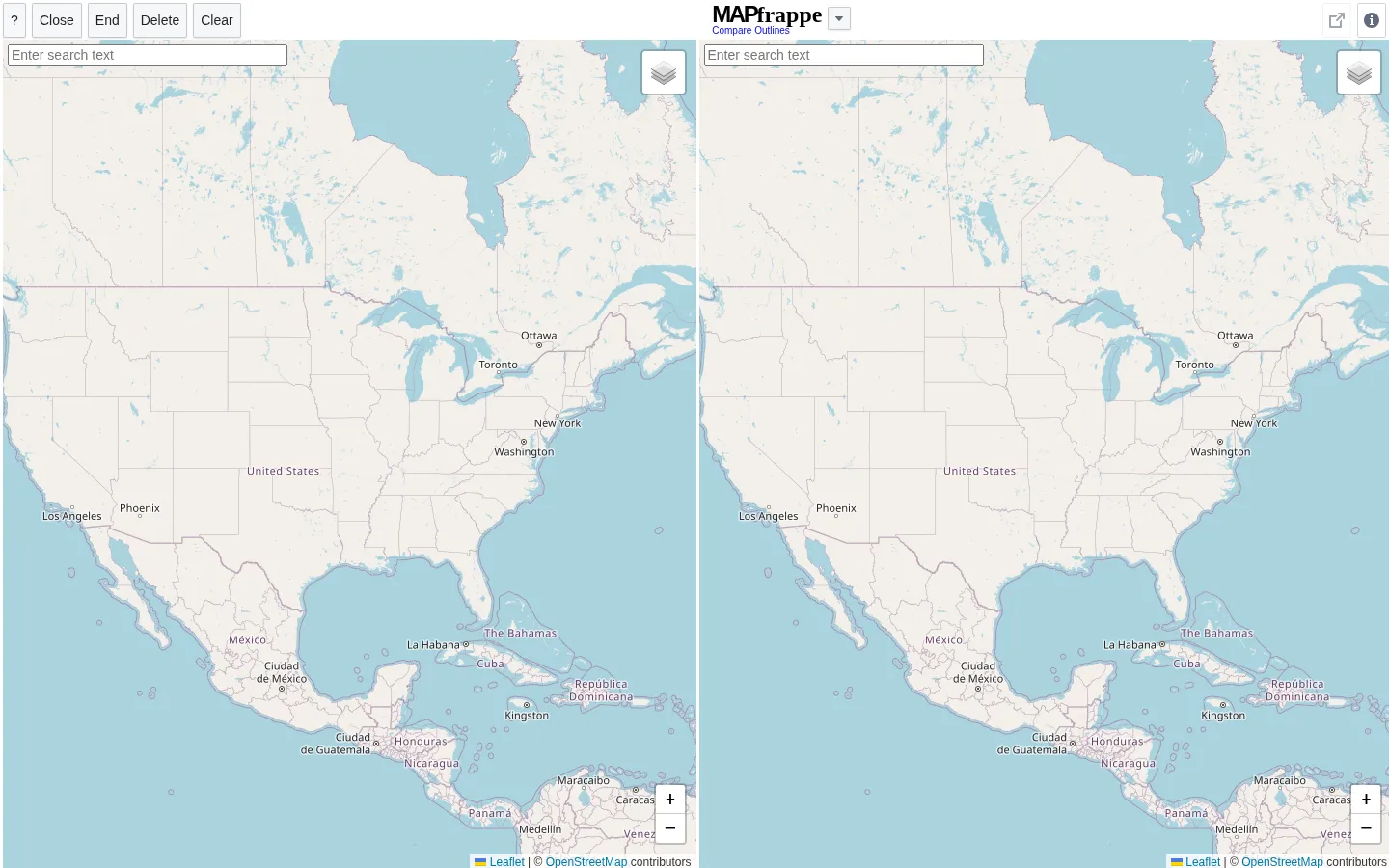
MAPfrappe is built around a wonderfully plain question: how large would this patch of Earth look over there? Draw an outline on one map, place it on another, and let the comparison scramble a few assumptions about distance, borders, and familiar shapes. It is a desktop-oriented experiment, not a pocket-map detour.
What is MAPfrappe?
A map can make a place feel bigger, smaller, or more distant than it really is. MAPfrappe hands you the chalk instead of a preset country list: sketch an area on a reference map, then carry that outline to another location for a scale comparison. Its own guide points to subjects ranging from cities and parks to countries and buildings, so the interesting part is choosing your own unlikely pairing. The idea comes with a little cartographic honesty. The project explains that map projection and latitude affect what you see, while an independent feature describes the result as a spatial-comparison investigation by creator Kelvin Thompson. That makes MAPfrappe more useful as a geography prompt than a precision instrument. The map interface itself was unavailable to this research browser, but the live fallback page gives an important clue about the intended setting: current desktop browsers, not phones or older clients.
What you can do there
- Draw a map outline
- Move an outline to another location
- Compare relative geographic scale
Why we picked it
Most map-comparison toys arrive with a few ready-made countries. MAPfrappe's trick is letting a visitor outline the question first, whether that is a park, a coastline, or a city-sized scribble. That small freedom turns projection distortion into something you can notice rather than merely read about.
How to get the most from it
Open it on a current desktop browser, find a place on the reference map, and click out the outline you want to carry. Then navigate the comparison map and watch the shape stay at its intended real-world scale. Start with a simple landmark or region before attempting a many-point outline.
Good to know
MAPfrappe says phones and small-size devices are unsupported, and its guidance warns that very detailed outlines may redraw slowly. The map tool was not available in this safe research browser, so verify present-day controls and any saved-outline options when you visit.
Who made it, and when?
Kelvin Thompson is the credited creator or organization.
Open MAPfrappeMore like this
The Pudding

Visual essays that use code, data, and interaction to explain culture unusually well.
Earth Nullschool

A living globe of wind, weather, ocean currents, and atmospheric motion.
The True Size Of…

Drag countries around the map and watch familiar size comparisons fall apart.
MapCrunch

Drop into a random street-level view somewhere in the world and figure out where you landed.