
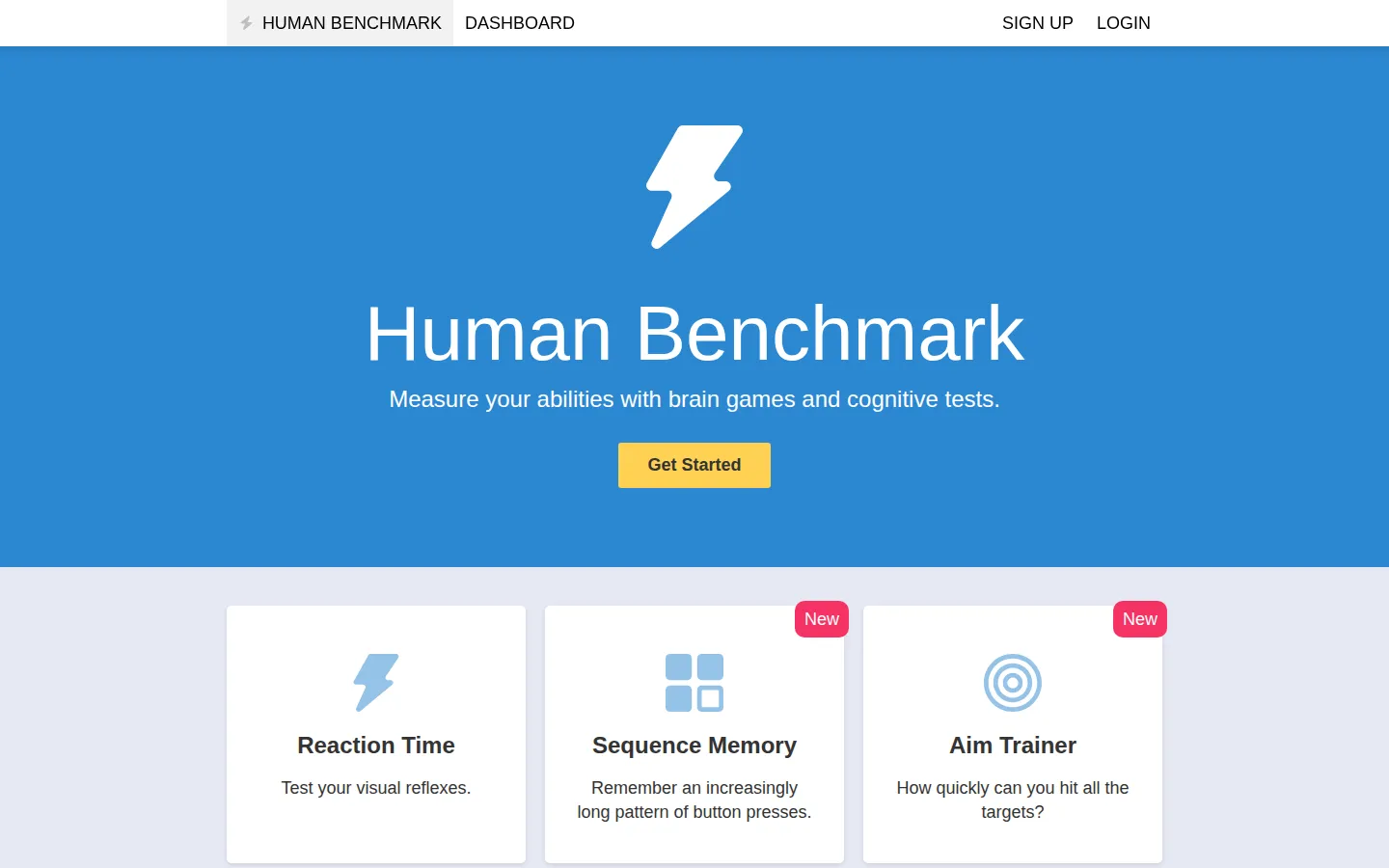
Human Benchmark serves eight compact browser tests for reaction time, sequence and visual memory, number and word recall, aiming, typing, and the memorably named Chimp Test. Pick a tile, take a run, and get a score built for friendly self-competition.
What is Human Benchmark?
The homepage is refreshingly direct: one short premise, then a grid of small mental and motor challenges. Some ask for speed, such as reacting when a screen changes or clicking a field of targets. Others keep adding one more button, digit, square, or word until your working memory drops a plate. Typing rounds add accuracy to raw words per minute, so frantic key-mashing does not get the last laugh. The result is less a grand theory of the mind than a tidy arcade of measurable little tasks.
What you can do there
- Measure visual reaction time
- Repeat increasingly long memory patterns
- Test aiming and typing speed
Why we picked it
Human Benchmark makes an abstract question—how fast or how much can I manage right now—feel concrete in a few clicks. The variety is the hook: a sluggish reaction round can be followed by a surprisingly sturdy memory streak, and independent studies have used its reaction and aim tools as browser-based measures. That research use is interesting context, not a medical seal of approval.
How to get the most from it
Start with one test and repeat it under similar conditions if you want a useful personal comparison. For timing challenges, keep the same screen, mouse, and device; the site's own statistics notes that hardware and input lag can move the number. Save the typing test for a physical keyboard, as its page recommends.
Good to know
You can reach the test menu without first creating an account, though a sign-up route is available. Treat scores as quick browser benchmarks rather than lab results: reaction time includes device latency, and this review did not audit the site's percentile sample, score integrity, accessibility, privacy flow, or every test's calculations.
Open Human BenchmarkMore like this
The Library of Babel

Search an imaginary library that contains every possible page of a fixed length—including this sentence somewhere.
FutureMe

Write an email to yourself and choose a date far enough away to make it meaningful.
Wowfold

A paper-plane hangar stocked with darts, gliders, and expert oddballs
Arcane Intern

A magical publishing internship where coffee runs come with sigils.