
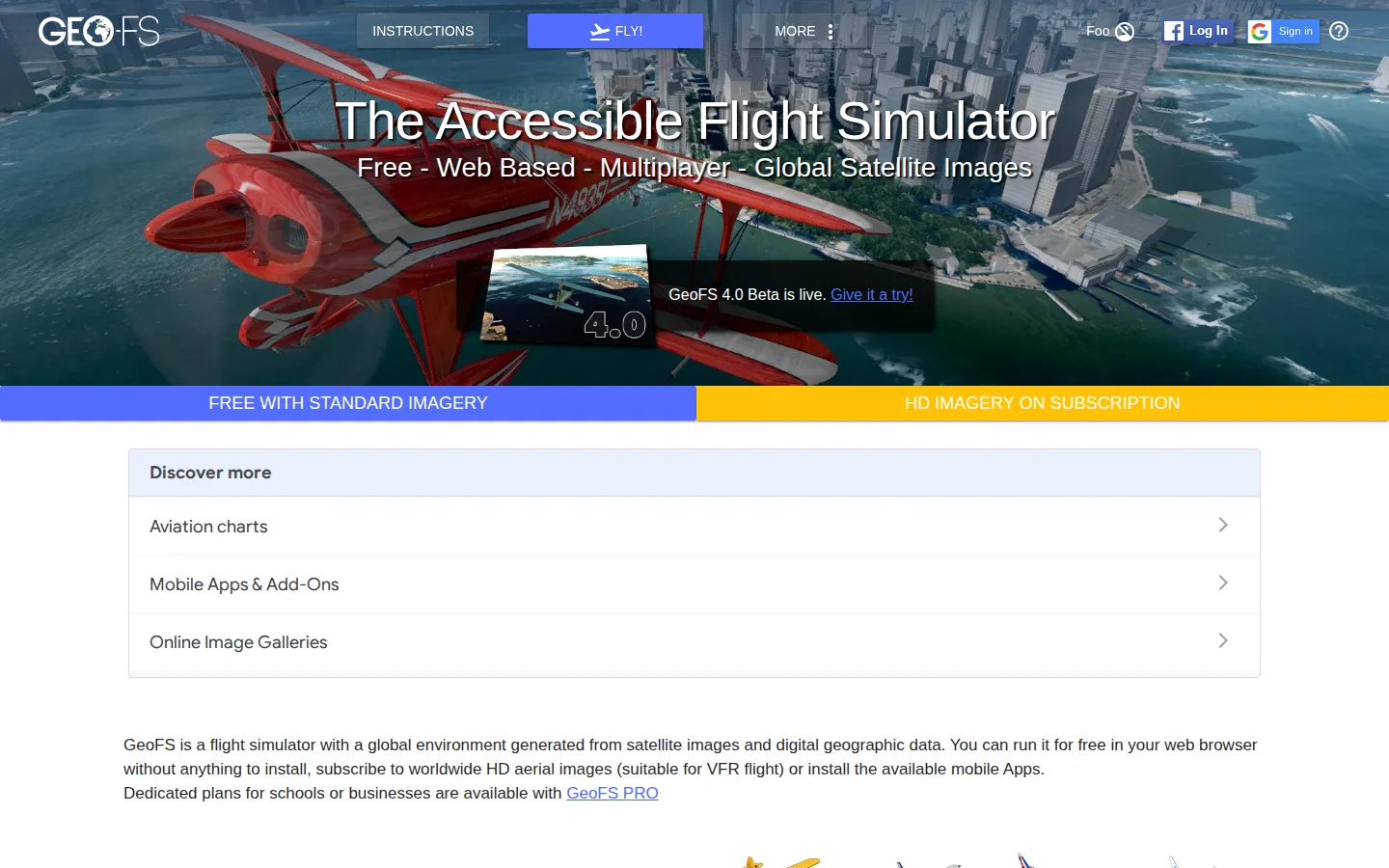
GeoFS is a browser-based flight simulator that puts a global, satellite-imagery-backed flying sandbox behind a start button. Pick an aircraft and place, learn the controls, and start tracing your own improbable route across the map. It is free to begin, but this is a simulator with enough switches to reward curiosity rather than panic-clicking.
What is GeoFS?
GeoFS opens the hangar doors without asking you to install a giant game first. Its official setup treats the browser as a cockpit: mouse, keyboard, and compatible controllers can all steer the aircraft, while navigation tools, flight plans, replay, and a map of runways give the experience more ambition than a quick aerial joyride. You can begin anonymously, then decide later whether you need an account for multiplayer features and a call sign. The learning curve is real. The controls include throttle, gear, camera, brakes, navigation, and many more options, and independent coverage specifically recommends personalizing them before flying. That is part of the appeal for someone who enjoys a gradual climb from wobbly takeoff to planned route. GeoFS also documents a paid HD imagery subscription alongside its free imagery options, so it is worth treating the default experience as a starting runway rather than assuming every visual setting is included. Keep expectations grounded, check that WebGL 2.0 works in your browser, and then go find an airport far from your current tab.
What you can do there
- Choose an aircraft and location
- Fly with mouse, keyboard, or controller
- Use navigation and flight-planning tools
- Replay a recorded flight
Why we picked it
It makes global flight simulation unusually accessible without shrinking it into a toy. GeoFS gives you a genuine set of controls and navigation tools in the browser, which means a quick sightseeing lap can slowly turn into a personal flight-planning habit.
How to get the most from it
Confirm that your browser supports WebGL 2.0, then start with the official quick controls: use the mouse or keyboard to fly, set throttle, and reset if needed. Begin from a familiar airport, lower the graphics settings if performance is rough, and customize controls before trying a longer route. You can fly without creating an account.
Good to know
GeoFS's official instructions list WebGL 2.0 as a requirement and note that performance depends on a recent computer and capable graphics hardware. Free imagery and an optional paid HD imagery subscription are distinct. This draft does not verify current aircraft, multiplayer, weather, traffic, chat, audio, rendering quality, or mobile behavior in a live flight.
Open GeoFSMore like this
The Library of Babel

Search an imaginary library that contains every possible page of a fixed length—including this sentence somewhere.
FutureMe

Write an email to yourself and choose a date far enough away to make it meaningful.
Wowfold

A paper-plane hangar stocked with darts, gliders, and expert oddballs
Arcane Intern

A magical publishing internship where coffee runs come with sigils.