
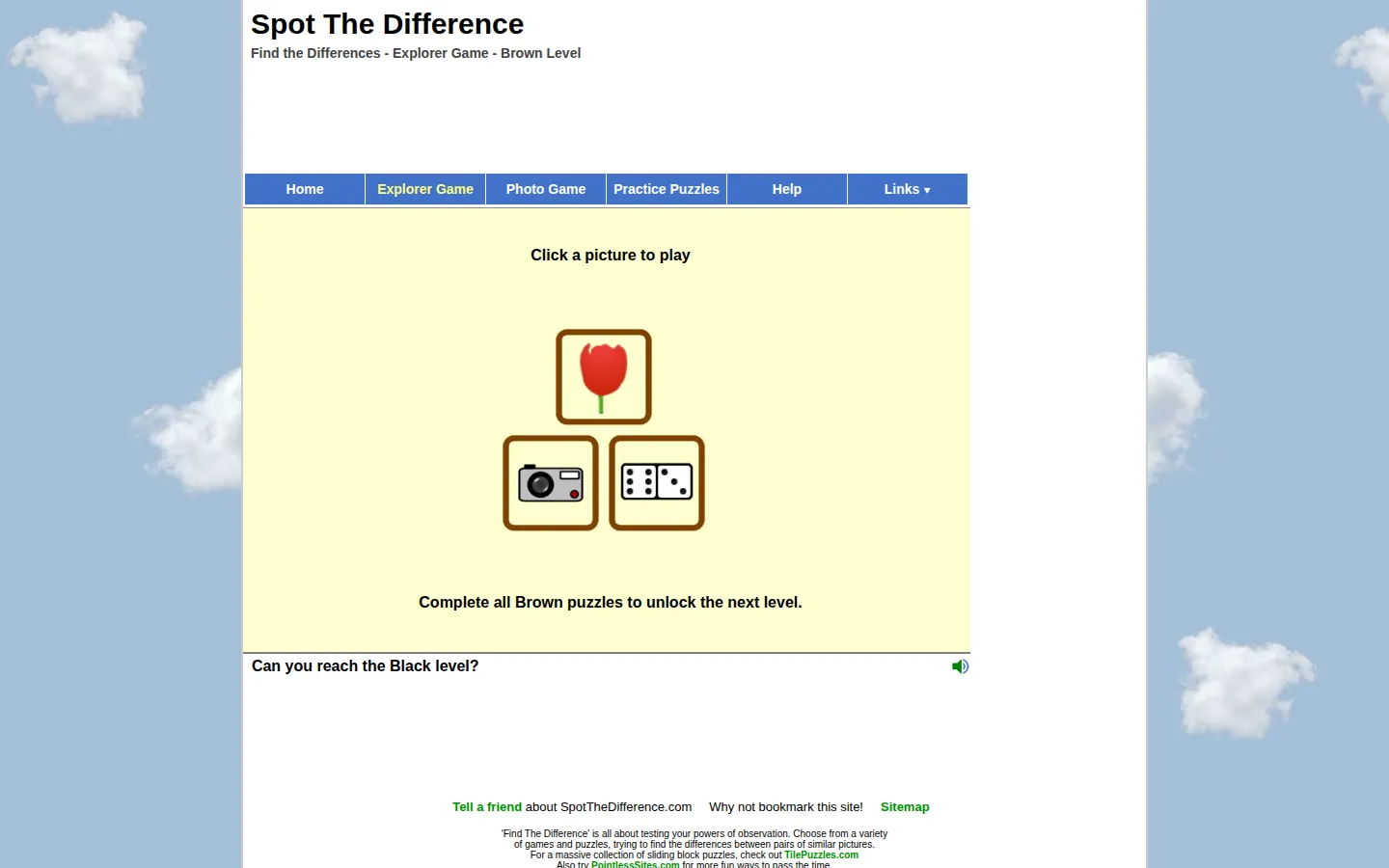
SpotTheDifference.com serves up image-pair puzzles in three flavors: a level-based Explorer, a timed nine-photo set, and practice grids spanning Easy through Expert. It is a pleasantly direct test of visual attention, with progression saved for return visits.
What is Find the Difference?
The Explorer begins at Brown level with Photo, Dominoes, and Tulips puzzles, then asks you to clear the set before the next tier opens. Elsewhere, the Photo Game tracks nine named scenes, completion count, average time, and points, while Practice offers four difficulty columns. The structure gives this old-school puzzle cabinet more shape than an endless stack of one-off images: you can chase the Black level, improve a time, or simply pick a difficulty and squint productively for a few minutes.
What you can do there
- Compare paired images and select the differences
- Complete Explorer puzzles to unlock new levels
- Race the clock in photo and practice puzzles
Why we picked it
The premise needs no tutorial fog: compare two pictures, hunt the tiny alterations, and enjoy the small click of satisfaction when your eyes catch one. Separate progression, speed, and practice modes give a familiar puzzle format enough variety to support both a coffee-break visit and a longer run.
How to get the most from it
Start with the Brown Explorer set if unlocks make you more stubborn, or jump to Practice for a clean difficulty choice. On a phone or narrow tablet, rotate to landscape before beginning; the site may decline to run when the screen remains too small.
Good to know
The site describes itself as advertising-funded and asks visitors to allow ads. Explorer progress is stored in a cookie, so clearing cookies may erase your place. The activity is strongly visual, and the site's small-screen warning makes a larger display the safer choice.
Open Find the DifferenceMore like this
The Library of Babel

Search an imaginary library that contains every possible page of a fixed length—including this sentence somewhere.
FutureMe

Write an email to yourself and choose a date far enough away to make it meaningful.
Wowfold

A paper-plane hangar stocked with darts, gliders, and expert oddballs
Arcane Intern

A magical publishing internship where coffee runs come with sigils.