
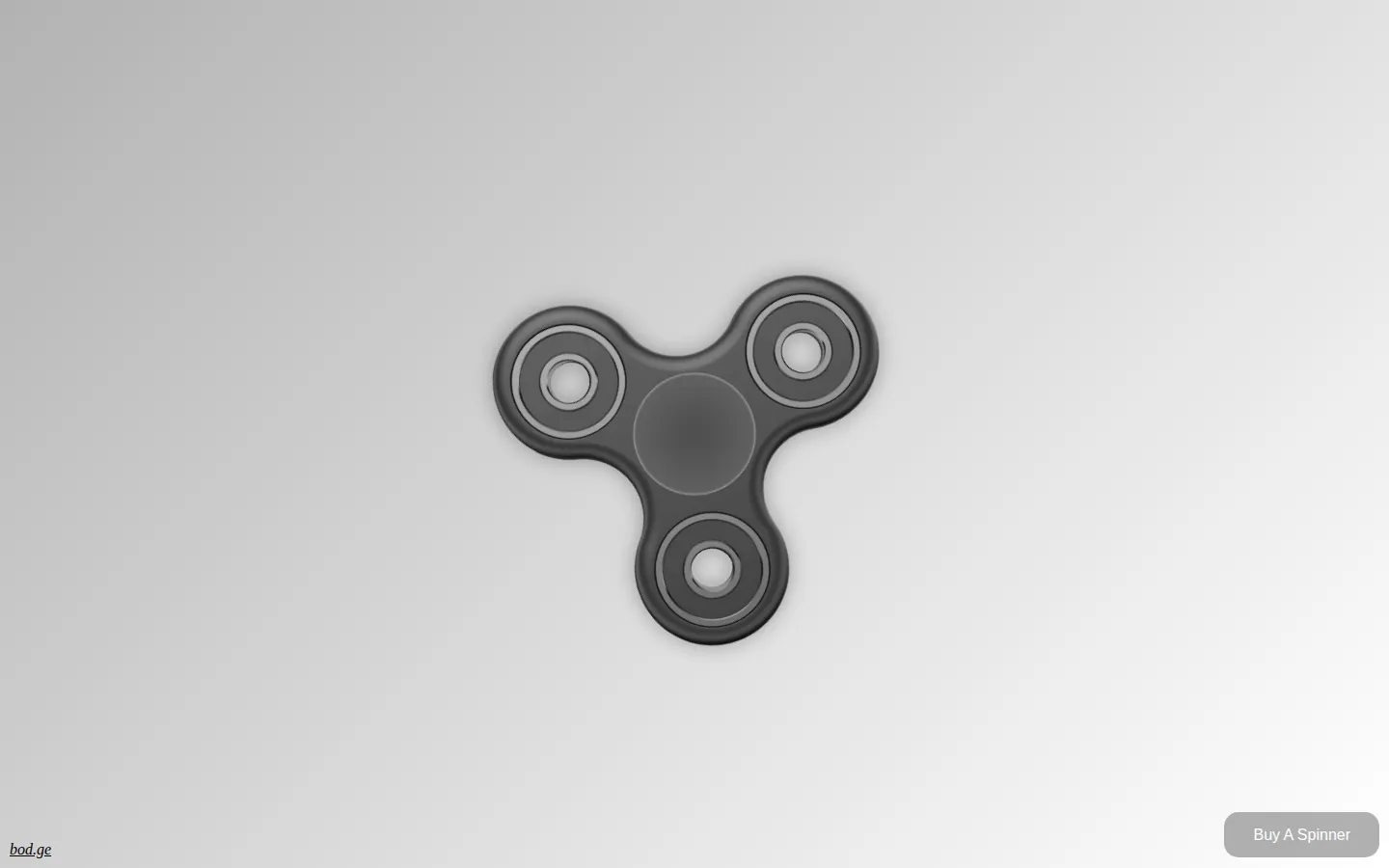
FFFFidget turns the fidget-spinner craze into a single-purpose browser toy. Give the on-screen spinner a mouse or touch gesture, watch its momentum fade, and repeat until the tiny joke has done its job.
What is FFFFidget?
This is web minimalism with three lobes. The current page offers almost no readable instruction, only the spinner image plus links to creator Mike Bodge and a place to buy the physical thing. Contemporary reports describe the missing manual in one sentence: flick with a mouse or finger, then let the simulated momentum run down. A click or tap can stop it early. There is no campaign, score, or unlock tree waiting behind the next spin; the entire appeal is the immediate loop and its time-capsule whiff of 2017 internet culture.
What you can do there
- Spin a virtual fidget spinner with a mouse or touch gesture
- Stop the spinner with a click or tap
Why we picked it
FFFFidget commits to one gloriously unnecessary idea and gets out of its way. The joke is legible in seconds, the interaction asks almost nothing, and the creator still keeps it in his portfolio nearly a decade after the spinner boom.
How to get the most from it
Try a short, quick drag across one arm of the spinner, then compare it with a longer gesture. Contemporary coverage says a stronger flick produces a longer spin; click or tap again if you want to stop it early.
Good to know
The live interaction was not re-tested in a rendered browser, so current mouse, touchscreen, color, and audio behavior still needs editor verification. The page also includes a Buy A Spinner link, and no keyboard or accessibility guidance was visible in the retrieved document.
Who made it, and when?
Mike Bodge is the credited creator or organization. The earliest supported launch date we found is 2017.
Creator’s official page Open FFFFidgetMore like this
myNoise

Shape richly recorded soundscapes with sliders instead of accepting generic background noise.
Pixel Thoughts

Place one worried thought inside a star and watch the universe give it some scale.
A Soft Murmur

Mix rain, thunder, waves, birds, wind, and café noise into your own quiet background.
I Miss the Office

For when your home office is missing the printer, the chatter, and perhaps one squeaky chair too many.