
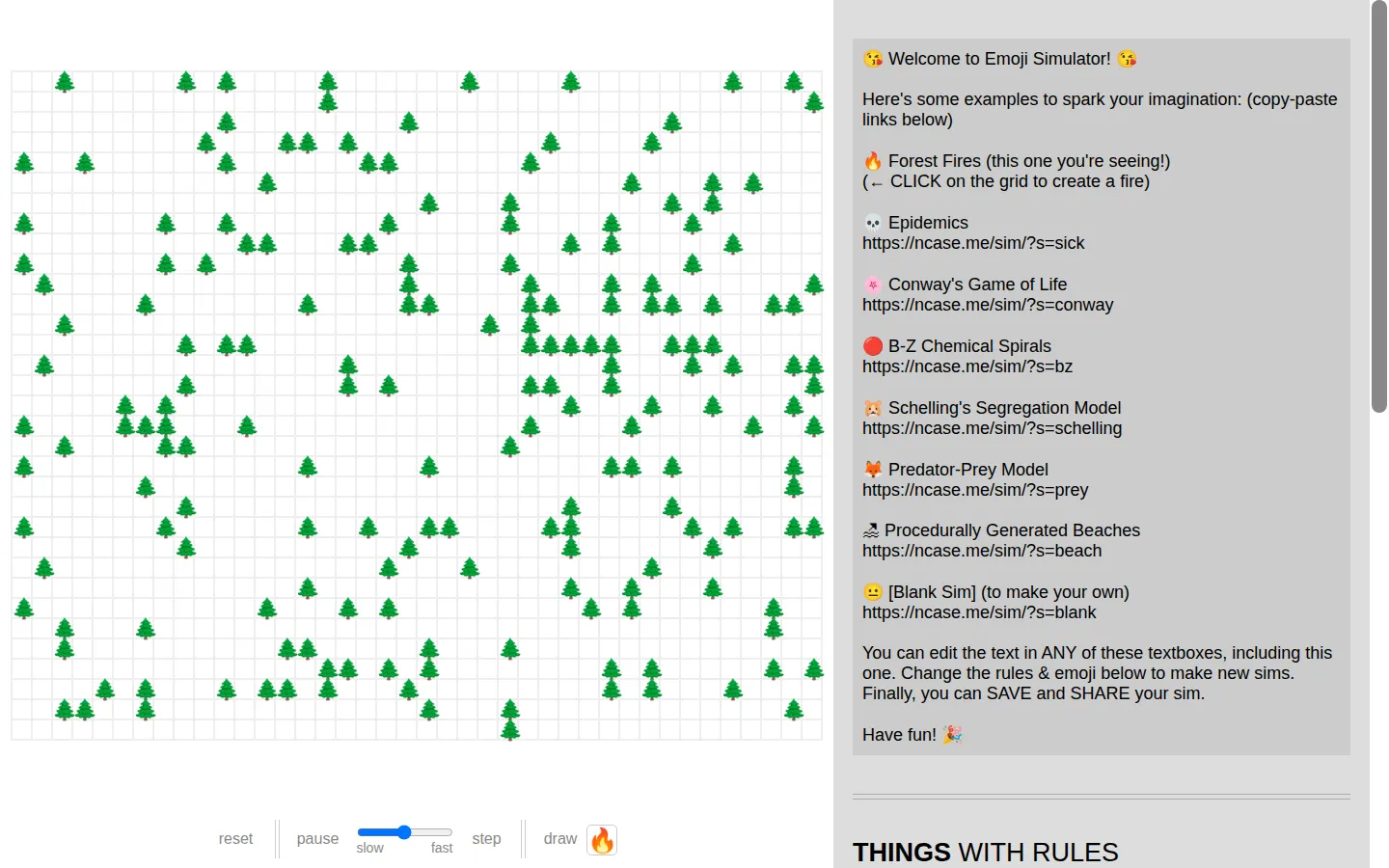
Emoji Simulator is a visual rule builder for cellular automata and simple agent-based models. Choose the inhabitants, decide how neighbors change one another, set the opening mix, then run the grid and see what your little world does with the instructions.
What is Emoji Simulator?
The base simulator is less a single exhibit than a construction bench. Each emoji can receive its own transformation rules: change unconditionally, change with a chosen probability, or react when a neighboring count meets a condition. The world panel sets the grid size, starting proportions, and which surrounding cells count as neighbors. Once the setup is ready, the model can run continuously, slow down, pause, advance one tick, or accept marks drawn directly onto the grid. Save controls promise a shareable link and embed code, while export turns the model into JSON for people who want a local copy. The friendly symbols keep the rule sheet approachable, but the real subject is how repeated local decisions accumulate into system-wide behavior.
What you can do there
- Build emoji entities and transformation rules
- Run, pause, step, and draw on a grid simulation
- Save, embed, or export a custom model
Why we picked it
Most simulation toys hand you a finished scenario; this one exposes the grammar underneath. The editable rules make it possible to ask a small what-if question, encode it, and watch for an answer that may be neat, messy, or surprising. That openness has practical legs: a 2026 University of Michigan complex-systems lab uses the blank builder for exercises in agent behavior, neighborhood thresholds, density, and student-designed models.
How to get the most from it
Pause first and keep the opening model small. Create two visibly different emoji types, give each one simple neighbor-based behavior, and write down what you expect before pressing run. Use slow and step to isolate changes, then alter only one threshold or starting ratio at a time. When a model becomes interesting, use the save or export area before rebuilding it into something stranger.
Good to know
These are exploratory models, not forecasts, and their conclusions are only as sound as the rules you provide. Saving, embedding, export, mobile behavior, and assistive access are present or documented but not yet verified end to end. Nicky Case has released the project's original art, code, and words under CC0, and the companion material explicitly encourages changing assumptions instead of accepting a simulation at face value.
Who made it, and when?
Nicky Case is the credited creator or organization.
Creator’s official page Open Emoji SimulatorMore like this
Neal.fun

A cabinet of interactive ideas that makes learning feel suspiciously like play.
Quick, Draw!

Doodle against the clock while a neural network tries to guess your subject.
Sandspiel

Paint with sand, water, fire, plants, oil, and other tiny materials that react to one another.
WebGL Fluid Simulation

Push luminous liquid color around the screen and watch digital turbulence behave beautifully.