
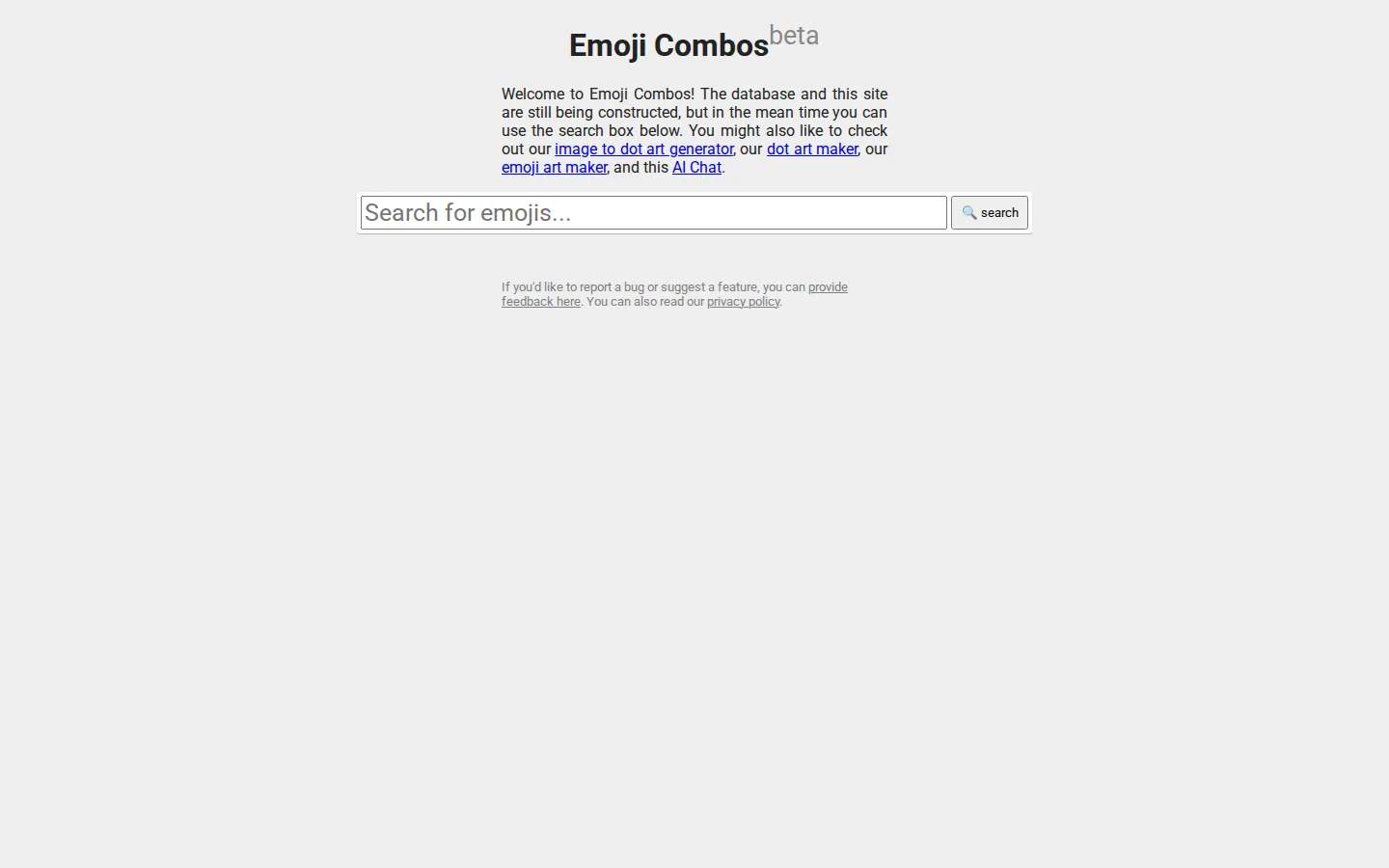
Emoji Combos gathers tiny visual ingredients that are awkward to summon from an ordinary keyboard: decorative marks, expressive clusters, and copy-friendly arrangements that can give a message some instant costume jewelry.
What is Emoji Combos?
Some messages need a full sentence. Others need a bat, a sparkle, a looping divider, or three characters that somehow make a profile line feel finished. Emoji Combos is built for the second category. It is a place to rummage through visual shorthand and surface combinations that lean cute, dramatic, ornate, silly, or deliberately hard to classify. The useful part is the density. Instead of building every arrangement character by character, you can hunt for a mood and borrow a finished cluster. The directory also accepts submissions, so it has the texture of a living pile of internet decoration rather than a pristine reference shelf. That makes browsing pleasantly unpredictable, especially when you need a small flourish more than a serious answer.
What you can do there
- find emoji combinations
- browse decorative symbols
- submit a creation
Why we picked it
This is a highly specific kind of utility: a place for punctuation that has ambitions. It turns the invisible labor of finding a good little symbol arrangement into a quick browse, with enough community character to keep the results from feeling like a sterile character table.
How to get the most from it
Search for a theme or browse until an arrangement fits the mood. Copy the characters you want into a message, caption, profile, or note. If you make your own combination, the site also provides a submission path with a title and tags.
Good to know
The directory accepts user contributions, and its submission guidance says entries may be moderated for quality or relevance. Individual results can therefore vary in tone and usefulness. Live copying behavior, ads, popups, sound, and accessibility support were not tested in this review.
Open Emoji CombosMore like this
The Library of Babel

Search an imaginary library that contains every possible page of a fixed length—including this sentence somewhere.
FutureMe

Write an email to yourself and choose a date far enough away to make it meaningful.
Wowfold

A paper-plane hangar stocked with darts, gliders, and expert oddballs
Arcane Intern

A magical publishing internship where coffee runs come with sigils.