
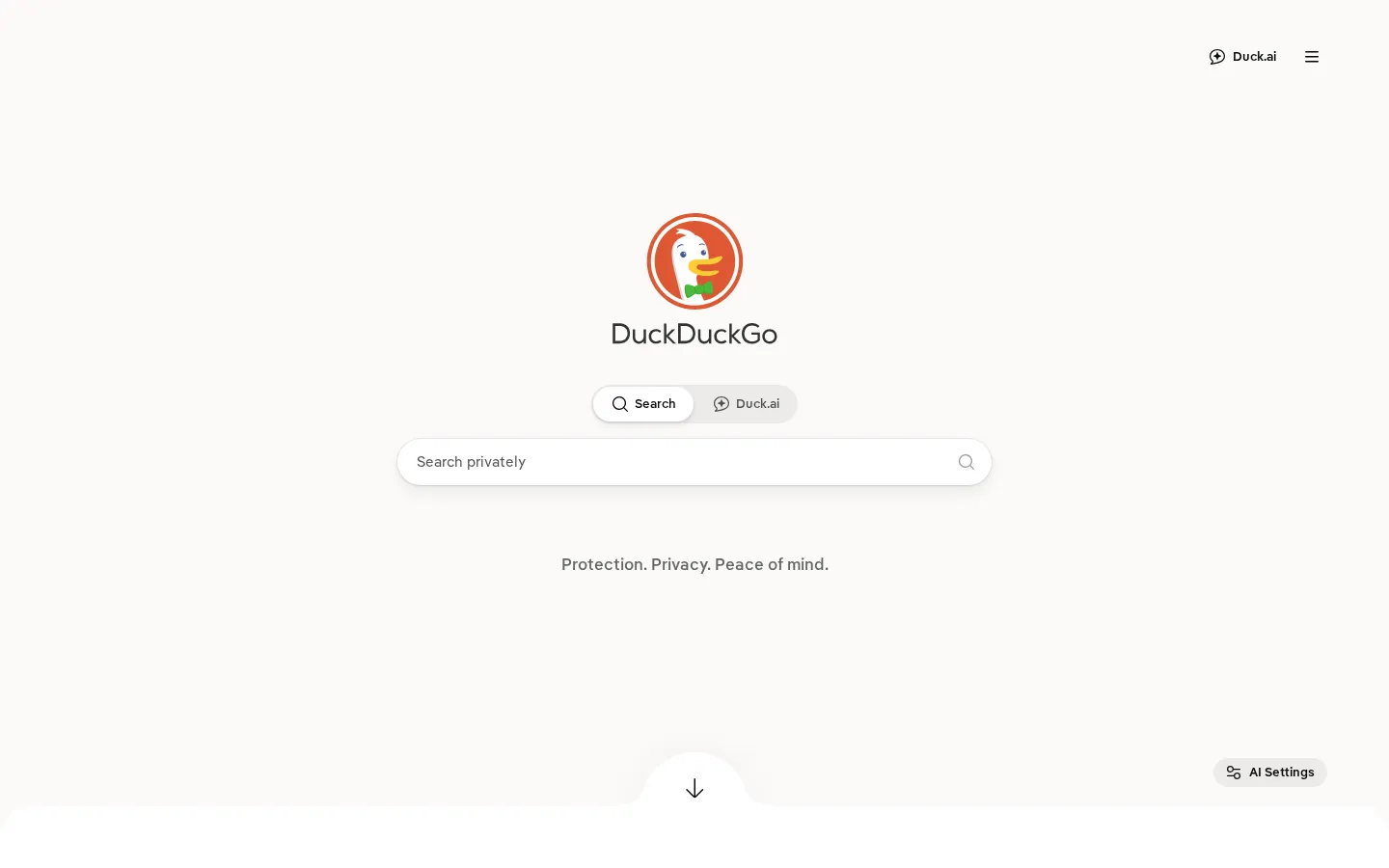
DuckDuckGo is a web-search destination built around a privacy-first stance. Its home page keeps the opening move simple: enter a query, search the web, and decide later whether its wider browser and privacy tools belong in your routine.
What is DuckDuckGo?
DuckDuckGo makes a deliberately spare first impression. The point is to get from curiosity to results without turning the start page into a cockpit. Behind that familiar search box is a company whose public position centers on reducing the amount of personal history tied to everyday browsing and searching. That makes it a natural stop for anyone revisiting the defaults that quietly shape a lot of online life. The service also sits within a broader set of browser and extension products, but the search page works perfectly well as a standalone starting line. Bring a couple of ordinary searches, compare what you find, and notice whether the quieter premise changes your own habits.
What you can do there
- search the web
- adjust search settings
- set a default search engine
Why we picked it
Search is one of the internet’s most repeated tiny rituals, so a different privacy posture can matter more than a flashy new feature. DuckDuckGo is useful precisely because its central idea is easy to test in the course of a normal day.
How to get the most from it
Open the home page, type a query, and use it as you would any search engine. If it suits you, explore the site’s settings and the option to make it a default search engine. Compare a few familiar searches before changing a browser-wide preference.
Good to know
DuckDuckGo’s privacy claims are described in its own policy and should be read in full if those details drive your decision. This research did not submit queries or test results, ads, personalization, or optional account-linked features.
Open DuckDuckGoMore like this
The Library of Babel

Search an imaginary library that contains every possible page of a fixed length—including this sentence somewhere.
FutureMe

Write an email to yourself and choose a date far enough away to make it meaningful.
Wowfold

A paper-plane hangar stocked with darts, gliders, and expert oddballs
Arcane Intern

A magical publishing internship where coffee runs come with sigils.