
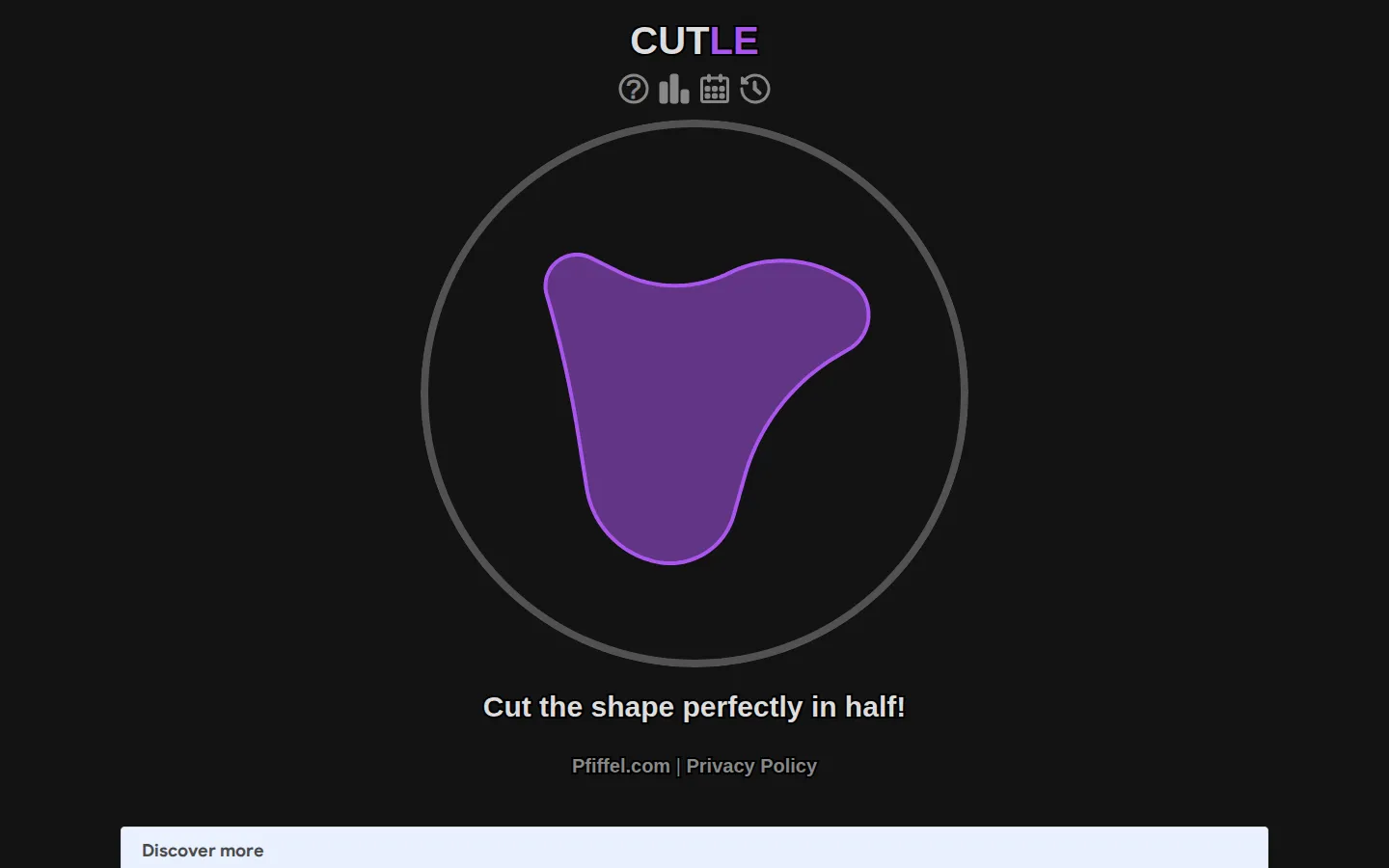
Cutle asks for a single thoughtful slice. An irregular shape waits on the board, and your job is to draw one line that leaves both sides as close to equal as your eye can manage.
What is Cutle?
There is almost no runway here: look at the silhouette, choose an angle, and commit. Cutle turns a familiar classroom idea—splitting a shape in half—into a small pressure cooker for visual balance. A line that feels centered can still leave too much territory on one side, especially when a shape has a stubborn bump, a thin tail, or an off-center pocket of mass. The appeal is in that short pause before the drag. You can scan for symmetry, imagine the shape as weight rather than outline, and decide whether the sensible route is straight through the middle or slightly off at an angle. Then the cut is made and the shape has an answer.
What you can do there
- draw a cut line
- aim for an even split
Why we picked it
Cutle takes one understandable rule and lets the difficulty arrive from the picture itself. It is a compact little test of attention: no vocabulary to know, no long setup, and no obvious shortcut when the silhouette gets weird.
How to get the most from it
Study the whole outline before touching it. Press or click, drag a line completely through the shape, then release. Think about how much filled area sits on each side rather than whether the line looks centered in the frame.
Good to know
The live page requires JavaScript, so the current on-page scoring and replay behavior were not executed in this review. Expect a visual puzzle that is easiest to approach with a mouse or a touch-capable screen.
Open CutleMore like this
The Library of Babel

Search an imaginary library that contains every possible page of a fixed length—including this sentence somewhere.
FutureMe

Write an email to yourself and choose a date far enough away to make it meaningful.
Wowfold

A paper-plane hangar stocked with darts, gliders, and expert oddballs
Arcane Intern

A magical publishing internship where coffee runs come with sigils.