
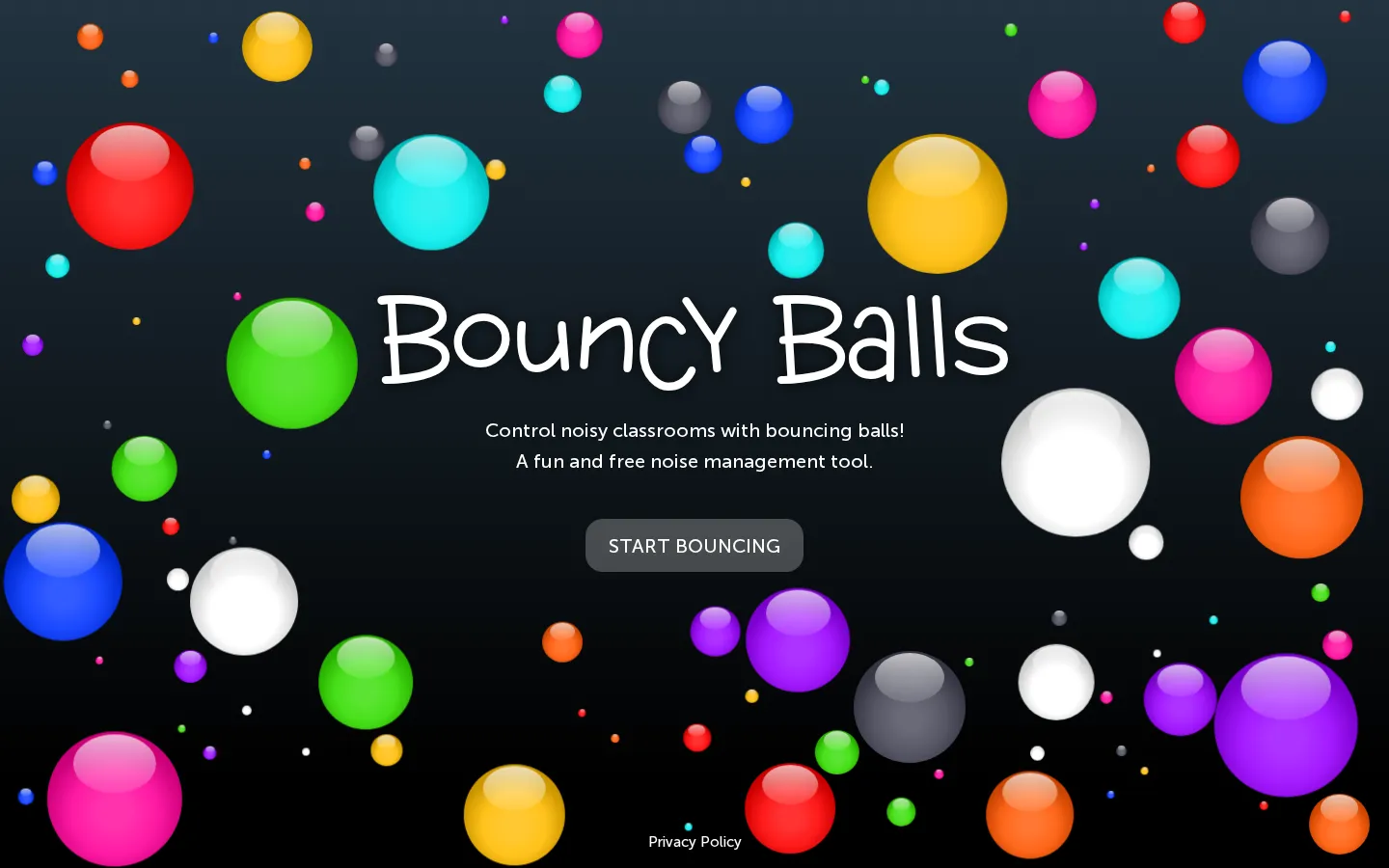
Bouncy Balls turns microphone input into a shared visual cue for room volume: as a classroom gets louder, the objects on screen bounce more energetically. A compact control set lets a teacher tune sensitivity, change the number and style of objects, and choose an optional beep or shush alert.
What is Bouncy Balls?
The idea is delightfully literal: give the room a microphone, then let a pile of plastic balls, emoji, numbers, bubbles, or eyeballs act out the volume. The current page keeps the controls close at hand, with sliders for sensitivity and object count plus a choice of silent, beeping, or shushing alerts. On a projector, that turns an invisible classroom condition into something everyone can see at once. It works best as a cue inside an established routine, not as an automatic discipline machine; part of the charm is also the obvious loophole that a determined student can make noise just to wake the eyeballs.
What you can do there
- Turn room volume into animated visual feedback
- Adjust sensitivity, object count, theme, and alert sound
Why we picked it
Noise meters are usually all gauge and no grin. Bouncy Balls makes the feedback readable from across a room and gives the teacher just enough knobs to match quiet reading, group work, or the day's tolerance for ricocheting emoji.
How to get the most from it
Project the page where the room can see it, start the visualizer, and grant microphone permission. Calibrate sensitivity during the activity's normal working volume, choose a modest object count, then decide whether motion alone or a beep/shush alert should mark louder moments.
Good to know
JavaScript and microphone permission are essential, and the page recommends Chrome or Firefox when compatibility fails. Expect lively motion as volume rises; optional alerts add sound. The linked policy says microphone permission is used without recording, while current device and accessibility support remain undocumented here.
Who made it, and when?
Neave Interactive is the credited creator or organization.
Creator’s official page Open Bouncy BallsMore like this
The Library of Babel

Search an imaginary library that contains every possible page of a fixed length—including this sentence somewhere.
FutureMe

Write an email to yourself and choose a date far enough away to make it meaningful.
Wowfold

A paper-plane hangar stocked with darts, gliders, and expert oddballs
Arcane Intern

A magical publishing internship where coffee runs come with sigils.