
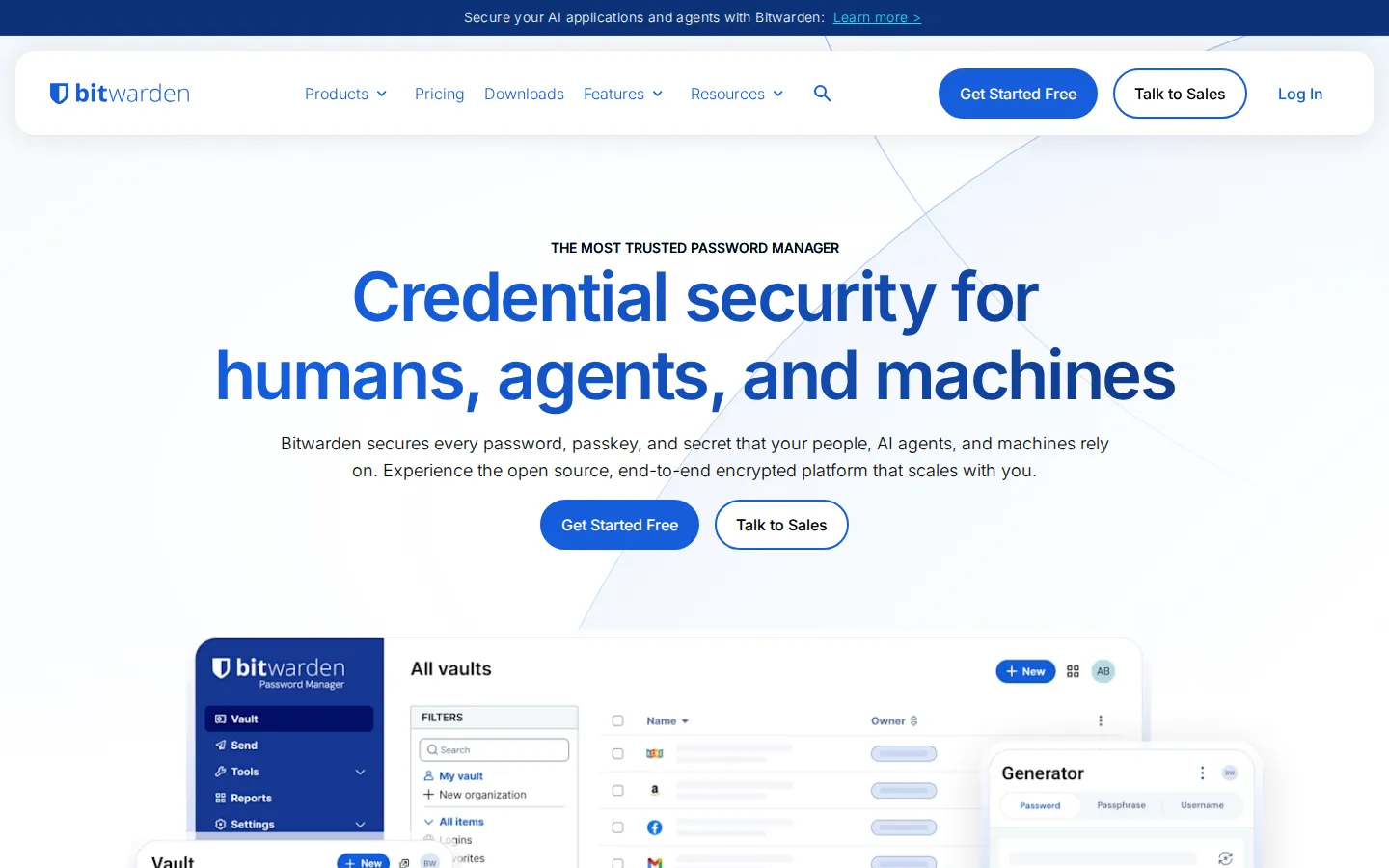
Bitwarden is a password-and-passkey manager built for people who would rather stop juggling logins, recovery codes, and sticky-note secrets. Its site frames the service as something that follows you between browsers and devices.
What is Bitwarden?
The charm here is practical rather than flashy: Bitwarden turns a pile of passwords into a single, organized vault. It is the sort of tool that quietly earns its keep after the third account asks for a reset code or the fifth device needs the same sign-in. The project also publishes code for its major pieces, from the server and browser extension to the web vault and desktop apps. That makes it a useful stop for the security-curious as well as for someone simply trying to make their online life less brittle. Open it when you are ready to replace improvised password habits with a system.
What you can do there
- Store credentials
- Manage passkeys
- Access a vault across devices
Why we picked it
A password manager is not a novelty site, but it is an unusually useful destination: it addresses the mundane, repeating problem of remembering credentials without asking you to invent a personal filing system. Bitwarden’s publicly available code adds a layer of inspectability that many visitors will appreciate.
How to get the most from it
Start at the main site, choose the route that fits your device, and create a vault only when you are ready to safeguard its master password. Add a few frequently used logins first, then expand gradually instead of attempting a frantic one-sitting migration.
Good to know
This is security software, so the important decisions happen before convenience kicks in. Keep the master password and recovery options somewhere safe, review the product’s current guidance, and do not treat an encrypted vault as a substitute for thoughtful account hygiene.
Open BitwardenMore like this
The Library of Babel

Search an imaginary library that contains every possible page of a fixed length—including this sentence somewhere.
FutureMe

Write an email to yourself and choose a date far enough away to make it meaningful.
Wowfold

A paper-plane hangar stocked with darts, gliders, and expert oddballs
Arcane Intern

A magical publishing internship where coffee runs come with sigils.