
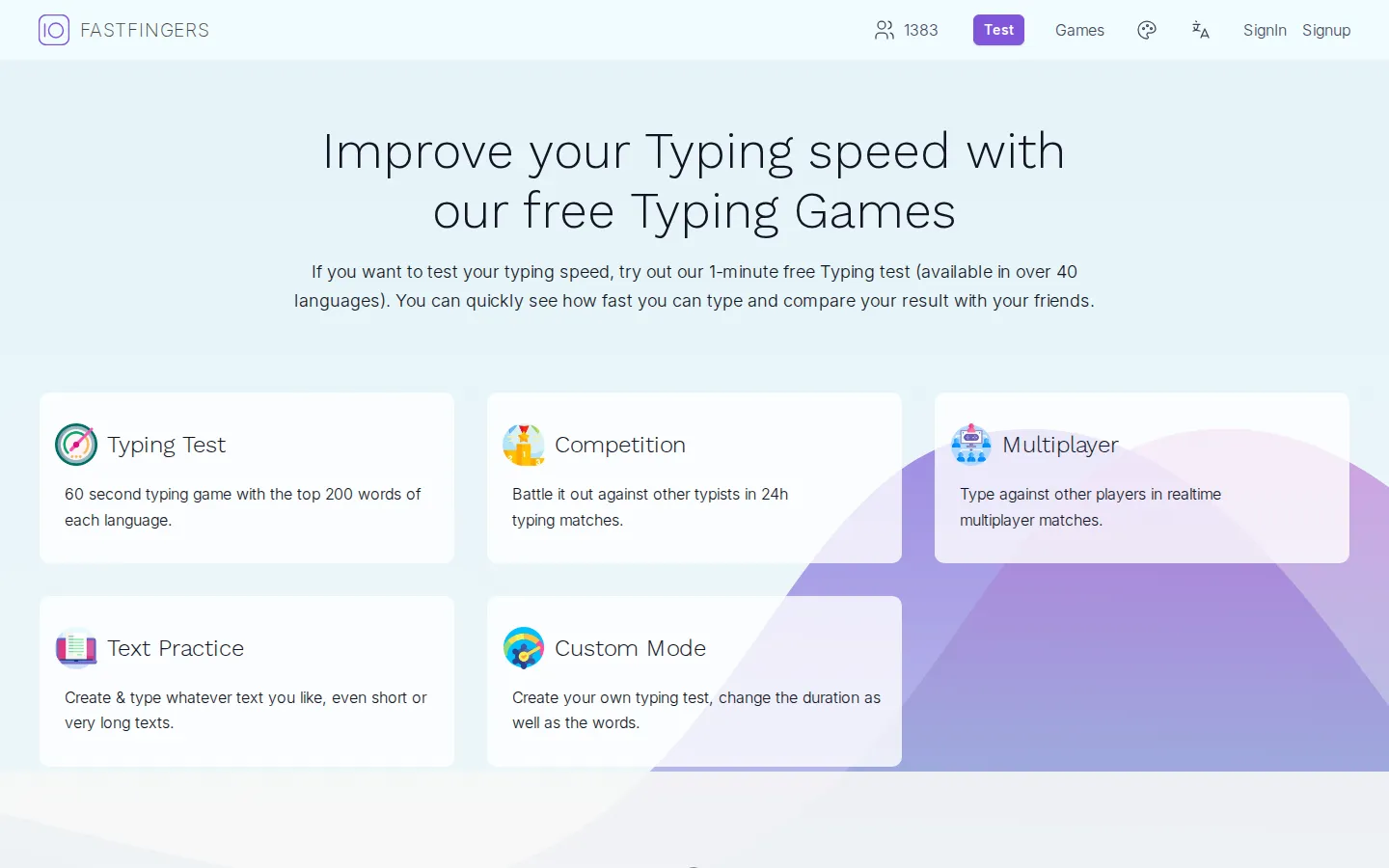
10FastFingers turns a spare minute into a typing-speed checkpoint. Test yourself on common words, make a custom challenge, or add a little competitive heat when ordinary practice needs a countdown clock.
What is 10FastFingers?
TenFastFingers is built around a pleasingly small promise: type for a minute and find out what your fingers are up to. The core test uses common words, while the wider site adds text practice, competitions, multiplayer races, and a custom mode for making your own challenge. That makes it easy to use in different moods. You can run the same quick test after lunch, paste in a tricky bit of vocabulary, or turn practice into a race when a quiet scorecard is not quite motivating enough. The site also supports many languages, so its familiar timer is not limited to one English word list. It is best treated as a measurement and a game, not a complete typing school. The number is useful, but the real pleasure is noticing that a sequence which felt clumsy last week has become automatic.
What you can do there
- take a one-minute typing test
- practice custom text
- join typing competitions
- race in multiplayer
Why we picked it
The one-minute format is short enough to become a habit and just competitive enough to make a keyboard feel like a tiny track meet. Custom tests keep it from becoming the same familiar-word drill forever.
How to get the most from it
Start with the standard one-minute test, then repeat it a few times on different days rather than chasing one lucky score. When common words stop feeling challenging, use Custom Mode to enter your own vocabulary or a longer piece of text.
Good to know
The standard test is deliberately compact and based on frequent words, so it is not a perfect stand-in for everyday writing with punctuation, numbers, or specialized terms. Use a custom test when you want practice closer to your real work.
Open 10FastFingersMore like this
The Library of Babel

Search an imaginary library that contains every possible page of a fixed length—including this sentence somewhere.
FutureMe

Write an email to yourself and choose a date far enough away to make it meaningful.
Wowfold

A paper-plane hangar stocked with darts, gliders, and expert oddballs
Arcane Intern

A magical publishing internship where coffee runs come with sigils.